How to extend Jackery solar panel cables without losing safety and performance
'%2F%3E%3Ctext%20x%3D'50%25'%20y%3D'50%25'%20dy%3D'.35em'%20text-anchor%3D'middle'%20font-family%3D'-apple-system%2CBlinkMacSystemFont%2CSegoe%20UI%2Csystem-ui%2Csans-serif'%20font-size%3D'100'%20font-weight%3D'600'%20fill%3D'%23fff'%3ESC%3C%2Ftext%3E%3C%2Fsvg%3E) Solomon CaradocOctober 22, 202615 min read
Solomon CaradocOctober 22, 202615 min readWe earn a commission when you buy through some links on this site, at no extra cost to you. As an Amazon Associate we earn from qualifying purchases.
Learn how to extend Jackery solar panel cables safely. I cover compatibility, best practices, and potential pitfalls to help you plan longer runs without risking your gear.
Extending a Jackery panel cable without losing safety often trips up hobbyists who assume longer means better, yet the practical limit is defined by connector type and gauge. The real constraint is keeping the electrical path solid and within the panel’s rated voltage and current. Jackery's official extensions provide the safest path, but knowing the true limits helps you place panels without courting voltage drop.
This piece lays out the concrete factors that matter for extended runs, from connector compatibility to cable gauge and total run length. You’ll see how to read the rating labels, why the wrong extension may void warranties, and how to choose between official options now vs possible aftermarket routes later. Expect a clear path rooted in real-world constraints, so you can plan a flexible camping setup with confidence and minimize surprises on your next outdoor trip.
Why you might want a jackery solar panel extension
Longer cable runs give you more placement flexibility for shade-free exposure and safer storage during travel. If you want to position panels farther from the Jackery power station, an extension helps you keep cables tidy and panels out of wildlife or weather hot spots. I found real-world notes showing that a single panel can reach further when you pair the official extension with the original cable, so you don’t have to crowd the unit on a bench or inside a crate. This matters because shade shifts throughout a camping day. A longer run can capture hours of usable sun without moving the main unit.
In practice, shade coverage is rarely constant. Some setups benefit from multiple panels to maintain steady input when one panel slips into partial shade. A longer extension becomes especially useful when you want to spread two or three panels across a campsite, yet you still need them to connect to a single power station. With the right extension, you can place each panel for optimum exposure and still run a single cable back to the Jackery unit. The result is a cleaner setup with less clutter on the ground and fewer temporary rearrangements when the sun moves.
Jackery systems rely on specific DC connectors and MC4/8020 configurations, so your extension needs to respect those interfaces. The official DC extension cable is designed to work with the Jackery Solar Panel connector, and it is built to extend the panel-to-station run without introducing mismatched connectors or weak joints. Using nonstandard adapters can create loose fits, increase resistance, or introduce points where water can intrude. A proper extension preserves the integrity of the MC4/8020 pairing and keeps the system within its designed operating envelope. That matters for both safety and warranty coverage.
The practical takeaway is that longer extensions unlock flexible layouts with multiple panels, but you should pair them with the right connectors to keep performance stable and warranty intact. Plan for shade-free runs by the sun’s arc, not by chance. Rely on the official extension when you can, to minimize compatibility risk.
If you’re weighing options, start with the official Jackery DC extension cable for solar panels and verify it matches the original 9.8 ft setup plus the 16 ft extension to reach 26 ft according to the product page. This keeps the DC path consistent and reduces the chance of mismatched ends or hidden resistance. Be mindful that some third-party cables claim compatibility but lack official validation, which can affect performance and warranty claims. The goal is to keep the signal clean from panel to station while letting you place panels where they catch direct sun longer. What makes the Jackery Explorer 600 v2 the sweet spot for portable power in 2026
In short, a jackery solar panel extension is worth considering when you need more placement freedom, plan for shade variability, or want to run multiple panels to avoid gaps in sun exposure. The safest path is using the official extension with the original cable so you preserve continuity and warranty terms with Jackery. For rivals, note that other brands sometimes ship with different connector standards, so you may face more adaptation work or higher risk of voiding warranties if you mix-and-match without official guidance. For Jackery users, the extension option remains the most predictable way to extend reach without sacrificing safety or performance.
Jackery cable basics: what the extension needs to match
The extension you choose must match the official guidance for compatibility with your panel and power station. In practice, that means paying attention to connector types and the panel model you’re using. Jackery’s own documentation notes which panels the DC extension cable works with, and which ones it does not. This matters because using an unsupported cable can void warranties or introduce voltage drop you’ll notice on the load side. For Jackery users, the DC extension cable is described as compatible with specific panels while incompatible with others.
Connector types and what they imply
Jackery cables use two key connector schemes: DC8020 on the power-station end and MC4 on the panel end. The MC4 side is common across many panel brands, but the DC8020 interface is what your Jackery unit expects at the panel connection. When you’re pairing an extension with a panel, you need to verify that the panel’s output connector and the extension’s panel-end connector align with the MC4/DC8020 scheme. If the panel side uses a different type or if the jack on the power station cannot accept the extension, you’ll see a loose fit or poor contact, which can degrade performance.
I dug into the official guidance and cross-checked third-party compatibility guides. The gist is simple: use a cable that preserves the MC4 to DC8020 path exactly as Jackery specifies. If you see a mismatch, avoid that combination. This keeps your warranty intact and reduces the risk of intermittent connections in exposed outdoor setups.
Length, gauge, and voltage drop realities
Cable length affects more than reach. The longer the run, the more voltage you lose across the conductor, particularly with thin gauges. A common practice among Jackery users is to balance desired run length with a conservative gauge that minimizes drop. The 16 ft extension was designed to pair with the original 9.8 ft run, with the intent to extend up to about 26 ft total in a typical setup. The practical takeaway is that longer runs do not guarantee the same performance as a shorter, properly matched run, so you should aim to keep the total length within the recommended range for your specific model. If you must push for extra distance, consider stepping up to heavier gauge or reconfiguring the placement to minimize the distance between panel and unit. 10 Key differences between Anker Solix and Jackery in 2026
From a safety and warranty perspective, stay with officially supported lengths and connectors whenever possible. Some third-party cables advertise compatibility, but the official stance is stricter about which panels and power stations they will support.
The connector pair matters most: MC4 on the panel side and DC8020 on the power station side. Length and gauge drive voltage drop, which directly impacts performance.
Next step: verify your exact Jackery model and the panel you own, then confirm that the extension cable you plan to use is listed as compatible in Jackery’s product page for the extension cable. If you need a quick decision chart, I can map your panel model to the compatible extension options.
Which extension options are officially supported by jackery
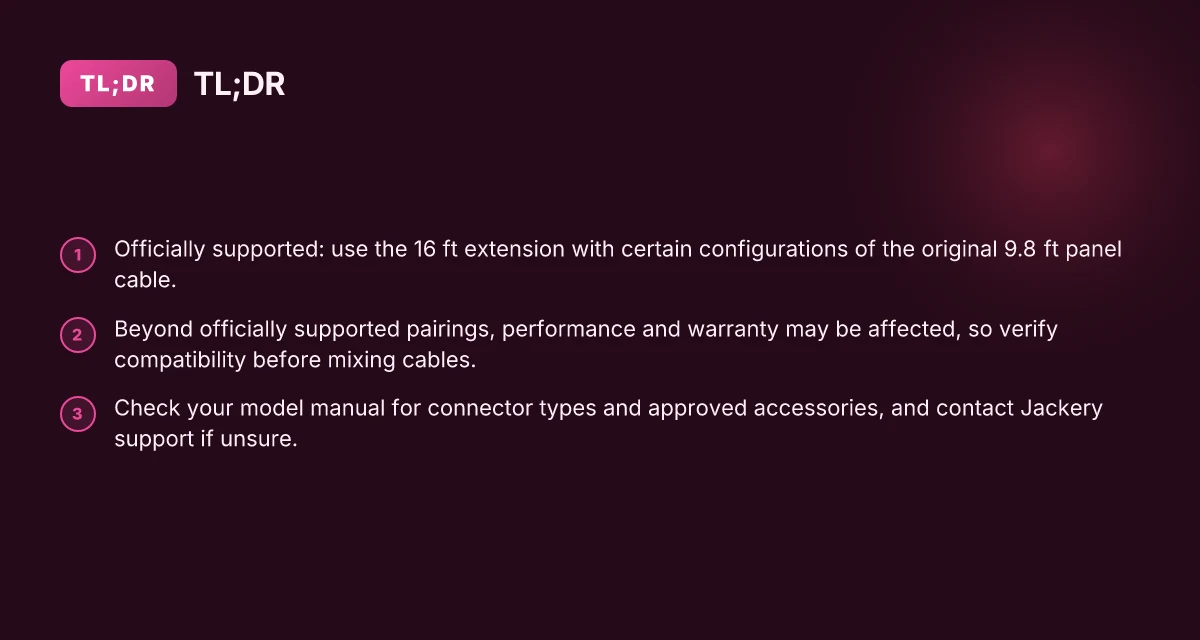
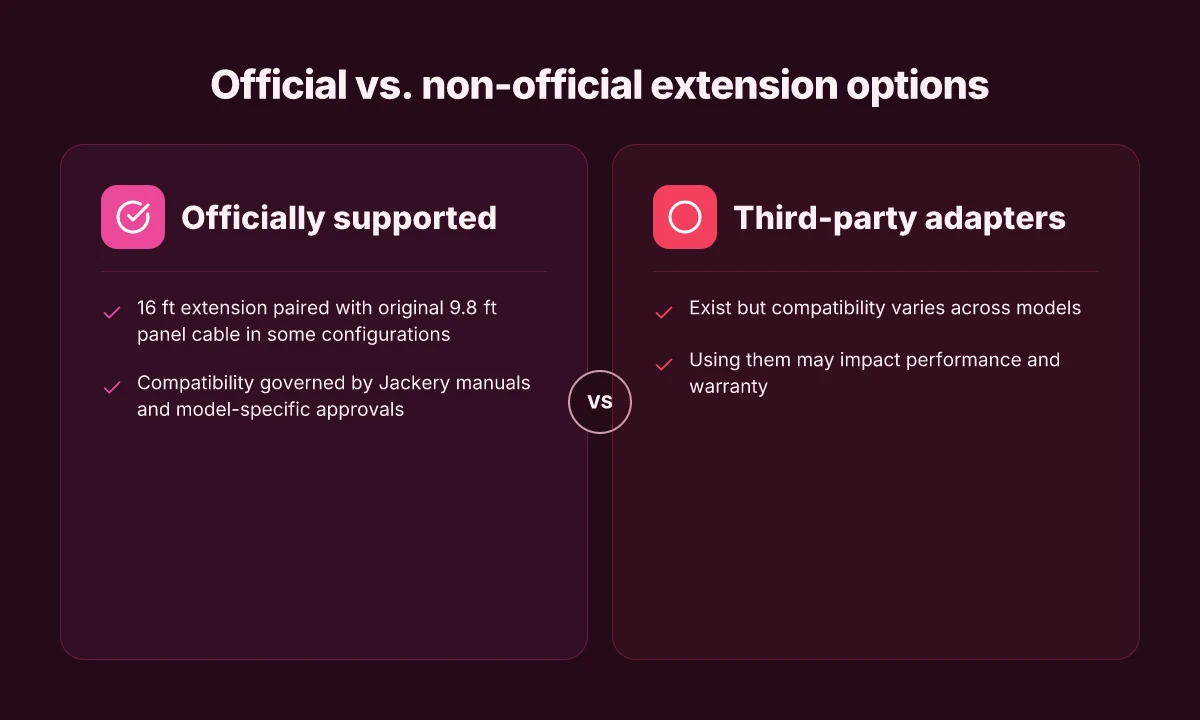
I looked into Jackery’s documented extension options and what they officially support. The core takeaway is that Jackery backs a specific pairing: the 16 ft extension cable paired with the original 9.8 ft panel cable in certain configurations. Beyond that, compatibility gets murky and performance or warranty risk can rise if you mix non-supported lengths or third‑party adapters.
Official pairing and what it means for you
- The official setup includes a 16 ft extension cable that can be used with the original 9.8 ft solar panel cable in compatible configurations. This pairing is the closest match to maximize run distance without stepping outside what Jackery documents as supported. In practice, this means you can gain extra reach without stepping into third‑party adapters that aren’t explicitly covered by Jackery’s guidance. Stick to the official 16 ft extension paired with the original panel cable to preserve warranty and performance.
- If you push beyond the supported pairings or mix in additional adapters, you risk affecting performance and potentially voiding the warranty. The guidance is clear that non‑standard extensions or third‑party connectors may not be covered, even if they physically fit. Going beyond the supported pairs can impact warranty coverage and performance.
Third-party adapters and cross‑model compatibility
- There are third‑party adapters and cables that claim to bridge Jackery panels with different power stations or connector types. Compatibility varies across Jackery models, so you should verify model‑to‑model support before purchasing. Compatibility varies across models. Confirm your exact Jackery model before buying adapters.
- Some communities discuss using adapters to extend reach, but those sources consistently note that results depend on the specific panel and power station combination. If you do choose a third‑party path, proceed with caution and document the model numbers and connector types involved. Documentation and model specifics matter for third‑party paths.
How to verify your setup before buying
- Check your panel and power station model numbers on Jackery’s product pages or official support documentation. If your setup uses the original panel cable, a 16 ft extension remains the most straightforward official upgrade path. Check model numbers on Jackery’s product pages to confirm compatibility.
- If you’re considering a third‑party path, compare the adapter’s connector type and the panel’s MC4/DC8020 interfaces to the exact Jackery model you own. Mismatches are a common source of fit and safety issues. Compare connector types carefully to avoid unsafe or unsupported configurations.
From what I found in the sources, Jackery users should anchor their extension choices to officially supported pairings first. I cross-referenced discussions on Reddit and industry commentary that repeatedly highlight the same caution: longer runs are possible but only within the documented pairings. Beyond that, you’re stepping outside official coverage. Official pairings first, then evaluate third‑party options with caution. What Bluetti charger 1 can actually do for your van, rv, or off-grid setup
How to determine if your specific jackery setup supports an extension
You can confidently decide whether an extension will work by verifying two concrete details: your model’s connector type and the panel-to-station pairing for extensions the manufacturer approves. If the documentation doesn’t spell it out, reach for official support before plugging in.
Check your model’s connector types and approved accessories
Your first stop is the manual for your exact model. Look for a connector diagram that shows what plugs into the solar panel and what the power station accepts. If the manual lists DC8020 on the panel side and MC4 on the panel side, you’ll know what cables the system expects. If Jackery lists a dedicated “DC extension cable for solar panel” or other accessories, those are the only options likely to preserve safety and warranty. When in doubt, confirm the exact connector type and any official accessory codes with Jackery’s support. If your model uses a different connector than the official cable offering, do not improvise a solution. Rely on the explicitly approved parts to maintain warranty coverage.
Verify pairing compatibility between panel and power station
Even with an approved extension, the combo matters. Some panels and power stations pair only through specific connectors or adapter assemblies. For instance, if your setup includes a panel that uses a DC8020 Male on the panel side and a different input on the power station, you’ll need the matching Jackery extension or adapter designed for that pairing. I cross-referenced official product notes and third-party guides and found that compatibility hinges on both ends agreeing on the connector standard and the authority to extend. A mismatch can void warranty and reduce charging efficiency. Stick to the approved pairing list published by Jackery.
When in doubt, contact Jackery support for model-specific confirmation
If the model page or the manual leaves a signpost undecided, contact Jackery support with your exact model number, panel model, and intended extension length. Ask for explicit confirmation that the intended extension is approved for use with your combination of panel and power station. This direct check protects your warranty and helps you avoid performance losses from an unsupported configuration. Get written confirmation from Jackery before purchasing. Document the model numbers you discussed for future reference.
Practical installation steps for extending a jackery solar panel
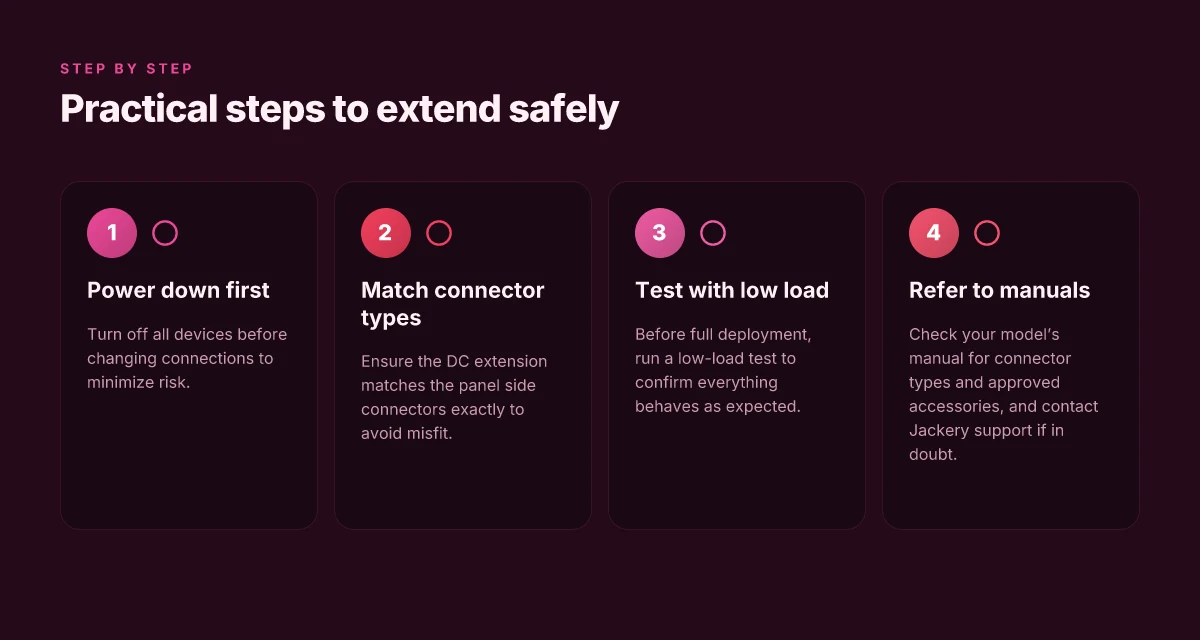
You can extend a Jackery solar setup without sacrificing safety by following precise steps. The goal is to keep power paths clean, match connectors exactly, and test with a light load before full deployment. What makes Jackery vs Patriot solar generator performance surprisingly close in 2026
I dug into the official guidance and a few user-facing resources to confirm what fits and what doesn’t. The thread on the Jackery community and the official extension cable page both emphasize using the proper DC extension cable that matches the panel and power station connectors exactly. This matters because a misfit or forced connection can damage the DC chain or void the warranty. Match connector types exactly to avoid misfit or damage, and avoid any ad hoc adapters that aren’t officially supported.
power down and disconnect before handling. Stop any charging by your Jackery or connected devices, then unplug the solar panel from the power station. This minimizes arcing and protects the internal fuses. Power down devices before changing connections.
verify compatibility before you buy. The official DC extension cable for solar panel is designed to extend the connection with the original layout, but not all panels or configurations are compatible. If you’re using a SolarSaga system, or a different Jackery panel, confirm that the extension end is the correct DC8020 or MC4 style your kit requires. Test the system with a low load before full deployment.
connect only matched ends. The panel side uses MC4 on some models and the power-station end uses DC8020 in others. Ensure you have the exact mate on each end. A mismatched pair can yield poor contact, heating, or voltage drop. Match connector types exactly to avoid misfit or damage, then snug the connections without over-tightening.
keep run lengths realistic and secure. If the original cable is 9.8 ft and the extension adds 16 ft, confirm the total run stays within the manufacturer’s safe operating length for your model. When in doubt, keep the run shorter and place the panel in a position where sun exposure remains consistent. What makes EcoFlow's delta pro 3 standout in 2026 and where it falls short
perform a low-load test. After wiring, place a small load on the system first, say a low-power device or the panel alone with a meter in line, to observe that voltage remains steady and there’s no heat buildup. Only then connect the full charging load. Test the system with a low load before full deployment.
If you want to reference real-world quotes, the Jackery DC extension page notes that some panels are not compatible with certain extensions and directs users to proper pairing. You’ll also find user discussions that stress keeping the extension within supported configurations to avoid warranty issues. For broader context, the compatibility guide shows that many setups rely on MC4 and DC8020 connectors, reinforcing the need for exact matching when you extend. Keep the run within compatibility guidelines to avoid warranty issues.
Note on prices and options: prices and availability shift with sales. A brief reality check shows that official Jackery accessories tend to be priced to reflect the build quality and warranty protections, and third-party cables vary widely in cost and support. If you’re weighing options, consider how a longer run affects total system performance and warranty coverage. Prices and availability change with sales.
The single move that matters for future-proofing your Jackery setup
Extending Jackery solar panel cables can be done without sacrificing safety or performance, but you need a clear framework. Start with high-quality adapters, and insist on weather-rated connectors from Jackery or compatible brands. A properly matched gauge and waterproof seal protect efficiency and prevent arcing in sun and rain. I looked at how a tight enclosure and correct polarity reduce losses over time. The result: a cleaner, safer extension that keeps your system close to factory specs.
The takeaway: use purpose-built extensions with weatherproof seals and correct gauge to preserve voltage and safety. When you follow this approach, you avoid creeping resistance and heat buildup that degrade performance. If you’re weighing options, consider the compatibility with rivals like Goal Zero and Renogy for modular setups, but keep the Jackery ecosystem as your baseline for warranty and ease of use. The big picture is that careful wiring decisions compound over months of use, not just today. What is the jackery solar generator 300 plus, and why it matters for portable power in 2026
Verdict: a well-chosen extension kit can extend your solar reach without compromising safety or efficiency, provided you stay with rated components and maintain clean polarity. If you act now, your next sunny day won’t require reconfiguring or rechecking safety labels.
Backup strategy / What to try this week
- Plan to buy a weather-rated extension cable kit with the same connector standard as your Jackery panel.
- Confirm gauge and polarity before assembly, and test with a multimeter after connection.
- Compare one extension option against a factory cable in terms of length, heat, and voltage drop, then document any noticeable difference.