VPN Xbox browser
 Hudson ZilbermanNovember 10, 20266 min read
A practical guide to using a VPN with Xbox, including browser options, setup methods, and why ZoogVPN is recommended.
Xbox users often want a VPN to access geo-restricted content, improve privacy, or secure their network. Since Xbox consoles don’t support native VPN apps, you’ll rely on methods that route traffic through a VPN outside the console itself. This guide walks you through practical options, what to expect, and how ZoogVPN fits into the setup.

Why Xbox and VPN require a workaround
- Xbox OS (the console) doesn’t include a VPN client.
- You still have easy pathways to VPN-protected traffic via other devices or network setups.
- The main goal is to route the Xbox’s internet traffic through a VPN tunnel, not to install VPN software directly on the console.
Possible routes:
- VPN-enabled router: The simplest for multiple devices including Xbox.
- PC or Mac sharing a VPN connection: One device acts as the VPN gateway for all others.
- Smart DNS services: Bypass geo-blocks at the DNS level without encrypting traffic (note: not a true VPN).
- Mobile hotspot method: Tether a VPN-connected phone to Xbox via Wi-Fi or USB tethering (less common but feasible in some setups).
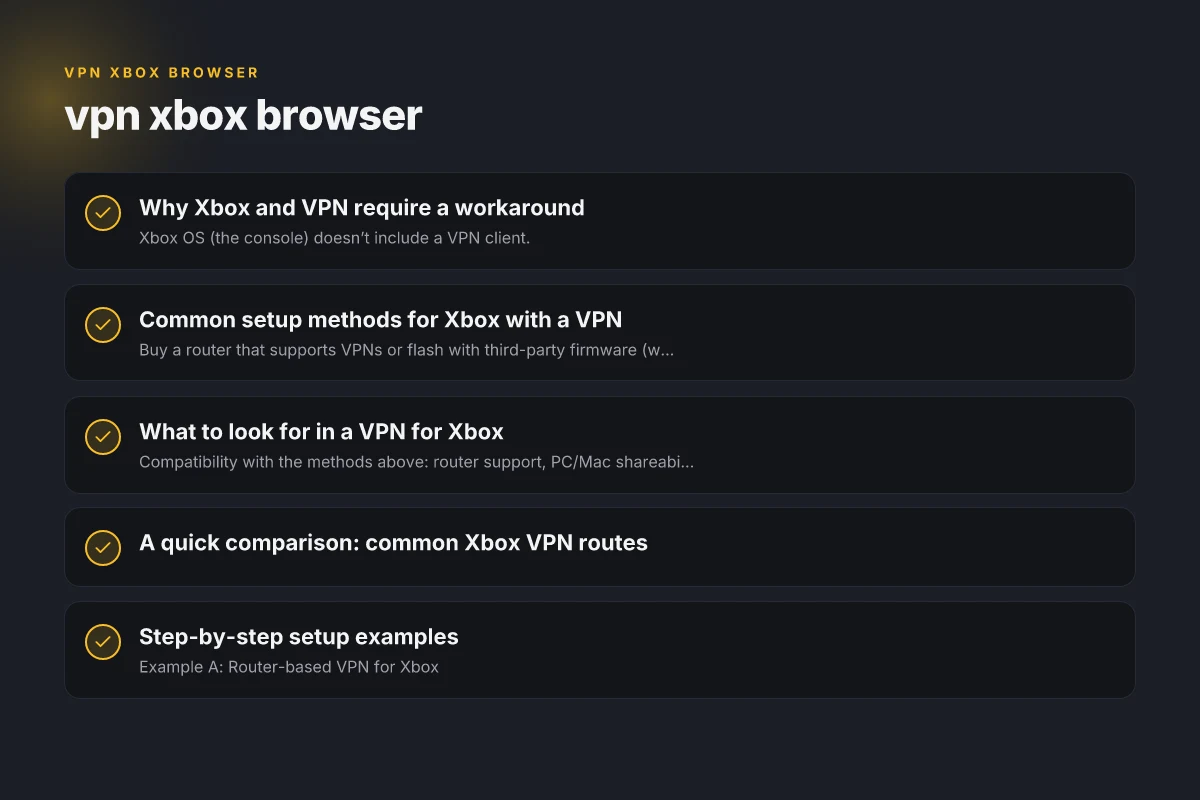
Common setup methods for Xbox with a VPN
1) VPN-enabled router
- Buy a router that supports VPNs or flash with third-party firmware (where allowed).
- Install the VPN profile on the router, then connect Xbox to the router’s network.
- Pros: All devices on the network, no need to configure Xbox individually.
- Cons: Initial setup can be technical. Some games or services may detect VPN IPs and require adjustments.
2) Share VPN from a Windows PC
- Run the VPN on your Windows PC.
- Enable internet connection sharing or set up a local network bridge so the Xbox uses the PC’s VPN-protected connection.
- Pros: Good for users who already have a PC. Straightforward UI in many VPN apps.
- Cons: PC must stay on and connected. Potential performance bottlenecks.
3) MacOS as a VPN gateway
- Similar to Windows, you can share a VPN connection from a Mac to the Xbox over Ethernet or Wi‑Fi.
- Pros: Clean integration with Apple devices. Reliable for households with Macs.
- Cons: Requires some macOS networking know-how.
4) Smart DNS or VPN-like DNS services
- Change DNS settings to a service that masks location and unblocks content without encryption.
- Pros: Fast streaming without VPN slowdown. Simple to configure on many devices.
- Cons: Doesn’t encrypt traffic. Less privacy, and not a true VPN.
5) Mobile hotspot with VPN
- Use a smartphone with a VPN app and create a mobile hotspot for the Xbox.
- Pros: Quick to implement in a pinch.
- Cons: Data caps. Hotspot can introduce latency and battery drain. Not ideal for online gaming with strict latency requirements.
What to look for in a VPN for Xbox
- Compatibility with the methods above: router support, PC/Mac shareability, and reliable Smart DNS options.
- Speed and latency: Gaming is sensitive to ping. Choose VPNs that emphasize low latency and stable connections.
- Privacy and security: Strong encryption, no-logs policies, and trustworthy providers.
- Device limits and concurrent connections: If you have multiple devices, ensure the plan covers them.
- Helpful support: Clear guides for router setups, PC sharing, or Smart DNS options.
ZoogVPN is a strong fit for Xbox setups because it provides versatile options, clear setup guidance, and solid performance across common methods. Here’s why it stands out:
- Router-compatible profiles for easy VPN on your entire network.
- PC/Mac sharing workflows that are straightforward and well-documented.
- Smart DNS options for faster streaming when encryption isn’t essential.
- Competitive speeds suitable for gaming and streaming.
A quick comparison: common Xbox VPN routes
| Route | Pros | Cons | Best for |
|---|---|---|---|
| VPN-enabled router | Simple for multiple devices; no per-device setup | Initial config can be technical; firmware limits | Households with several devices |
| PC/Mac sharing | Flexible; leverages existing hardware | PC must stay on; possible performance impact | Solo gamer with a computer |
| Smart DNS | Fast; easy to configure on Xbox | No encryption; limited privacy | Streaming content access |
| Mobile hotspot | Quick workaround; no extra gear needed | Data use, latency, battery life concerns | Temporary or travel use |
Step-by-step setup examples
Example A: Router-based VPN for Xbox
Step 1: Sign up with ZoogVPN and choose a plan that supports router setup.
Step 2: Install ZoogVPN's router configuration on your compatible router (following ZoogVPN’s guide for your router model). SSL VPN poscoenc: A practical guide to secure remote access for POSCO E&C
Step 3: Connect Xbox to the VPN-enabled router's Wi-Fi or Ethernet.
Step 4: Test a geo-blocked app or game to confirm the VPN is routing traffic.
Example B: PC sharing with Windows
Step 1: Install ZoogVPN on your Windows PC.
Step 2: Connect to the desired server within the ZoogVPN app. How do u deactivate norton VPN to h
Step 3: Enable Internet Connection Sharing (ICS) or use a network bridge to share the VPN connection with the Xbox.
Step 4: Set the Xbox to connect to the same network and test latency.
Example C: Smart DNS option
Step 1: Subscribe to ZoogVPN’s Smart DNS service if available.
Step 2: Change DNS settings on the Xbox to the Smart DNS addresses provided by ZoogVPN. TunnelBear VPN Edge VPN extension: what it is, how it works
Step 3: Verify access to region-locked content and ensure the XB games and apps load as expected.
Common questions people ask about VPNs for Xbox
Is there a way to use a VPN on Xbox directly?
Not natively. The Xbox OS doesn’t support installing VPN apps, so you rely on routing through another device or a router.
Are there any free VPNs for Xbox?
Free VPNs exist, but they often come with limited data, slower speeds, or questionable privacy. For consistent gaming and streaming, a reputable paid provider like ZoogVPN is usually a better choice. Organization structure and the payroll department: how to align people, processes, and pay
Can I use Surfshark on my Xbox?
Surfshark can be used on Xbox via router or PC/Mac sharing, but you’ll need to follow the provider’s setup guides for those methods. Always check current compatibility and setup instructions.
Can I use NordVPN on my Xbox?
Similar to Surfshark, NordVPN can be used through router setups or PC/Mac sharing. It’s best to consult NordVPN’s official setup guides specific to routers and shared connections.
Why ZoogVPN is recommended for Xbox users
- Flexible deployment: Works with routers, PC/Mac sharing, and Smart DNS, giving you multiple pathways to protect traffic and unblock content on Xbox.
- Performance emphasis: ZoogVPN focuses on reliable speeds and minimal latency, which is crucial for gaming and live-service sessions.
- Clear setup guidance: The provider’s setup tutorials cover common router models and platforms, making it easier for non-experts to get started.
- Value and privacy: Strong encryption and a no-logs stance, paired with transparent pricing and features, make ZoogVPN a trustworthy choice for gaming households.
Final takeaway If you want to use a VPN with your Xbox, you won’t install the VPN directly on the console. Instead, pick a routing method that fits your setup, router-based VPN for entire network, PC/Mac sharing for a single gateway, or Smart DNS for fast unblocking without encryption. ZoogVPN offers the most straightforward and versatile options forXbox users, combining strong performance with user-friendly setup paths. By choosing ZoogVPN and following its official setup guides, you can improve privacy, access geo-restricted content, and enjoy a smoother browsing and gaming experience on your Xbox. CSL eslim: Unpacking CSL eslim and Where It Fits in CSL’s Network