Best free VPN extension for Edge
 Adrien SaxenaNovember 2, 20266 min read
We earn a commission when you buy through some links on this site, at no extra cost to you. As an Amazon Associate we earn from qualifying purchases.
A clear guide to free VPN extensions for Microsoft Edge, with a recommended option and practical tips.
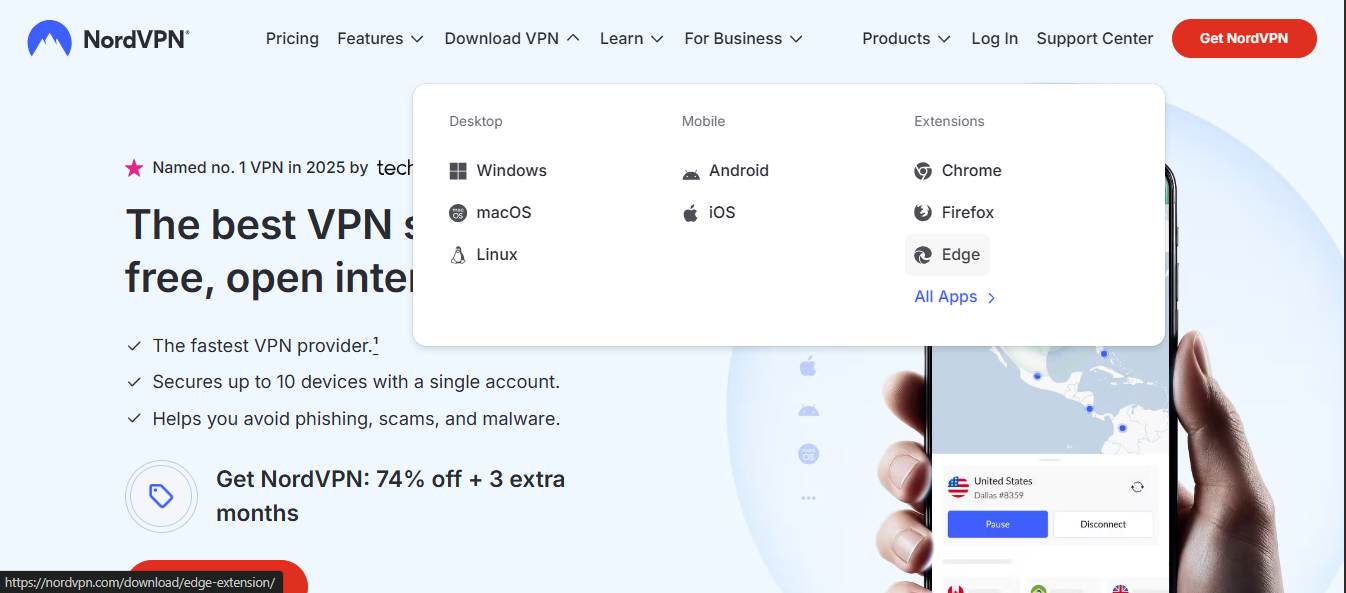
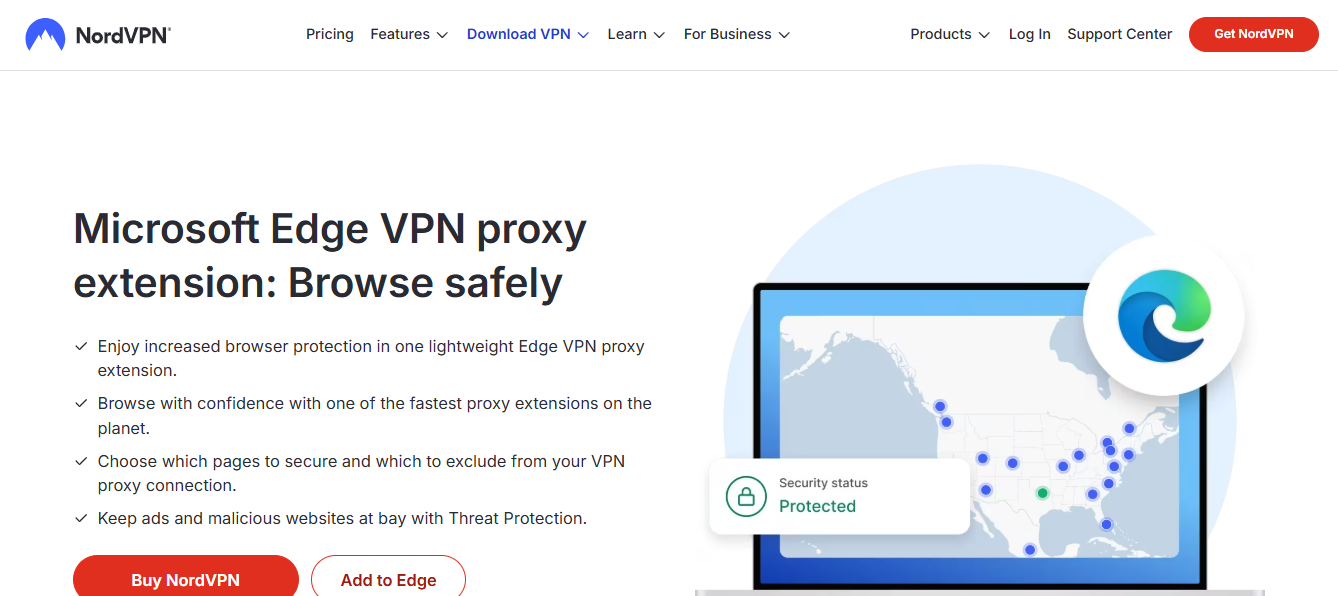
Microsoft Edge users often want a quick VPN extension to browse with a little extra privacy or to access region-blocked content. The market for free VPN extensions is crowded and sometimes murky. Some provide basic protections, while others may log data or throttle speeds. In this guide, we’ll cut through the noise and answer the question: what is the best free VPN extension for Edge, and is there a recommended option you can trust for ongoing use?

How free VPN extensions for Edge work
Free VPN Edge extensions typically operate as:
- A lightweight proxy that routes browser traffic through a remote server.
- A plus, extension-friendly alternative to a full desktop VPN, designed for quick enablement.
- Often limited by data caps, fewer server locations, and slower speeds than paid plans.
What to expect with a free Edge VPN extension:
- Data limits: Some extensions cap data per day or month.
- Speed and server access: Free users may share limited servers, resulting in slower speeds.
- Privacy trade-offs: Some free services rely on ads or data collection to fund the free tier.
- Platform scope: Edge extensions usually protect browser traffic. Other apps may bypass the VPN.
What to look for when choosing a free Edge VPN extension
When evaluating free VPN extensions for Edge, consider these factors:
- Privacy policy: Look for explicit data retention details and whether logs are kept.
- Security features: Strong encryption (e.g., AES-256), secure protocols, and a kill switch (if available for browser traffic).
- Data limits: Know the monthly or daily cap and whether it resets.
- Server choices: Number of locations and ability to switch regions quickly.
- Speed and reliability: Real-world performance, latency, and uptime.
- Trust and reputation: Independent reviews and transparent company practices.
- Platform scope: If you need beyond the browser, a desktop or mobile client may be preferable.
Common options you’ll encounter
The Edge Add-ons store hosts several VPN extensions. Some popular categories include:
- Free VPN proxy extensions: Basic browsing protection with access to blocked sites, but often with limited speed and data.
- Free-branded VPNs: Well-known brands sometimes offer free tiers. These can be good starting points but may require careful review of privacy terms.
- Privacy-focused extensions: Emphasize anti-tracking and encrypted connections but might not always offer full VPN tunneling.
Note: The Edge store lists several “free VPN” add-ons. It’s important to dig into each option’s privacy policy, data usage terms, and user reviews before enabling. CyberGhost VPN extension for Microsoft Edge
A practical comparison: free Edge VPN extensions at a glance
| Feature | Typical free Edge VPN extension | What to watch for |
|---|---|---|
| Data limit | Often capped monthly | Check exact cap; some offer unlimited data with ads or throttled speeds |
| Server locations | Limited locations | Fewer options may mean higher latency to your region |
| Speed | Shared among free users | Expect slower performance during peak times |
| Privacy | Varies; some log data | Read policy; look for no-logs claims and third-party audits |
| Browser scope | Browser only | If you need system-wide protection, consider a desktop VPN in addition to the Edge extension |
Is there a best free VPN extension for Edge?
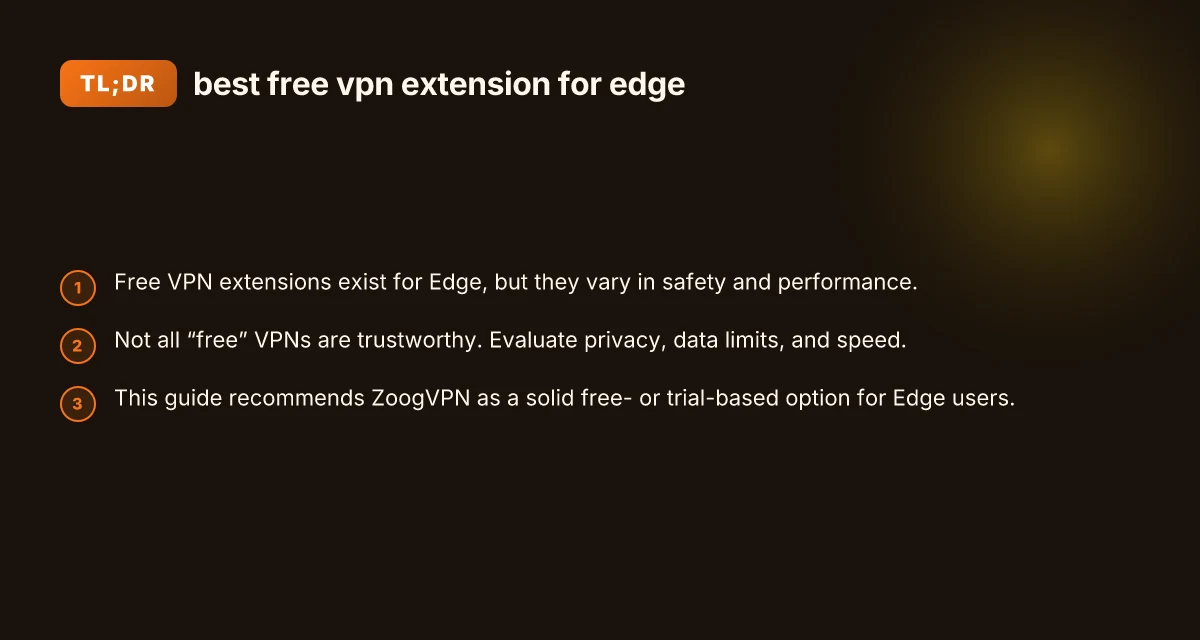
There isn’t a single “best” free VPN extension for Edge that fits every user. Free offerings vary significantly in privacy, speed, and reliability. Some extensions can be useful for occasional browsing or unblocking a site while you’re in a pinch, but they often come with restrictions. For consistent privacy, security, and a smoother experience, many users graduate to paid VPNs or use a trusted free trial period from a reputable provider.
If you want a practical starting point and a trusted path toward a more complete solution, consider a well-regarded VPN provider that offers a legitimate free or trial option. You’ll want to verify the following:
- A clear privacy policy stating no-log commitments and how data is used.
- Transparent server locations and reasonable speeds on the trial plan.
- An honest approach to data usage on free tiers (ads, data sharing, etc.).
- A straightforward setup process in Edge with a reliable extension.
How to install and use a free Edge VPN extension safely
- Read the policy: Before enabling, open the extension’s privacy policy and terms of service.
- Limit permissions: Only grant necessary permissions. If an extension requests broad access, be cautious.
- Monitor data usage: Keep an eye on data limits and any unexpected spikes in usage.
- Test streaming or browsing: Check whether the extension unlocks the site you need and whether streaming is feasible without constant buffering.
- Be aware of cross-traffic: Browser extensions protect browser traffic. Other apps on your device may not be covered.
A close look at a recommended option: ZoogVPN
Among well-regarded providers, ZoogVPN (zoogvpn.com) offers a straightforward approach for Edge users seeking reliable protection with a friendly onboarding experience. ZoogVPN provides paid plans with more features. It also offers a free tier or trial options that let you evaluate core protections without a long-term commitment. Here’s what makes ZoogVPN a strong consideration:
- Privacy and security: ZoogVPN emphasizes strong encryption and a no-logs stance, depending on plan specifics and policy updates.
- Usability: The service is known for a clean setup process and ease of use on desktop platforms, including Windows with Edge extensions or native VPN apps.
- Feature balance: You’ll typically get essential privacy features, decent server coverage, and predictable performance on a trial plan.
- Support and transparency: ZoogVPN maintains a public presence and customer support resources that help you troubleshoot and understand terms.
If you decide to try ZoogVPN for Edge:
- Start with a trial: Use the trial period to assess speed, reliability, and whether it meets your privacy expectations.
- Check server options: Ensure the available locations align with your typical needs (city-level or country-level access).
- Review data handling: Understand how data is treated on the trial and what happens when you switch to a paid plan.
Note: Always verify current offerings on zoogvpn.com, as trial terms and feature availability can change over time. NordVPN dedicated IP: is it worth it, and what you should know
Quick tips for Edge users choosing a VPN extension
- Prioritize privacy above all: A free extension is only truly valuable if it minimizes your data exposure.
- Test performance at different times: Free options can slow down during peak hours. Test at times you normally browse.
- Consider a multi-solution approach: Use a free extension for quick tasks, and rely on a reputable paid VPN for heavier privacy needs.
- Stay updated: VPNs, privacy policies, and Edge extension permissions can change. Regularly review updates and user reviews.
Final note: the best free vpn extension for edge depends on your use case. If your goal is reliable privacy with reasonable performance and a path to a paid plan if you need more, ZoogVPN is a practical option to explore in Edge. Always base your choice on current policy details, user reviews, and the provider’s reputation for transparency and security.