Zip payment not working
 Olivia Kvitka8 min read
A practical, step-by-step guide to troubleshooting Zip payment not working and keeping purchases on track.
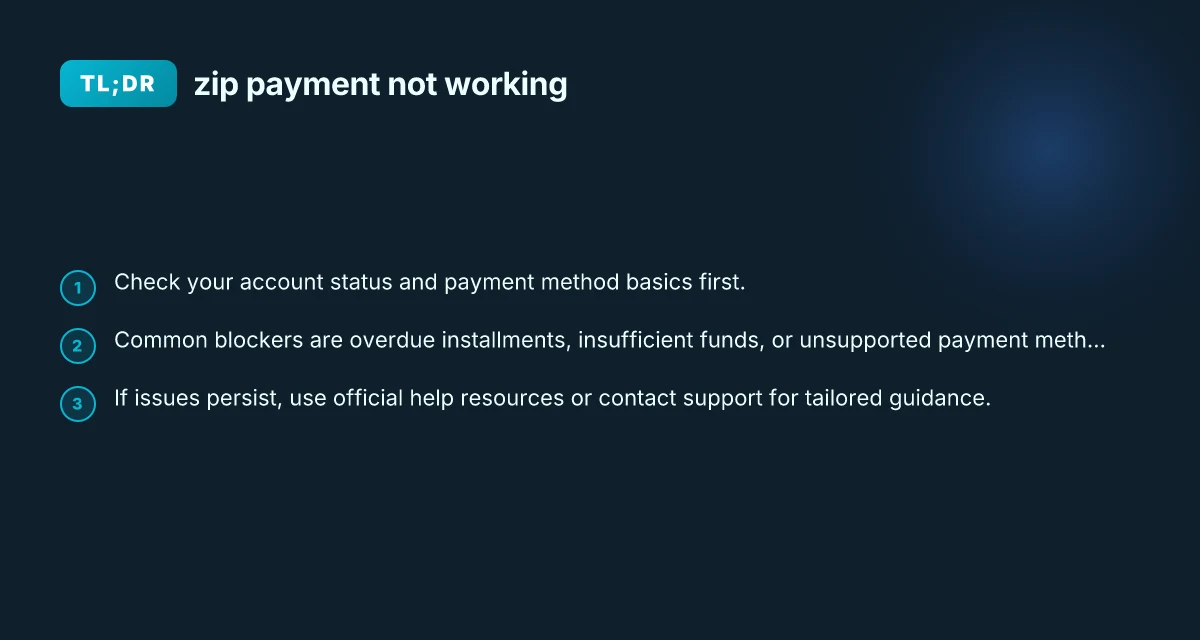
Zip payment not working: quick answer If Zip won't let you complete a purchase, start by confirming your account is in good standing (no overdue installments) and that your chosen payment method has adequate funds and is eligible. Many failures come from overdue balances, insufficient funds, or mismatched payment method types. If the problem persists after you’ve checked these basics, follow the steps below to pinpoint the issue and find a fix.

Troubleshooting paths at a glance
| Step | What to check | Expected outcome | Action if issue persists |
|---|---|---|---|
| 1 | Zip account status | Active / suspended | Contact Zip support or re-activate |
| 2 | Payment method validity | Valid card or funding source | Update card or switch method |
| 3 | Funding availability | Sufficient balance / limit | Add funds or adjust purchase |
| 4 | Merchant/checkout compatibility | Supported merchant | Try a Zip-enabled merchant or different checkout |
| 5 | Zip app health | Up to date / not crashing | Update app, clear cache, reinstall |
| 6 | Device and OS | Supported version | Update OS, restart app |
Compiled November 2026; check the provider's site for current details.
Understanding why Zip payments fail
Zip, like many BNPL services, enforces a few guardrails to protect both you and their platform. Here are the most common reasons a Zip payment won’t go through:
Account standing
- You must be current on all installments to transact.
- If any payment is overdue, future purchases may be blocked until you bring the account up to date.
Payment method issues
- The linked card or payment method may be declined or have insufficient funds.
- Some cards or bank accounts may be temporarily blocked or non-eligible for Zip payments.
- Virtual cards or certain prepaid methods may not be supported for all transactions.
Funding timing
- Some merchants place holds or have authorization windows that collide with Zip’s payment schedule.
- If you’re trying to pay the first installment and funds aren’t available, the payment can fail.
Geographic and merchant constraints
- Zip may have limitations on certain regions or merchant categories.
- Some merchants’ checkout flows don’t play well with Zip’s payment orchestration.
Technical hiccups
- App or browser issues, outdated versions, or temporary outages on Zip’s side can cause “something went wrong” errors.
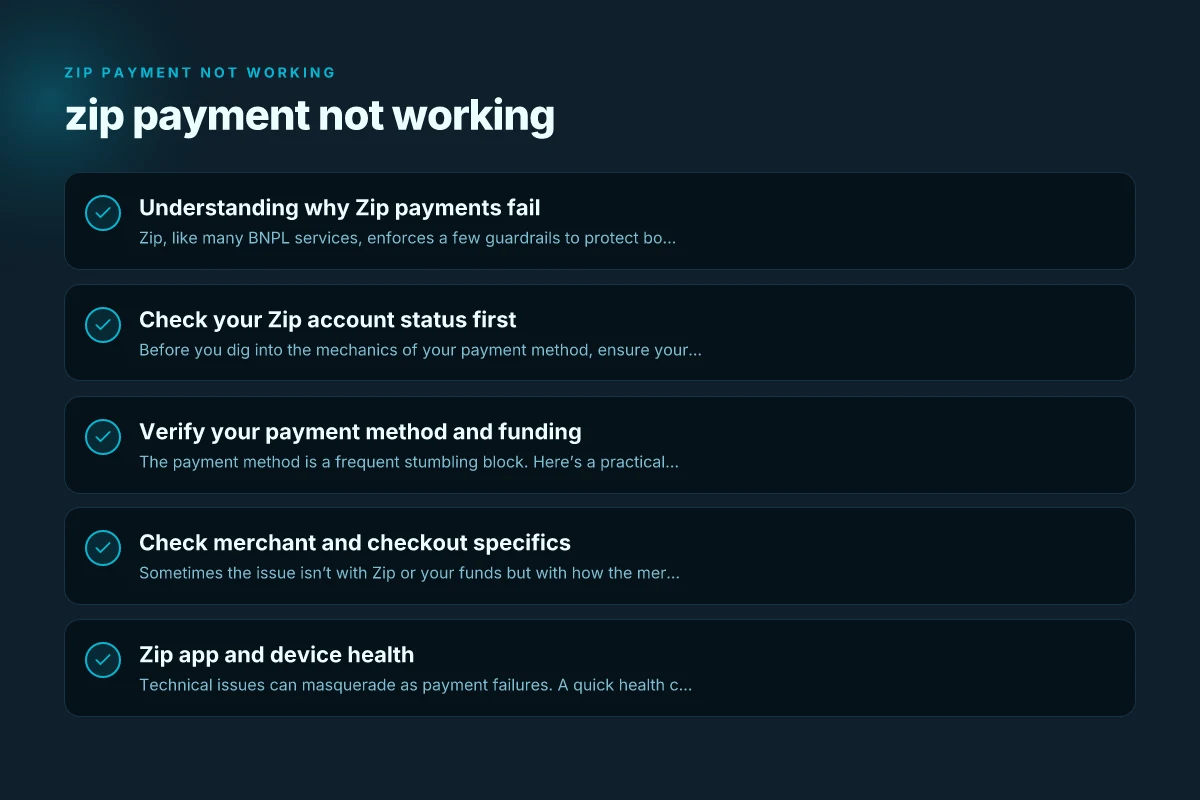
Check your Zip account status first
Before you dig into the mechanics of your payment method, ensure your Zip account is in good standing.
- Open the Zip app or sign in on the web.
- Look for any notification banners about overdue payments or holds.
- Confirm you are current on all installments. If an installment is overdue, address it before attempting another purchase.
- Review your active Buy Now, Pay Later plans to ensure there’s no other outstanding balance.
If you see an overdue balance:
- Settle the overdue amount as soon as possible.
- After payment posts, try the transaction again. If you don’t see any overdue items but still can’t pay:
- Move on to check your payment method and method settings.
Verify your payment method and funding
The payment method is a frequent stumbling block. Here’s a practical checklist:
- Confirm the card or bank account you’ve linked is active, not expired, and has enough available funds.
- Ensure the card type is supported by Zip for your region and the merchant you’re buying from.
- Check that the card is not flagged for fraud or restricted for online transactions.
- If you’re using a debit card, ensure there are sufficient funds available not just for the purchase price but for any impulse authorizations.
- If you’ve recently changed cards, re-link the new card in the Zip app and remove the old one.
- For virtual cards, verify with Zip’s help resources whether your virtual card is eligible for the intended merchant.
Pro-tip: Temporarily try a different, supported payment method to determine if the issue is with the specific card or with Zip generally. What category does my business fall under
Table: Payment method troubleshooting at a glance
- Issue: What to check
- Card expired or blocked: Update or replace with a valid card
- Insufficient funds: Add funds or use a different card
- Card not supported for Zip: Use a supported payment method
- Card flagged for fraud: Contact issuer, retry after resolution
- Card not linked properly: Re-link in Zip app, retry
- Payment method offline or restricted: Enable online transactions or use a different method
Quick action matrix: what can go wrong and how to fix
| Area | Common issue | Symptom | Fix / workaround | When to escalate |
|---|---|---|---|---|
| Zip account | Inactive / suspended | Zip badge missing | Restore/activate account | If still blocked after activation |
| Payment method | Card declined | Payment toast or error | Re-enter/CVV update; try another funding | |
| Funding | Limit exhausted | Purchase halted | Free up funds or choose smaller amount | If daily limit reached |
| Merchant checkout | Not supported | Zip option not shown | Use supported merchant or usb alternative | If merchant claims Zip support later |
| Zip app | Crash / freeze | App closes unexpectedly | Update or reinstall; clear cache | If persists after reinstall |
| Device | OS incompatibility | App won’t run | Update OS or switch device | If device no longer supported |
Compiled November 2026; check the provider's site for current details.
Check merchant and checkout specifics
Sometimes the issue isn’t with Zip or your funds but with how the merchant handles the transaction.
- Some merchants may have checkout flows that don’t play well with Zip’s integration. If possible, try a different merchant offering the same product.
- Confirm you’re selecting Zip as the payment method at checkout and that the correct installment plan or total price is being applied.
- If the merchant offers скидки, rewards, or other promotions, ensure they aren’t conflicting with Zip’s payment authorization.
- Some merchants require a temporary authorization hold. These holds can appear as declined or pending depending on your bank’s processing.
If you suspect a merchant-specific problem: Wendy's payroll website
- Contact the merchant’s support to confirm their Zip integration is functioning on their end.
- Try a separate transaction with Zip on a different merchant to see if the problem is universal or isolated.
Zip app and device health
Technical issues can masquerade as payment failures. A quick health check can rule out most trivial glitches.
- Ensure you’re using the latest Zip app version, update if necessary.
- Clear cache or restart the app, or try a different device to rule out device-specific issues.
- Check for Zip system status or known outages on Zip’s official channels or status page.
- If you recently updated your device or browser, ensure compatibility with Zip’s requirements.
- Log out and back in to refresh your session.
If you see a “something went wrong” message:
- Take a screenshot if you need to contact support.
- Retry after a few minutes. Temporary server-side issues can resolve quickly.
When to contact Zip support
If you’ve systematically checked status, funds, and merchant factors and still can’t complete a Zip payment, it’s time to reach out to official support.
- Use Zip Help Center: Look for articles like “Why was my Zip app transaction declined?” or the dedicated troubleshooting guides.
- Contact options typically include in-app support chat, email, or phone depending on your region.
- Be prepared to provide:
- Your Zip account email or ID
- The approximate time of the failed transaction
- The merchant name and order total
- The exact error message or code, if any
- A recent screenshot or screen recording showing the failure (if requested)
Support teams can:
- Check your account for holds or flags not visible to you.
- Inspect the payment method linkage for failures.
- Review merchant integration issues on their end.
- Offer hands-on steps tailored to your region and currency.
Decision guide for next steps (final take) Tcl flip 3 apps
| Scenario | Immediate action | If unresolved after action | Contact guidance |
|---|---|---|---|
| Zip not showing at checkout | Ensure merchant supports Zip; re-check payment method | Try another supported merchant | Zip support chat/email |
| Card declines | Verify card details; test another card | Persistently declined | Zip support with error codes |
| App issues | Update/reinstall Zip app | Device reboot; clear data | Zip support with device info |
| Account status unclear | Check Zip account status page | If suspended, request reactivation | Zip support with account ID |
Compiled November 2026; check the provider's site for current details.
Quick comparison: what can go wrong and how to fix it
Here’s a concise side-by-side to help you diagnose quickly.
| What can go wrong | How to fix |
|---|---|
| Overdue installment blocking new purchases | Settle overdue amounts; wait for payment to post; verify status before retrying |
| Insufficient funds on linked method | Add funds or use another supported method; ensure daily spending limits are not exhausted |
| Card not supported or expired | Update or re-link a supported card; use an alternative payment method |
| Merchant checkout issue | Try another merchant or different product; confirm Zip is selected at checkout |
| Technical app/connection issue | Update app, clear cache, restart device, or try a different device; check Zip status page |
| Temporary Zip system outage | Wait and retry; contact support for status updates |
Final take: practical steps to resolve zip payment not working
- Step 1: Verify account health. Check for any overdue installments and bring balances current.
- Step 2: Validate the payment method. Ensure the linked card or bank account is active, funded, and supported by Zip in your region.
- Step 3: Check the merchant and checkout flow. Try another merchant or product if possible, and ensure Zip is the selected payment method.
- Step 4: Inspect your device and app health. Update the Zip app, restart the device, or try a different device to rule out local issues.
- Step 5: If issues persist, consult official Zip help resources and contact support with clear details and screenshots if available.
Bottom line Zip payment not working is usually tied to account status, funding, or a temporary technical issue. By systematically checking your account standing, payment method readiness, merchant compatibility, and device health, you can usually identify the root cause and restore smooth checkout. When in doubt, official Zip support is the quickest path to a definitive resolution and personalized guidance based on your location and account setup.