Snapchat stories: what they are, how they work, and how to view and share them
 Nova EngelmannNovember 8, 20266 min read
We earn a commission when you buy through some links on this site, at no extra cost to you.

A practical guide to Snapchat Stories, including how they work, viewing options, and best practices for creators and viewers.
Snapchat Stories sit at the core of Snapchat’s social experience. They’re collections of Snaps or short videos that stay visible for 24 hours, giving friends and creators a way to share moments, updates, and stories in real time. In this guide, you’ll learn what Snapchat Stories are, how they work, how to view them, how to share them, and best practices for using Stories responsibly and effectively.

What Snapchat Stories are
- A Story is a sequence of Snaps or short videos published by you or a friend.
- Stories disappear after 24 hours unless you save them to Highlights or add them to a Public Profile.
- You can customize who can view a Story: friends, followers, or the public, depending on your privacy settings.
- Shared Stories let you and a chosen group contribute to the same Story, making it a collaborative memory or event feed.
Public Profiles and Stories
Public Profiles allow creators to curate and share content more broadly. If you enable a story on your Public Profile, viewers outside your immediate friends list can see it, depending on your privacy settings. To add a Story to your Public Profile:
- Open your Profile
- Tap Public Profile
- Choose Add a Story to your Profile
- Select Snaps or camera roll items to include
- Review and publish Keep in mind that once a Story is on a Public Profile, it becomes more discoverable, so think about the content you want associated with your public brand.
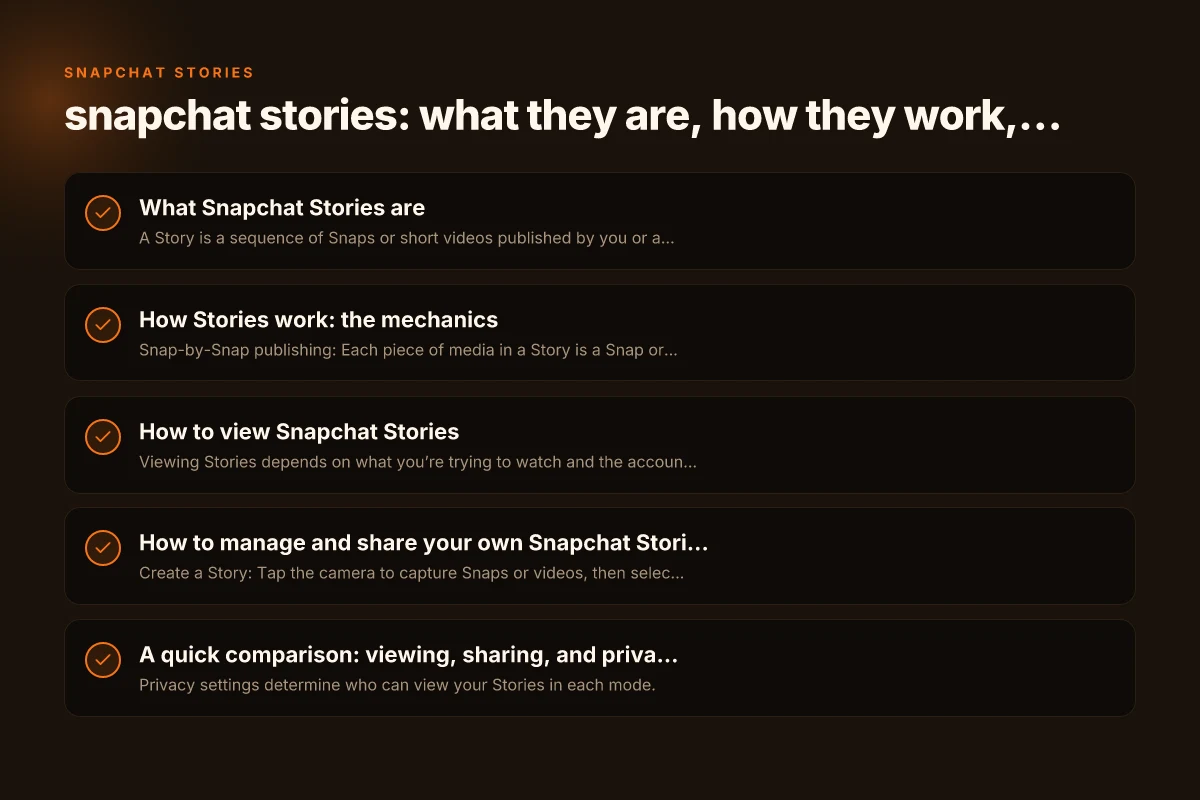
How Stories work: the mechanics
- Snap-by-Snap publishing: Each piece of media in a Story is a Snap or video that contributes to the overall narrative.
- 24-hour lifespan: Unless you save it, each Story segment expires after a day.
- Viewing controls: You can see who viewed your Story, skip through segments, and reply with a private message or a reply sticker in some cases.
- Story formats: Stories can be private (for friends), shared (with selected friends), or public (on your Public Profile or Discover feed).
Shared Stories explained
Shared Stories are designed for collaboration. They’re ideal for events, trips, or group moments. Key points:
- You and your friends can view and add Snaps to the same Story.
- Visibility is limited to the participants you select.
- Edits and additions from contributors appear in real time to everyone involved.
How to view Snapchat Stories
Viewing Stories depends on what you’re trying to watch and the account’s privacy settings.
- Public Stories: These appear in Discover or on public profiles. You can watch them without being friends with the creator, depending on privacy.
- Friends’ Stories: Visible to the people the creator has allowed to view their stories.
- Shared Stories: Accessible only to the group invited by the Story creator.
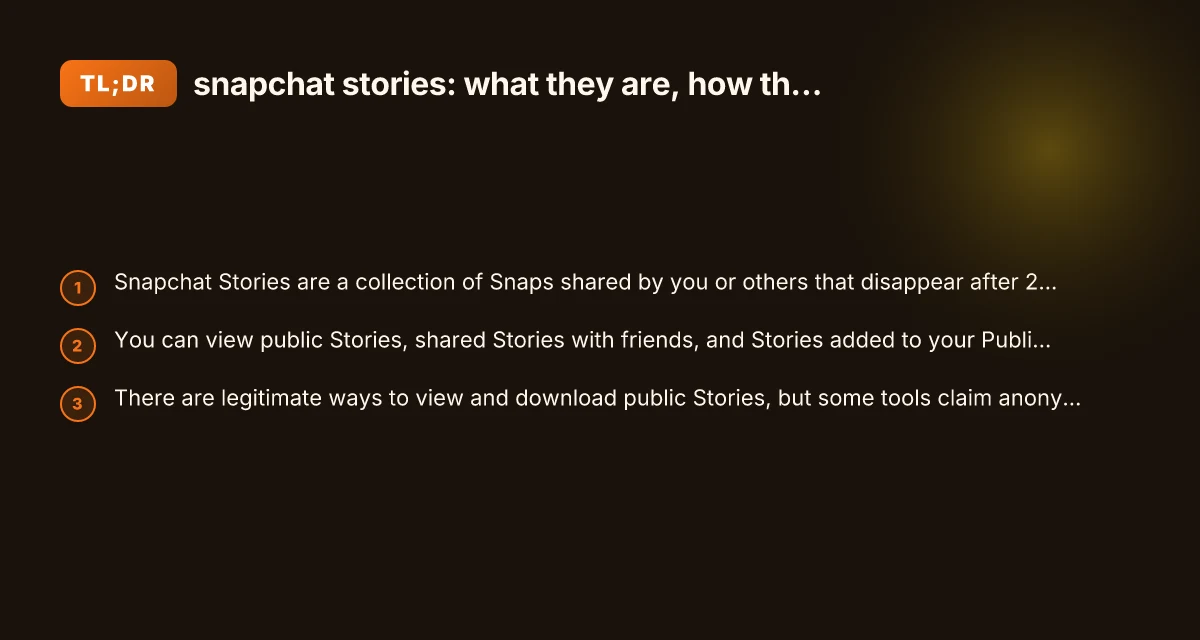
- Private viewing apps or services: Some third-party tools claim to let you view or download Stories anonymously. Exercise caution: many such services violate terms of service or privacy expectations and can pose security risks.
Important tips for viewing safely:
- Only use official Snapchat features and controls to view content.
- Be mindful of privacy: a Story viewer’s behavior or tools do not grant you blanket anonymity. Creators may still see who viewed their content.
- If you encounter a tool that promises anonymous viewing or downloading, assess legitimacy and potential policy violations before using it.
How to manage and share your own Snapchat Stories
- Create a Story: Tap the camera to capture Snaps or videos, then select My Story to publish.
- Add to a Public Profile: If you want wider reach, enable a Public Profile and add Story content as described earlier.
- Use Shared Stories for events: Create a Shared Story with friends for concerts, trips, or group activities.
- Save and highlight: You can save Story segments to Highlights on your profile so they stay beyond 24 hours.
Best practices for creators
- Plan a narrative: A clear storyline or theme helps keep viewers engaged across multiple Story segments.
- Mix media formats: Combine photos, short videos, text overlays, and stickers to maintain interest.
- Respect privacy: Only post content you own or have rights to share. Obtain consent when including friends or strangers.
- Consistency matters: Regular posting keeps your audience engaged, but avoid posting content that feels repetitive.
- Analyze performance: If you have a Public Profile, use insights to see which Stories attract more views or engagement and adjust accordingly.
A quick comparison: viewing, sharing, and privacy options
| Option | Who can view | How to access | Key note |
|---|---|---|---|
| Regular Story (private) | Your friends list | Your Story tab | Default setting; viewers are your approved friends |
| Public Profile Story | Anyone who visits your Public Profile | Public Profile feed / Discover | Wider reach; consider content suitability and brand |
| Shared Story | Invited friends only | Shared Story interface | Collaborative content; limited audience |
| Discover/Top Stories | Public or platform-curated | Discover tab or Discover feed | Platform-curated content; creator varies |
Notes: PR_CONNECT_RESET_ERROR: What It Means and How to Fix It
- Privacy settings determine who can view your Stories in each mode.
- Public-facing Stories require thoughtful moderation since they’re accessible beyond your immediate circle.
- Be aware of terms of service for any third-party tools that claim to view or download Stories anonymously. They may violate platform rules and compromise your account.
Safety, privacy, and compliance reminders
- Always respect others’ privacy. Don’t share private Snaps from people who do not consent to public viewing.
- Don’t rely on third-party services to view or download Stories anonymously. Such tools can expose you to malware or scams and can violate Snapchat’s terms.
- If you’re a creator with a Public Profile, be mindful that content can be widely redistributed, saved, or reshared beyond your original audience.
- For brands and creators, establish a content policy: what to post, how to respond to comments, and how you handle user-generated content.
The future of Stories on Snapchat
Snapchat continuously evolves with new features around Stories, AR effects, Spotlight content, and creator tools. Expect more ways to engage audiences, collaborate with friends, and monetize or promote content through official channels. Keeping up with official announcements and in-app guidance helps you make the most of new Story features while staying compliant with platform rules.
Conclusion and recommendation
Snapchat Stories offer a dynamic way to capture daily moments, tell a narrative, and connect with audiences, whether you’re sharing with a tight circle or building a public-facing presence. If your aim is broad reach and easy discovery, leveraging Public Profile Stories and regular, well-curated content can help your audience find and engage with you. If you’re coordinating with friends on a project or event, Shared Stories are a natural fit for collective storytelling.
Recommendation:
- Start with a clear plan: outline a weekly Story arc or themes to maintain consistency.
- Use Public Profiles strategically: consider what content represents your brand and how it aligns with audience expectations.
- Balance privacy and exposure: publish content you’re comfortable with being publicly visible, and use audience tools to refine who can see what.
- Avoid third-party anonymity tools: rely on built-in Snapchat controls and respect privacy norms to protect yourself and others.
- Engage with your viewers: reply to messages, use polls or question stickers when available, and respond to feedback to grow your presence responsibly.
If you’re just starting, experiment with a short 3- to 5-Story run focused on a single topic (like a day-in-the-life series or behind-the-scenes look at a hobby). Track what resonates and iterate. As you gain confidence, you can expand into longer Story sequences, include Highlights that stay on your profile, and explore collaborative Shared Stories with friends or teammates. V5vpn: What it is, how it works, and why ZoogVPN is a strong alternative