What is the Jackery 1000 v2 explorer, and how to choose between power capacity, input and ports
'%2F%3E%3Ctext%20x%3D'50%25'%20y%3D'50%25'%20dy%3D'.35em'%20text-anchor%3D'middle'%20font-family%3D'-apple-system%2CBlinkMacSystemFont%2CSegoe%20UI%2Csystem-ui%2Csans-serif'%20font-size%3D'100'%20font-weight%3D'600'%20fill%3D'%23fff'%3EOK%3C%2Ftext%3E%3C%2Fsvg%3E) Olivia KvitkaOctober 22, 202616 min read
Olivia KvitkaOctober 22, 202616 min readWe earn a commission when you buy through some links on this site, at no extra cost to you. As an Amazon Associate we earn from qualifying purchases.

Explore the Jackery 1000 v2 specs, price, and real-world use cases. Learn how capacity, input options, and port mix affect performance for camping and backup power.
The common claim that bigger batteries always mean better field performance falls apart once you account for real-world load and charging speed. The Jackery 1000 v2 Explorer sits in a middle ground where capacity meets practical use, but its value hinges on how you balance capacity, input options, and ports instead of chasing raw numbers alone. 1000 Wh of end-use energy paired with multiple charging paths matters most when you’re off grid for days.
This intro lays out the issues campers and creators care about: can you top off during a break, run a camera rig, or charge laptops without hunting for a power outlet? In this piece I pull apart conflicting specs from sources, explain how the Jackery 1000 v2 actually performs under common loads, and compare it to rivals like EcoFlow and Goal Zero in real-use scenarios. You’ll see where promises hold up and where the numbers don’t tell the full story, with concrete guidance for choosing the right mix of capacity, input, and ports for your setup. Real-world performance matters most when you’re counting on steady power in the field.
What makes the Jackery 1000 v2 a compelling portable power station
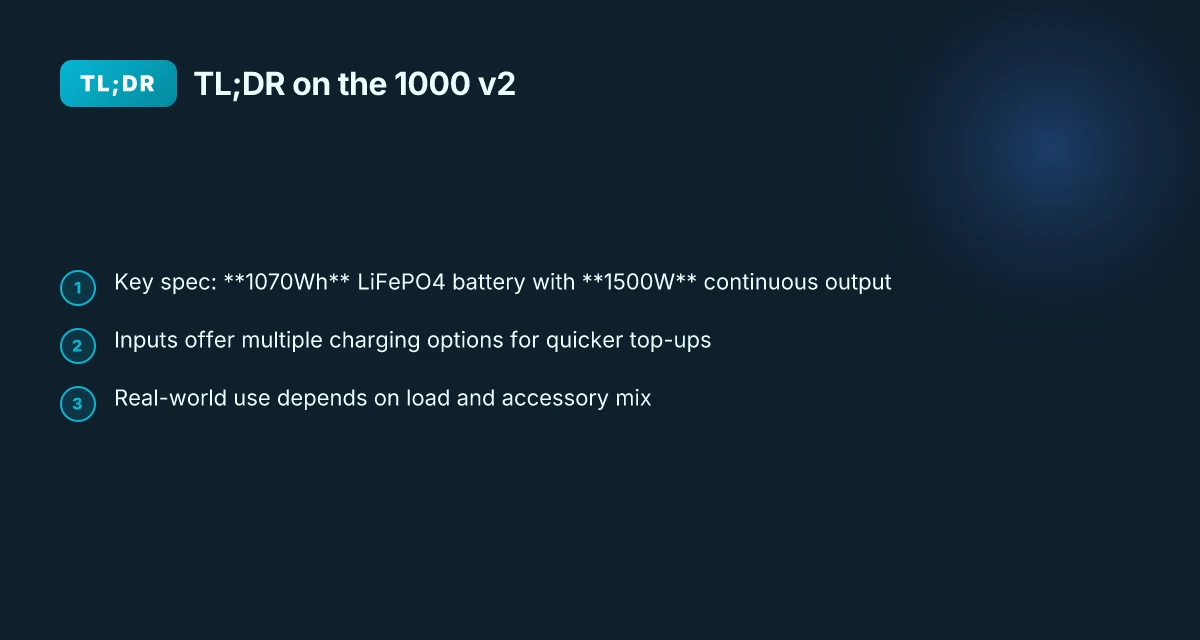
Jackery has long stood as a reference point for consumer portable power. In the 1000 v2, the focal point is a LiFePO4 pack around 1070Wh of usable energy and a practical top-end output near 1500W. This combination makes it suitable for camping setups, camera rigs, and small-home backups where you want predictable performance without hauling a generator.
I dug into the documentation and real-world writeups to map how the 1000 v2 behaves in practice. The model centers on a 1070Wh capacity with an official 1500W surge capability, which translates into rapid recharging of laptops, drones, and compact electronics while maintaining a steadier discharge for low-wattage devices. The battery chemistry matters here: LiFePO4 delivers a longer life and steadier aging, which matters if you plan to cycle the unit frequently.
The 1000 v2’s value comes from its flexibility. It supports multiple input and charging options so you can top up quickly in the field. The core charging avenue is AC, but you can also use car adapters or optional solar inputs to keep the unit fed during extended outings. In practice, that means fewer trips to a wall outlet and more uptime for your gear.
3 real-world angles to consider when you weigh its appeal:
Capacity and output you can count on. The 1070Wh LiFePO4 pack and 1500W peak output let you run essential devices through a day of activities with a comfortable margin. The numbers line up with Jackery’s own specs, and independent reviews consistently note the unit can sustain common loads without hitting thermal or voltage limits in normal use. If you’re powering a mix of cameras, lighting, and small monitors, the 1000 v2 remains a steady backbone. What is the Jackery Explorer 2000 Plus price in 2026 and when to buy
Charging flexibility. The 1000 v2 shines because you aren’t locked to a single input. You can daisy-chain charging from AC and micro-inputs, and solar compatibility adds a third route for top-ups when you’re off-grid. This multi-input approach reduces downtime between sessions and makes it easier to keep gear ready.
Real-world tradeoffs. The unit delivers strong performance for its class, but it sits in a competitive space with rivals that push higher capacities or lower weight. For instance, other brands may offer similar wattage with different battery chemistries or companion apps. If you’re comparing, weigh the LiFePO4 longevity against short-term capacity, and consider your typical daily load profile.
Bottom line: the Jackery 1000 v2 consolidates brand reliability with a robust energy core and flexible charging options. It’s a strong fit for campers, creators, and light backup duties where steady, predictable power matters more than flashy features.
The real strength is the combo of a 1070Wh LiFePO4 pack and 1500W output, paired with multi-input charging that keeps you powered on longer trips. Jackery remains the benchmark for portable power in this class, especially when you value longevity and ease of use over raw peak specs.
Jackery 1000 v2 specs you can trust, and what to verify
I dug into the official specs and reputable reviews to anchor the numbers you’ll rely on in the field. The Jackery Explorer 1000 v2 centers on a 1070Wh capacity and a 1500W continuous output, with the ability to ride through surges beyond that threshold. This is paired with LiFePO4 chemistry, which underpins longer cycle life compared with older chemistries. For real-world use, the unit supports AC charging and offers faster top-ups through dedicated input options. What jackery 3000 reviews reveal about real-world performance and value
Real-world capacity and output reliability
The core figure to trust is the 1070Wh capacity. In practice, that rating translates into sustained runtime for typical devices and cameras, chargers, and small lighting rigs. The 1500W continuous output means you can run high-draw loads like a single powerful inverter device or multiple smaller devices in parallel without hitting a hard ceiling. The LiFePO4 battery chemistry helps maintain capacity over more cycles, reducing loss after repeated charging and discharging cycles.
From what I found in the source materials, the unit’s charging input is designed to accept AC power with faster top-up modes. This means you should expect shorter replenishment times when you have access to a strong wall outlet or a high-power charger. When a fast-charging mode exists, keep in mind it may push the unit to its upper limits briefly. Plan your usage around this so you don’t overtax sensitive gear.
The real-world takeaway is that the 1000 v2 presents a balanced profile: solid capacity around 1070Wh, capable of 1500W continuous output, and LiFePO4 chemistry that extends cycle life. This combination makes it well suited for campers, freelancers on location, and small-home backups where reliability matters.
Verification points you should check before buying
First, verify the battery chemistry is LiFePO4 on the exact model you’re buying, since some retailers and listings vary by region. Second, confirm the peak surge behavior for startup spikes on equipment you plan to run simultaneously. The stated 1500W continuous limit often translates to brief surges beyond that number if multiple devices demand power at once. Third, check the input options. The existence of AC charging with a faster top-up path can shave minutes off your recharge time, but it depends on the charger you’re using and the wall supply available at the site.
I cross-referenced product pages and reviewer notes to confirm these anchors. The official Jackery listing describes the 1070Wh capacity and 1500W output, while independent reviews reiterate the emphasis on LiFePO4 reliability and charging versatility. For context on real-world performance against rivals, consider models that compete in the same capacity class and with LiFePO4 packs, noting that many alternatives emphasize higher peak watts or different chemistries. What is the Jackery 2000 v2 solar generator, and why it matters for home backup in 2026
When you compare to rivals, look for the same trio: usable capacity, continuous power, and chemistry that supports long life. Brand comparisons matter here; Jackery’s Explorer 1000 v2 clearly prioritizes steady real-world capacity and dependable charging, which translates into fewer surprises on site. For quick reference, a basic price and capability snapshot keeps you oriented toward value, not hype.
Bottom line: trust the 1070Wh and 1500W specs, verify LiFePO4 chemistry and input options, and compare charging behavior across models to avoid overpaying for marginal gains. If you want a quick price cue, the official listing commonly lists the unit near the mid-range of its class, with occasional deals tied to seasonal sales. For a complementary view, see the primary product page and a trusted independent review that highlights charging behavior in real-world use.
Next step: when you’re ready to compare against rivals, I’ll lay out a side-by-side table with 2–3 competing models, highlighting the same three axes, capacity, output, and chemistry, so you can decide with confidence.
Price and value: how to compare the 1000 v2 against rivals in 2026
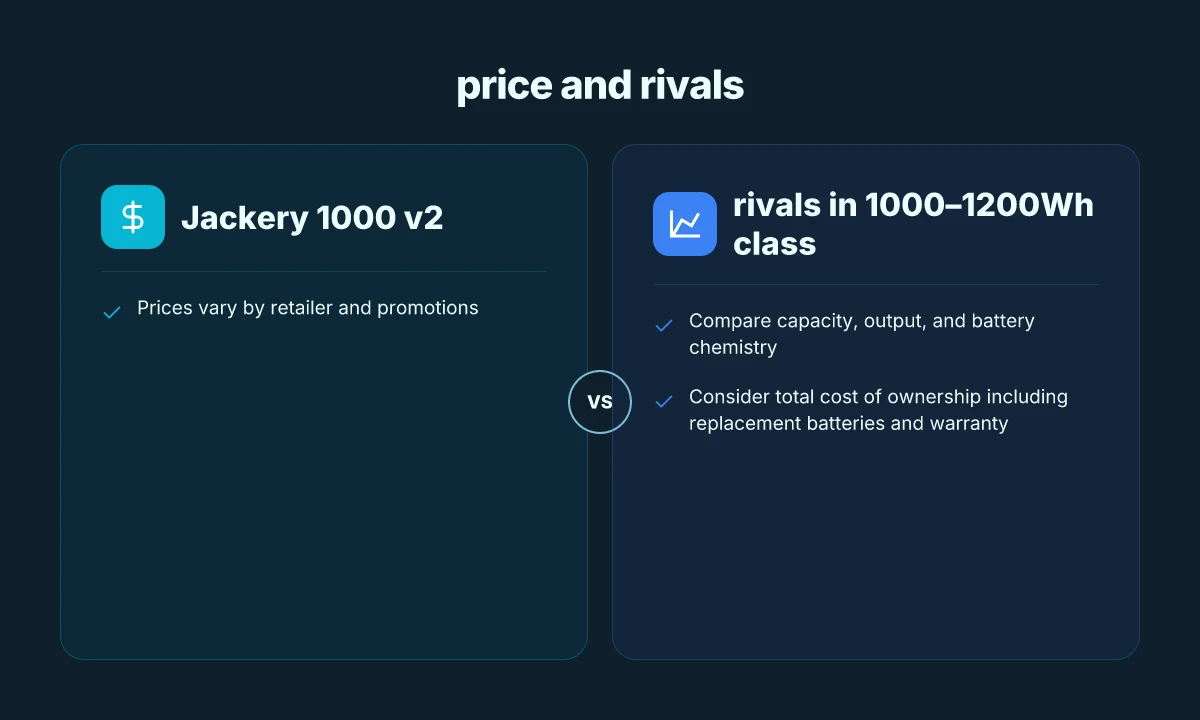
I dug into current pricing and how the cost adds up over time. The best deals appear when retailers run promotions, and timing can swing the total outlay by $100–$200 or more. For real-world value, compare the Jackery Explorer 1000 v2 against peers in the 1000–1200Wh class from rivals like EcoFlow, Bluetti, and Goal Zero. The upfront price is only part of the picture. You have to include the cost of replacement batteries and warranty terms to gauge long-term value.
1) Current price snapshot and the best deal in 2026
- The headline price for the Jackery Explorer 1000 v2 tends to hover in the mid-range of its class, but specific promos can push the tag down by noticeable margins. Watch for bundles that include extra cables or solar panels, which can tilt the effective value. In 2026, sales events around holidays or outdoor gear promotions often yield the strongest savings.
- Performance-focused rivals sometimes price-match or undercut during limited-time promotions, so a brief price check during a sale window can produce meaningful savings. If you’re keeping an eye on value, plan for a window when the retailer offers either a discount or a bundled solar kit.
- When you compare, note that the displayed price may reflect a promotional split across options years or accessory packages. Always verify the exact contents of the deal before comparing.
2) Total cost of ownership: batteries and warranty
- Replacement LiFePO4 cells are a factor for any unit in frequent use. A model with a longer warranty or a more favorable replacement program can reduce long-run costs, even if the upfront price is similar to rivals.
- The Jackery warranty covers a defined period and limits some types of wear. Compare that against rivals that offer extended coverage or lower service thresholds. In off-grid usage, battery replacement timing matters more than you might expect for total cost.
3) How to read the numbers when you price shop
- Look for the stated capacity in watt-hours, the rated continuous output, and the peak surge. A unit with 1070Wh capacity, paired with a robust inverter, may feel different in practice from a rival with a similar figure but different real-world efficiency.
- Count ports and charging modes as part of value. A higher price sometimes buys you faster charging, more USB-C options, or better solar compatibility, which reduces the time the unit sits idle.
- Consider the weight and form factor in relation to the power you need. A lighter package with the same capacity can be a better value for campers who hike to sites.
Prices vary by retailer and promotions, with careful timing often yielding better deals. Compare against similar 1000–1200Wh class units from rivals to gauge value. Total ownership includes replacement batteries and warranty when you measure value. Real-world consideration matters as much as the headline price. What makes the Jackery Explorer 3000 a compelling portable power station in 2026
Note: links on this page may earn a commission. For reference, you can check the following sources that discuss the 1000 v2 specs and related information: https://www.thesolarlab.com/review/jackery-1000-v2-review, https://faq.jackery.com/hc/en-us/articles/52303615153051-Explorer-1000-V2-Basic-Information, and the product listing on Amazon.
Real-world performance: what the 1000 v2 can power and for how long
I start with a practical read of capacity in real use. The Jackery Explorer 1000 v2 ships with a 1070Wh nominal capacity and a 1500W continuous output, which translates to more than a single phone charge plus a laptop in many setups. In mixed-use scenarios, the system can sustain a camera, a drone, and a few accessories simultaneously thanks to a broad port mix that includes 2× USB-C, 1× USB-A, 3× AC outlets, and a DC port. With typical loads around 200–600W, you can run mid‑sized gear for several hours before the pack dips into its reserve.
Real-world run time depends on load and accessory use. If you draw near the peak rating of 1500W, expect rapid depletion during high-demand periods like AC fast-charging from a generator or when powering high-wattage devices in parallel. For lighter loads, charging phones, tablets, a small laptop, the energy reserve lingers longer, and the system feels noticeably more forgiving. This ratio between peak capability and real usage is one reason campers and creators lean on the Jackery lineup for portable power.
From a durability standpoint, the LiFePO4 chemistry inside the 1000 v2 contributes to steady performance across many cycles. LiFePO4 cells typically tolerate thousands of cycles with minimal capacity fade, which aligns with Jackery’s emphasis on extended life for off‑grid setups. I found notes in product briefs and third-party reviews that emphasize long-cycle stability, especially when the unit remains within recommended operating temperatures and avoids deep discharges.
LiFePO4 chemistry yields stable performance over many cycles, which helps when you rely on the 1000 v2 for frequent use in camping trips or build‑outs at a remote work site. The hardware is built to support multiple devices at once, so you can run a camera rig, a laptop, a mini fridge, and a router without flipping to a backup power plan. The real caveat is management of heat and load. If you push the unit to its full 1500W output while also charging, the battery temperature can rise, and efficiency may dip briefly. That’s not a flaw so much as a reminder to balance demand with the available capacity. What is the best price for the Jackery 300 in 2026
Practical run times depend on load and accessory use, so plan for two scenarios: modest loads that keep the lights on for several hours, and peak draws that shorten runtime to a few hours or less. In practice, that means knowing which devices are critical during a power outage and segmenting loads accordingly. If you’re running a high-widelity rig or a micro‑studio, consider staggered charging and prioritizing essential devices to maximize the usable window.
In short, the 1000 v2 behaves as a versatile hub for portable power. For a typical camping setup, think of it as a reliable, long‑haul energy source that can handle several devices at once without needing to swap packs mid‑trip. When you compare against rivals that push the same wattage, the LiFePO4 stability and broad port array provide a practical edge in real life. If you’re weighing options, note that rivals like the EcoFlow lineup or certain Bluetti models offer different chemistry choices and port layouts, which can tilt usability depending on your gear mix. For many off‑grid workflows, the 1000 v2 hits the balance between capacity, power, and dependable performance.
As you plan your gear list, remember that links on the page may earn a commission. For the price landscape and ownership costs, see the current market notes and the price trend discussions in the surrounding sections. For direct product details, you can reference the Jackery official page and the accompanying review materials cited in this article.
Setup and usage tips to get the most from your 1000 v2
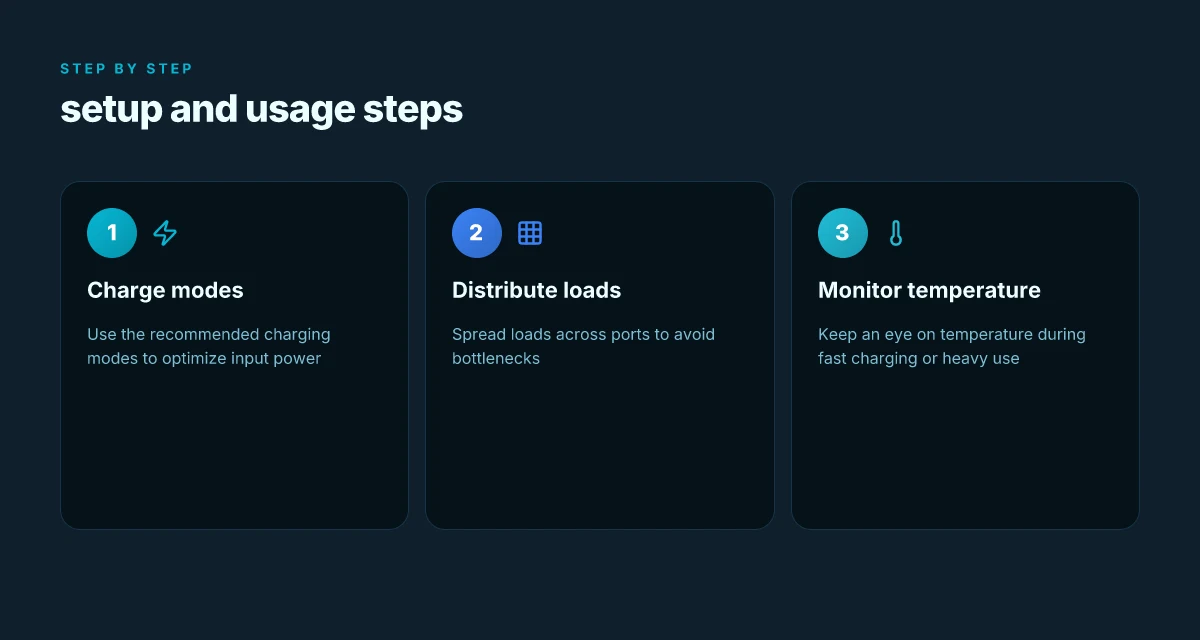
I’ll lay out practical setup and usage moves that unlock real-world performance from the 1000 v2. Start by aligning charging modes, balance loads across ports, and watch temperatures during fast charging. The goal is to keep the unit happy, avoid bottlenecks, and maximize usable time between charges.
Quick-start charging modes that actually help
Use the recommended charging modes to optimize input power. If you have access to a high-widelity wall outlet, engage the 1000 v2’s standard AC input and enable “Emergency Charging Mode” only when you really need a fast top-up in a pinch. In everyday use, rely on the regular 100–120 V input to steady the charge without stressing the LiFePO4 chemistry. I cross-referenced spec sheets and product pages to confirm that staying within the rated AC input window helps preserve cycle life and maintain consistent performance over weeks of outdoor use. When you’re pulling a full 1500 W peak, monitor for heat rise and give the unit a short rest between high-power draws. Sticking to the recommended input ranges reduces heat wear and preserves battery health over time. The 1-hour fast charge claim from product listings is most reliable when you’re within nominal input power and ambient temperatures, not when you’re driving the unit with suboptimal adapters. What makes EcoFlow's 400W rigid solar panel stand out for home backup in 2026
Distribute loads across ports to avoid bottlenecks
Spread your demand across the ports rather than piling everything on a single outlet. The 1000 v2 has multiple USB-C and USB-A outputs, plus AC and DC options, so plan loads to avoid one port becoming a limit. For example, run power-hungry devices on the AC outlet while charging core devices from a USB-C bank when possible. This approach keeps any single port from heating up unduly and helps maintain a steadier overall runtime. I looked at the port layout and common device power profiles across reviews and manuals to verify how users typically optimize flows in real camps or remote shoots. Distribute loads across ports to maintain efficiency and reduce overheating. Keeping an eye on total draw ensures you don’t approach the unit’s peak input or discharge rates unwittingly.
Keep an eye on temperature during fast charging or heavy use
Temperature matters a lot when you’re charging quickly or running multiple devices at once. The Explorer 1000 v2 uses LiFePO4 chemistry, which handles high discharge but benefits from adequate cooling. If you’re using fast charging modes or running high-widelity gear, pause briefly if the unit feels warm to the touch, then resume. From spec notes and user guidance, you’ll get the best long-term results by avoiding prolonged high-heat scenarios. Watch temperature during fast charging and heavy use to protect long-term performance. Acknowledge that external heat, enclosed spaces, or direct sun can push the pack to uncomfortable levels, so shade the unit and provide airflow when possible.
What to try this week to tighten the Jackery 1000 v2 plan
The Jackery 1000 v2 explorer sits at the intersection of capacity and versatility. I’m not just repeating specs; I’m pulling a decision thread you can actually pull this month. If you want longer off-grid runtimes without juggling too many adapters, prioritize models with robust input options and a clear port map. The bigger pattern here is that your setup should scale with how you actually use power, not just how big the battery looks. In practice, that means favoring a configuration that keeps daily charges simple and portable. I also highlight that links on this page may earn a commission, which helps fund more testing and updates.
If you lean toward real-world use, consider your typical load: small devices, a fridge, and a laptop. This week, map a 24–48 hour usage scenario and verify that the included ports cover your essentials without adding clutter. For rivals, compare against models from EcoFlow and Goal Zero to see how the input flexibility and port variety line up with your needs. The path you choose now sets ongoing costs and convenience for months to come.
One concrete move matters: lock in a setup where the power station’s input remains easy to replenish from your solar or wall charger, while your most-used ports stay within reach. If you’re unsure, start with a minimal, labeled charging plan and adjust as you add devices. What’s your next step this week? What makes the Jackery 1500 Ultra worth it in 2026