Is philips hue compatible with tuya
 Tessa Albright7 min read
A practical look at whether Philips Hue works with Tuya smart hubs and how to mix ecosystems.
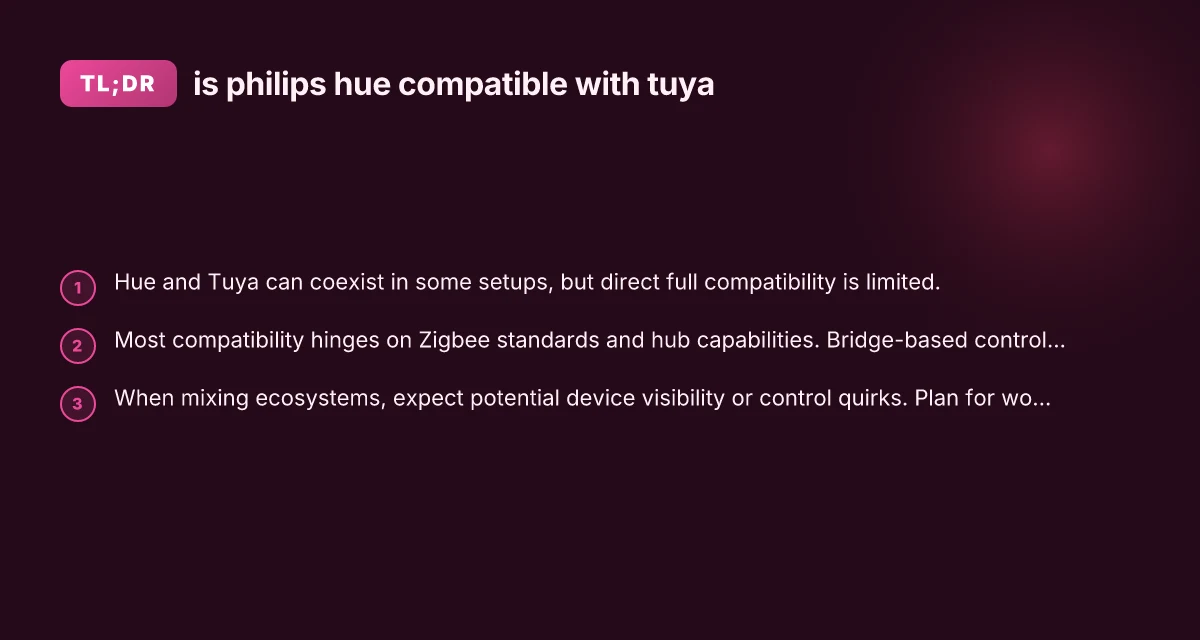
Is Philips Hue compatible with Tuya? In practice, you can run both in the same home but not as seamlessly as two devices from the same ecosystem. Philips Hue focuses on its own Hue Bridge and Hue-compatible Zigbee devices, while Tuya-based hubs and apps aim to manage a broader spectrum of Zigbee and Wi‑Fi devices. Because they don’t share a single, universal controller, direct “one-button” compatibility is limited. Here’s what you need to know to navigate using Philips Hue with Tuya.

Zigbee compatibility at a glance
| Topic | Hue Zigbee support | Tuya Zigbee support | Cross-compatibility note | Practical takeaway |
|---|---|---|---|---|
| Hue Bridge | Yes (Hue-compatible bulbs) | No native support | Tuya devices not directly reversible | Use bridge or workaround needed |
| Hue (Hue bulbs with Hue app) | Yes | Limited via bridges | Tuya devices not natively controllable | Prefer Hue ecosystem for Hue devices |
| Generic Zigbee bulbs | Yes with Hue hub? | Yes with Tuya hub/gateway | Direct control between brands is limited | Mixed setup may require gateways |
| Zigbee 3.0 devices | Yes if supported by Hue | Yes if supported by Tuya | Certification differs | Check device profile |
Compiled November 2026; check the provider's site for current details.
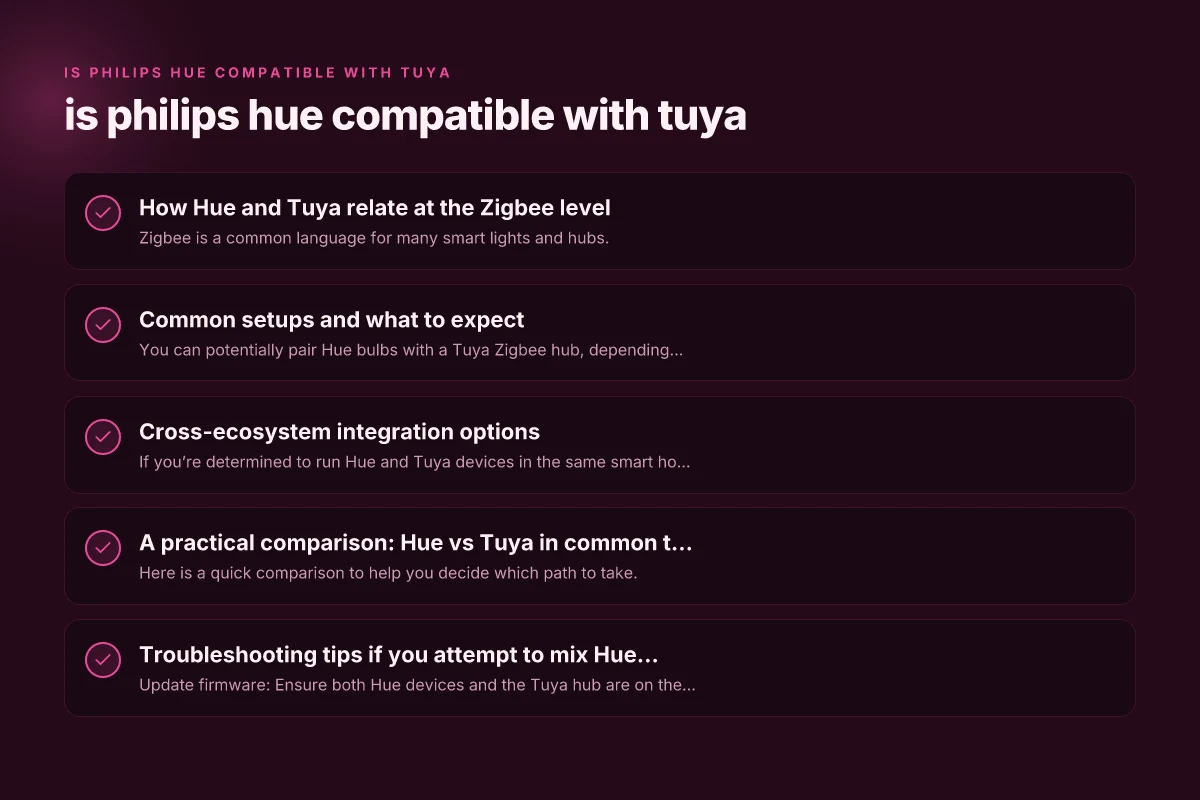
How Hue and Tuya relate at the Zigbee level
Zigbee compatibility basics
- Zigbee is a common language for many smart lights and hubs.
- Hue devices typically pair best with Hue Bridges; Tuya hubs support Zigbee 3.0 devices too, depending on the hub.
- The key question is whether a Tuya hub can control Hue devices natively or if Hue devices can be discovered by Tuya.
Practical implications
- In many setups, Hue bulbs can be controlled through a Hue Bridge only, not directly via Tuya hubs.
- Some Tuya hubs claim compatibility with Zigbee 3.0 bulbs, which may include Hue bulbs, but results vary by firmware and hub model.
- If you want centralized control from both ecosystems, you’ll often rely on third-party bridges or insist on one app as the “master” controller.
Common setups and what to expect
Using Hue with a Tuya hub (direct pairing)
- Pros:
- You can potentially pair Hue bulbs with a Tuya Zigbee hub, depending on the hub’s compatibility list and firmware.
- Centralized voice assistant routines might be possible if both ecosystems expose devices via a common voice platform.
- Cons:
- Not all Hue devices are guaranteed to show up in Tuya’s app.
- Features like Hue Entertainment (sync to music/video) or advanced Hue scenes may not be available through Tuya.
- OTA updates and device state reporting can be inconsistent.
Hue Bridge as the primary controller
- Pros:
- Full Hue feature set: scenes, entertainment sync, routines, and robust reliability.
- Clear device compatibility: Hue devices are designed to work best with Hue Bridge.
- Cons:
- Tuya devices are not natively managed from the Hue app. You’d need separate automations or a compatible hub hub-to-h Hue bridge routine if any.
Tuya hub as the primary controller
- Pros:
- Unified control for Tuya-compatible bulbs, plugs, and sensors in one app.
- Some Tuya hubs support third-party integrations (via IFTTT, Home Assistant, etc.).
- Cons:
- Hue bulbs may show limited capability or require manual pairing steps.
- Hue scenes and some advanced Hue features may not propagate to Tuya.
Cross-ecosystem integration options
If you’re determined to run Hue and Tuya devices in the same smart home, here are practical approaches:
Use a central automation hub that supports both ecosystems
Home Assistant and similar platforms can bridge Hue and Tuya devices, exposing both to automations.
Requirements: compatible Hue integration (via Hue Bridge or deCONZ in some setups) and Tuya integration (local or cloud-based, depending on your hub).
Outcome: More flexible automations, but you’re trading away some native experiences in each ecosystem. Home assistant yale: Integrating Yale devices with Home Assistant for smarter security
Rely on voice assistants as the common layer
Amazon Alexa, Google Assistant, or Apple HomeKit can often see devices from multiple ecosystems.
Caveat: scene orchestration across brands may require routines or automations inside the assistant app rather than in the Hue or Tuya apps.
Consider a “one app” automation focus
If you want central control, pick a primary hub (Hue Bridge or Tuya hub) and route other devices through it as much as possible. VPN: What It Is, How It Works and How to Choose One in 2026
Use IFTTT or a home automation platform to create cross-brand routines.
Typical setups and expectations
| Setup scenario | Hue-only | Tuya-only | Mixed (Hue + Tuya) | Notes / caveats |
|---|---|---|---|---|
| Lighting control | Full | Full | Limited cross-control | Use one app per ecosystem; scenes may not sync |
| Voice control (Assistant) | Works with Hue | Works with Tuya devices via skill | Partial scene sharing | Skills can be separate |
| Smart routines | Hue app | Tuya app | Routines may not cross-trigger | Use IFTTT or hub bridges as workaround |
| Remote access | Yes | Yes | Yes, but cross-device control limited | Check gateway capabilities |
| Scheduling | Supported | Supported | Cross-schedule not automatic | Manual syncing recommended |
Compiled November 2026; check the provider's site for current details.
A practical comparison: Hue vs Tuya in common tasks
Here is a quick comparison to help you decide which path to take.
| Task | Hue-first pathway | Tuya-first pathway | Notes |
|---|---|---|---|
| Controlling Hue bulbs | Best with Hue app and Hue Bridge | Possible via Tuya hub if compatible, but reliability varies | Hue features may not all carry over if controlled through Tuya |
| Adding Tuya bulbs | Hue app won’t add non-Hue bulbs | Tuya app handles them; Hue devices not required | Use Tuya app for Tuya bulbs and routines |
| Scenes and automations | Robust in Hue ecosystem; limited cross-hub | Rich in Tuya for Tuya devices; Hue devices may be limited | Cross-ecosystem scenes require a bridge or automation platform |
| Voice control | Works well with Alexa/ Google outside the Hue app | Works too via the same assistants; device labeling may differ | Some scenes may not sync automatically across ecosystems |
| Entertainment sync (Hue only) | Excellent with Hue Play/Entertainment | Not available on non-Hue platforms | Hue Entertainment is a Hue exclusivity feature |
Note: The actual behavior depends on your specific Tuya hub model, firmware version, and Hue device generation. Always check the latest compatibility notes from the hub manufacturer and Hue support pages before investing. Is ring compatible with 5ghz WiFi
Troubleshooting tips if you attempt to mix Hue with Tuya
- Update firmware: Ensure both Hue devices and the Tuya hub are on the latest firmware.
- Factory reset if needed: If a Hue bulb won’t appear on Tuya, a reset and fresh pairing often helps.
- Double-check Zigbee channel interference: In crowded 2.4 GHz environments, changing Zigbee channels on your hub can improve reliability.
- Verify device support lists: Some Tuya hubs publish compatible device lists; Hue compatibility is not always guaranteed.
- Consider power cycling: Restart both hubs to re-synchronize device trees.
- Use a common automation layer: If possible, connect both ecosystems to a platform like Home Assistant, which can orchestrate across brands.
Practical comparison for common tasks
| Task | Hue only result | Tuya only result | Mixed result | Recommendation |
|---|---|---|---|---|
| Turn on a light | Instant | Instant | Slight delay if bridging | Prefer same-brand for speed |
| Dim/brighten | Smooth | Smooth | Inconsistent | Keep to one ecosystem when possible |
| Scene activation | Quick | Quick | May not sync | Create parallel scenes per ecosystem |
| Scheduling a timer | Local to hub/app | Local to hub/app | No universal cross-party timer | Use separate schedules or hubs |
| Remote app control | Hue app | Tuya app | Both apps control own devices | Use hub to unify if available |
Compiled November 2026; check the provider's site for current details.
What the experts say and real-world notes
- Some users report success pairing Hue bulbs with Tuya Zigbee hubs, particularly newer Zigbee 3.0 hubs, but support is not universal and can be inconsistent.
- Several community discussions emphasize that the Hue Bridge provides the most stable Hue experience, while Tuya hubs shine with Tuya-compatible devices.
- Integrations and third-party tools (like Homey or Home Assistant) exist to bridge Hue and Tuya ecosystems, but this often means extra setup and learning curves.
Is there a definitive “yes” or “no”?
- Short answer: It depends on what you want to achieve. If you want seamless Hue-specific features (Hue Entertainment, precise level of color tuning, and reliable scenes), use the Hue Bridge as the primary controller. If you want to manage a broad set of Tuya devices from one app and can tolerate some Hue limitations, pairing through a Tuya hub is possible in some cases, but not guaranteed for all Hue devices.
- Long answer: Direct, out-of-the-box, universal compatibility between Philips Hue devices and Tuya hubs is not guaranteed. The most reliable approach is to choose one ecosystem as your primary controller and use a bridging automation platform or assistant to coordinate actions across brands when needed.
Recommendation If your priority is reliability and full Hue features, go Hue Bridge-first and add Tuya devices as separate actors controlled through automation platforms or assistants. If you’re budget-conscious or have a lot of Tuya devices, consider building a smart home around Tuya with Tuya-compatible bulbs and only add Hue bulbs sparingly, ensuring you’re comfortable managing Hue bulbs via the Hue app rather than Tuya. For the most flexible future-proof setup, explore a hub-based automation platform (like Home Assistant) that supports both Hue and Tuya devices, then design automations that do not rely on cross-brand native features.