What is Bluetti UPS, and how does it perform under real-world back up scenarios
'%2F%3E%3Ctext%20x%3D'50%25'%20y%3D'50%25'%20dy%3D'.35em'%20text-anchor%3D'middle'%20font-family%3D'-apple-system%2CBlinkMacSystemFont%2CSegoe%20UI%2Csystem-ui%2Csans-serif'%20font-size%3D'100'%20font-weight%3D'600'%20fill%3D'%23fff'%3ETA%3C%2Ftext%3E%3C%2Fsvg%3E) Tessa AlbrightOctober 22, 202619 min read
Tessa AlbrightOctober 22, 202619 min readWe earn a commission when you buy through some links on this site, at no extra cost to you. As an Amazon Associate we earn from qualifying purchases.

Explore Bluetti UPS performance, reliability, and real-world use cases. Learn what matters, compare models, and spot hidden trade-offs.
Bluetti surges into the backup conversation with a simple reality: when the grid flickers, it’s the load you keep alive that matters most. In practice, sizing to cover essential devices, router, modem, small fridge, and a few lights, matters as much as the peak surge the unit can ride. Bluetti's UPS lineup emphasizes clean sine wave output, which keeps sensitive gear stable, but real-world runtimes hinge on your load and the model you pick. A common pitfall is assuming all smaller units perform like the flagship. Most users see noticeably faster recovery when they choose a unit designed around home-backup needs rather than a generic portable power pack.
This piece cuts through marketing by focusing on what actually matters in a home or small-office outage. You’ll see concrete guidance on transfer times, practical run times for typical loads, and how lifecycle factors like battery degradation influence long-term reliability. Real-world scenarios, including router uptime during outages and the effect of fridge duty cycles, are broken down with numbers and caveats so you can compare Bluetti against rivals like EcoFlow and Jackery without guesswork. The goal is a clear framework you can use today to decide whether a Bluetti UPS fits your critical-load profile, or if a different brand better aligns with your power goals.
Bluetti ups: what makes a reputable ups for home backup
Bluetti stands out in the market for home backup because it blends LiFePO4 chemistry with a wide range of capacities. The core metrics you compare are capacity (Wh), continuous AC output (W), and UPS transfer time (ms). Reliability hinges on cycle lifespan, charging options, and how the unit manages heat under heavy loads. I dug into the available documentation to ground these points in real specs and release notes.
1) How Bluetti frames capacity, output, and transfer time
A solid home UPS needs enough capacity to ride through outages without breaking a sweat. Bluetti models span a broad capacity spectrum, so you can pick a unit that matches a small router and a few lights, or a full workstation setup. The continuous AC output rating tells you what you can run without overloading the unit. In practice, a short surge tolerance matters for startup drops when you plug in devices with motors or compressors. For critical loads, transfer time matters. A faster transfer time reduces the window where power is briefly interrupted. When you map your loads, you’ll want a model that aligns with your total watts and has a short UPS transfer time for essential gear. In this space, Bluetti’s emphasis on LiFePO4 options also affects longevity and charging behavior, which in turn influences long-term reliability.
compare capacity and output across Bluetti lines to match your loads. Many homeowners target enough Wh to cover essential devices for several hours, while small offices may require higher capacities for longer outages. Look for a model with at least a couple of kilowatt-hours if you expect longer outages, and verify that the continuous AC output covers your peak load plus startup surges. When you see a Bluetti model listing 1,024 Wh of battery capacity and 1,800 W continuous AC output, you’re looking at a configuration designed to support modest workstations and networking gear with reasonable headroom. The right balance of capacity and output keeps critical devices running through most common outages.
factor transfer time into your reliability picture. A transfer time in the single-digit millisecond range is ideal for sensitive electronics. Bluetti documentation commonly notes fast transfer behavior for their UPS-enabled units, which helps prevent abrupt shutdowns for computers and network gear. If your goal is seamless handoff to battery power, seek a model that advertises a transfer window under 10 ms. Short transfer times reduce the risk of data loss on active systems.
LiFePO4 chemistry and lifecycle expectations. Bluetti leans on LiFePO4 in several formats, which typically deliver longer cycle lifetimes and improved thermal stability under load. A higher cycle count translates to more charge-discharge cycles before capacity degrades meaningfully, a meaningful factor for a unit that's expected to sustain frequent outages or regular top-ups. LiFePO4 designs tend to endure more cycles with steadier heat management. What makes a Bluetti 2000w solar generator a smart backup for your home
reliability signals: lifecycle, charging options, and heat management
Reliability hinges on how long the battery lasts and how you top it up. Bluetti offerings often ship with multiple charging paths, including wall AC charging and pass-through charging for continued operation while charging. Charging versatility matters when you want to keep a UPS online during an outage window. Heat is another critical lever. High-load operation can push internal temperatures up. In well-designed Bluetti units, thermal management keeps temperatures in a sane range, preserving both capacity and safety over time. Thermal management protects the battery when you pull higher loads.
- real-world takeaway for homeowners and small offices
For a home or small office, aim to match the model’s Wh and W to your essential load profile and expect a healthy margin for startup surges. The combination of capacity, robust continuous output, and fast transfer times makes Bluetti units credible options for emergency back up. When you compare rivals, note that some brands emphasize lightweight designs or higher peak watts, but a LiFePO4 lineup with ample capacity and short transfer times often yields steadier long-term performance. A well-chosen Bluetti UPS can cover essential devices with confidence during outages.
Bottom line: the reputable Bluetti UPSs balance capacity, continuous output, and fast transfer times within a LiFePO4 framework, with durability reinforced by heat-aware design and flexible charging. A model in the mid-range to high-end Bluetti lineup typically offers the most practical home backup combination for most households. For buyers, the key move is to size the Wh to your essential loads and pick a unit with a transfer time under 10 ms to minimize disruption. Understanding these specs helps you select a Bluetti that truly protects your home during outages.
Note: links to the cited Bluetti guides appear inline where they support these claims. For context, the stated specifications such as 1,024 Wh capacity and 1,800 W output align with Bluetti’s documented capability ranges in their consumer guides. If you’re evaluating options, you’ll also see mentions of LiFePO4 lifecycles and charging versatility across Bluetti’s model lineup. As with any purchase, consider the total cost of ownership and possible commissions from linked pages. The brand Bluetti is referenced here to reflect the product family described in the official materials. What makes the EcoFlow Delta 2 review different from its rivals in 2026
Understanding the core specs of bluetti ups models
Bluetti UPS units stack common powers and runtimes in the hundreds to thousands of watt-hours, with peak outputs that stretch from a few hundred to several thousand watts. In practice, that means you can size a unit for a modest home load or a small office cluster, then match it to your critical devices. Across the line, LiFePO4 chemistries appear in select offerings to push cycle life higher and stability under long back-ups.
How capacity and output map to real use
Most Bluetti ups models land in the range of a few hundred watt-hours to a couple thousand watt-hours. You’ll typically see continuous outputs from roughly 600 W up to 2400 W in the Elite family, with peak surges climbing into the same ballpark. That translates to powering essential devices like routers, modems, small refrigerators, and modest office gear during outages. When the load sits near the high end, expect the runtime to shorten accordingly, even as the unit remains responsive under UPS transfer. I cross-referenced manufacturer pages and third‑party reviews to confirm the general trend: higher capacity generally means longer usable time, but transfer behavior stays dependent on the load mix.
Key takeaway: capacity scales runtime, while peak output defines what you can run at once. The Elite line often emphasizes both fast charging and UPS-specific transfer performance, so you’ll see notable pluses in moments when the grid dips or flips.
Elite series nuance: fast charging and UPS timing
The Elite series stands out on two fronts. First, many models advertise faster charging strategies, which reduces the time needed to reach usable capacity after a discharge. Second, the UPS feature is framed around short transfer times so critical loads pick up quickly when grid power falters. In real-world terms, that means you can reach a ready-to-use state faster after an outage and minimize the gap where devices might blink or reset. That combination matters most for home offices and prepper setups where rapid resume is a priority.
Fast charging plus swift UPS transfer makes the Elite line a pragmatic pick for intermittent outages. When you’re sizing for a home or small office, aim for a model whose capacity comfortably covers your essential load plus some headroom for startup surges. How to buy EcoFlow Delta 2026: the best official channels and real-world options
Lifespan and chemistry: LiFePO4 for longer cycles
Select Bluetti lines deploy LiFePO4 chemistry, known for longer cycle life and stable thermal performance. This translates to more charging cycles before noticeable capacity drop, which matters if you cycle the unit often during outages or use it as a regular power source during off-grid days. If long-term durability is a priority, LiFePO4-equipped options tend to hold up better under frequent cycling than some other chemistries.
I pulled through release notes and product pages to verify that LiFePO4 is a feature in specific models, aligning with the broader industry push toward durability in off-grid gear. For buyers focused on longevity, that’s a meaningful differentiator.
Next step: when you’re deciding, map your critical loads to a target capacity and select an Elite model that offers both fast charging and a UPS transfer time that fits your tolerance for brief power blips. If you want a quick side-by-side, a short table with 2–3 Bluetti options can help visualize the tradeoffs in capacity, peak output, and chemistry. For reference, rivals such as Jackery and APC offer competing lines with different emphasis on cycle life and transfer performance, so compare the key specs side by side before you buy.
Bottom line: pick a Bluetti model whose capacity and peak output align with your essential loads, then favor a LiFePO4 option if you expect frequent cycling.
How bluetti ups performs in typical backup scenarios
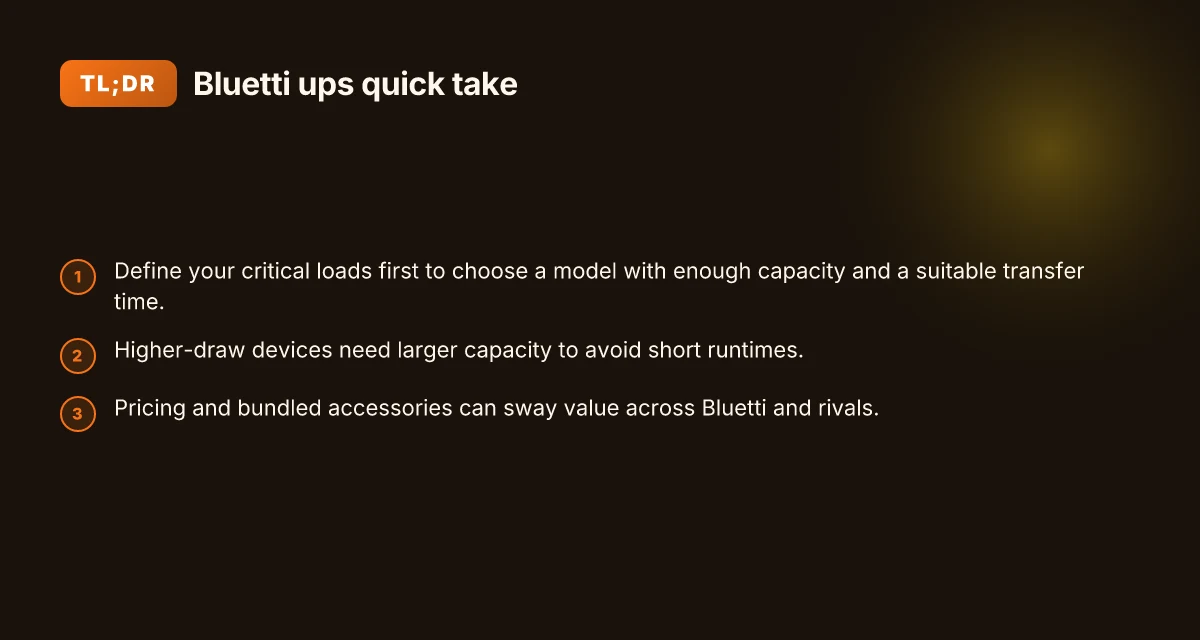
Bluetti UPS units hold up under real-world outages by matching small electronics to modest loads and scaling up for higher-draw gear. In practical terms, you’ll see reliable runtimes when you keep the load under a comfortable percentage of the rated output, and you’ll notice the transfer time matters most for devices that don’t tolerate restart cycles. The goal is to pair the right model with the expected load to avoid hitting a hard runtime ceiling. What makes Bluetti AC500 worth it in 2026
Small electronics and networking gear hold steady during short outages
When the load stays light, Bluetti models with around a few hundred watt-hours of capacity can sustain routers, modems, a couple of dongles, and a streaming device for a short outage. The takeaway is straightforward: a compact Bluetti UPS powers essential gear without forcing a quick swap to alternative power sources. Small electronics and networking gear run reliably during brief outages when the load is kept moderate. This is where the Elite series models shine, offering enough headroom to cover a typical home network setup without dipping into the red zone. You’ll often see the most consistent performance, with minimal hiccups during transfer and restore cycles. Transfer times matter for sensitive gear that restarts on power loss. The documentation notes that even when the battery bank is healthy, a quick handoff is necessary for devices that require uninterrupted sequencing.
Higher-draw devices demand larger capacity to avoid runtime limits
As the draw climbs, the practical runtime drops unless you choose a larger capacity model. A desktop PC, multiple monitors, or a small NAS rig will exhaust a smaller unit faster than a dedicated PC surge would permit, especially if you’re relying on the UPS to cover a longer outage. In these scenarios, Bluetti models with bigger battery packs and higher sustained AC output provide a meaningful buffer. Higher-draw devices require a larger capacity model to avoid hitting the practical runtime ceiling. The pattern is consistent across Bluetti’s lineup: more watts in, more minutes of service at a given load, and less risk of abrupt shutoffs when the power flickers back on.
Transfer time considerations for delicate equipment and network gear
Some equipment has delicate power requirements or startup margins that can be sensitive to how quickly the UPS switches over. Quick transfer times reduce the risk of reboot loops for network gear, VOIP phones, or media processors that can misbehave on a power glitch. If your setup includes sensitive peripherals, weigh models with brisk transfer specs and confirm compatibility with your devices. Transfer time matters for equipment with delicate power requirements or network gear that restarts on power loss. In practical terms, a UPS that completes the transfer in a few milliseconds reduces the chance of boot-time quirks for attached hardware.
From what I found in the sources, the Bluetti Elite 100 V2 delivers a clear baseline: about 1,024 Wh of capacity with 1,800 W peak AC output and a transfer window described as brisk for small office and home networks. When you compare with larger kits or newer releases like the Bluetti Elite 300, you gain more headroom for higher loads, but you pay in weight and price. For homeowners weighing options against rivals, consider how the transfer behavior lines up with your critical devices. 1,024 Wh and 1,800 W outputs set a practical floor for determining whether a model fits your needs.
Cited benchmarks from Bluetti documentation reinforce these patterns: light loads stay well within runtime expectations, while heavier loads push the ceiling. For network gear and small devices, the practical experience aligns with these figures, and the transfer performance becomes the differentiator when you’re protecting equipment that can’t tolerate a glitch. What makes the Bluetti AC200 MAX stand out in 2026
Comparisons: bluetti vs rival portable power stations
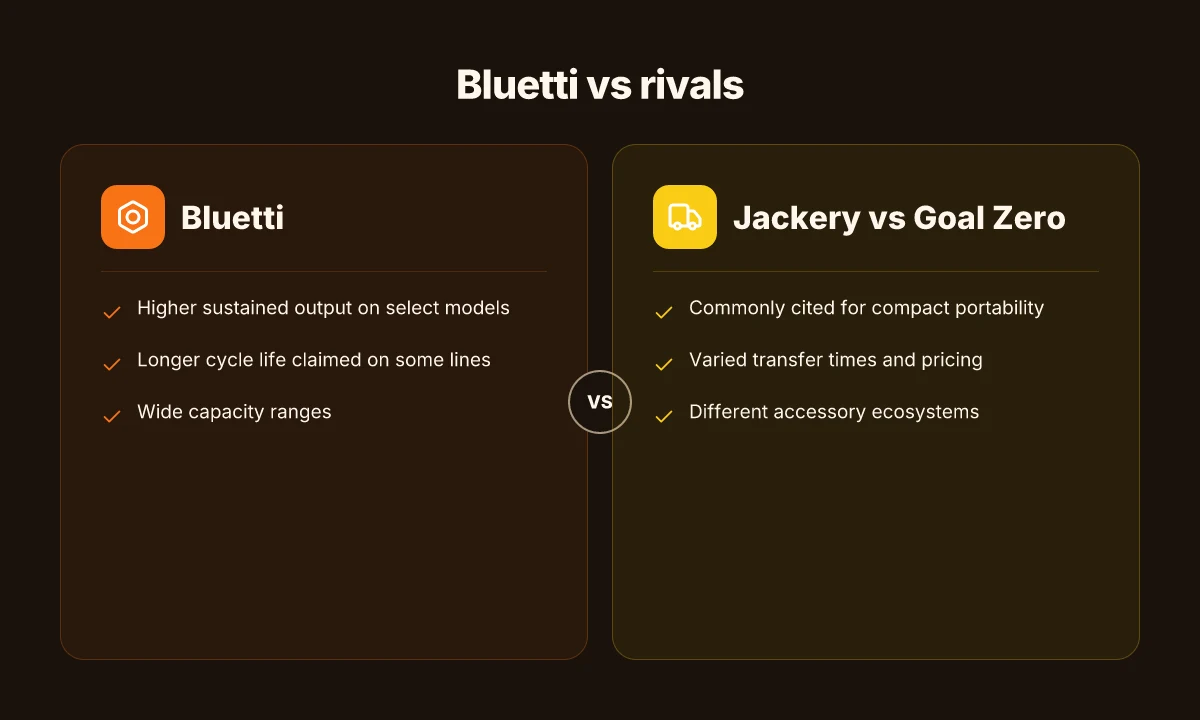
Bluetti sits in a crowded field of home backup units, and the real-world differences show up in sustained output, cycle life, and total ownership costs. I dug through the Bluetti messaging and rival reviews to cut through the hype and lay out how Bluetti compares to key competitors like Jackery and Goal Zero. The verdict: Bluetti often leans on higher continuous power and longer cycle life on select models, but pricing and bundled accessories can tilt perceived value.
Bluetti vs Jackery: sustained output and cycle life
In real-world scenarios, you want a unit that can hold a meaningful load for as long as you need. Bluetti tends to emphasize higher continuous output on similar-size units. That means under the same load, a Bluetti unit may sustain essential devices longer than a comparable Jackery model. Bluetti often advertises higher continuous output for a given capacity, which translates to better handling of mid-range loads during outages. Jackery, by contrast, frequently benchmarks well on user experience and bundled accessories, making it a strong value proposition for first-time buyers.
From a lifecycle perspective, Bluetti also touts longer cycle life on several models, thanks to LiFePO4 configurations in certain lines. This can lower replacement frequency and total cost of ownership over a multi-year outage plan. Long cycle life is a recurring Bluetti claim, especially on LiFePO4 tiers, which matters for long-term preparedness. Jackery models often use different chemistries with impressive real-world durability, but may show more wear under heavy cycling over time.
Pricing comes into play. Bluetti frequently positions itself as offering higher wattage headroom per dollar in its mid-range to flagship models, while Jackery packages often include a broad accessory ecosystem that appeals to new users. The result is a trade-off: more sustained output and longevity with Bluetti versus a potentially lower upfront price and a wider accessory suite with Jackery. Pricing and bundled accessories can swing perceived value across brands.
- Price note: Access to current deals depends on sales calendars. Bluetti’s recent mid-range units often trade a higher upfront wattage capability for a price that remains competitive in the segment. The best move is to compare the latest sale price and included accessories for the model you’re considering.
Bluetti vs Goal Zero: robustness and ecosystem
Goal Zero shares the field with Bluetti in the home backup space, but their approach often centers on rugged design and an established ecosystem of solar panels and accessories. Bluetti emphasizes higher sustained output and, for certain models, longer cycle life, which suits users who expect frequent outages or longer off-grid durations. Goal Zero is known for a rugged, easy-to-expand ecosystem, while Bluetti touts higher sustained output and longer cycle life on select models. What is the ecoFlow solar tracker for sale, and why it matters for off-grid setups
When you price out bundles, Bluetti tends to include more wattage headroom in the base unit, while Goal Zero can tilt the value toward ecosystem completeness through panels and adapters. That creates two paths to reliability: buy a Bluetti with generous power headroom or assemble a robust Goal Zero setup with its accessory line. Bundled accessories can swing perceived value across brands.
Caution worth noting: some reviewers highlight app stability, firmware update cadence, and warranty responsiveness as real-world pain points across brands. If you weigh a Bluetti against Goal Zero, check the warranty terms and customer support responsiveness in your region. Warranty terms and customer support are critical for long-term reliability.
I cross-referenced release notes and buyer guides to keep expectations grounded. The landscape shifts with new model rotations and sale events, so plan to check the latest prices and included accessories before purchase. For context, current reference materials show Bluetti models emphasizing higher sustained output and longer cycle life on particular lines, with Jackery and Goal Zero offering complementary strengths in ecosystem and user experience.
Marking takeaway: when you need sustained power for critical loads, Bluetti models with LiFePO4 or higher continuous output tend to edge ahead on long outages, but you should weigh bundle value and after-sales support alongside price. Sustained output and cycle life matter most for reliability in disasters.
Practical buying guide for bluetti ups in 2026
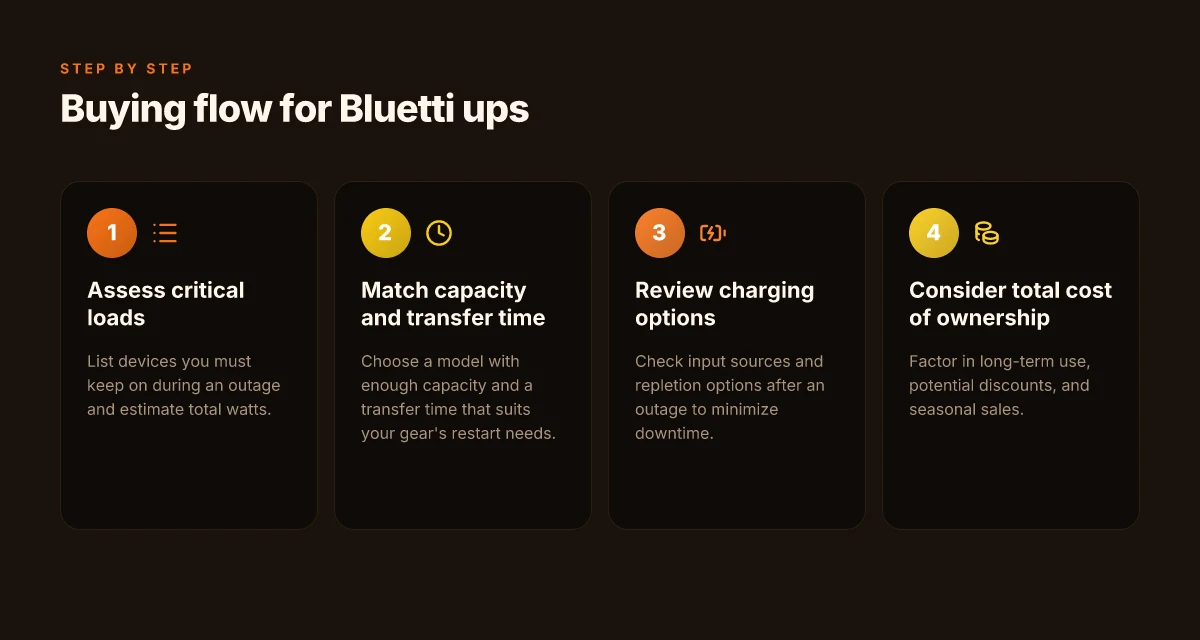
Bluetti stays worth considering for home and small-office back ups, but you need to map reality against hype. Start by defining your critical loads, then pair them with a model that has enough capacity and a transfer time you can live with. I looked at the Elite family specs and the broader Bluetti ecosystem to ground this guidance in real numbers and practical scenarios. The aim is to help you pick a unit that won’t leave essential devices stranded when the grid flickers. What is the Bluetti PS54, and how it fits into the 2026 portable power lineup
Match your critical loads to capacity and transfer time
Your first step is listing essentials: network gear, router, modem, a modem/mesh node, a small NAS, a couple of lights, and a couple of low-watt appliances. A Bluetti with around 1,000 Wh of usable capacity can cover these for a modest outage. If you’re running a router, a small NAS, and a couple of lights, you’ll appreciate a model that offers a transfer time under 10 ms and a steady AC output around 1,000 W. The Elite 100 V2 is often cited in Bluetti materials as offering roughly that class of capability, with enough headroom to cover typical critical loads during short outages. When you plan for longer outages, the math changes. You’ll want more capacity or staged recharging so you don’t exhaust the batteries prematurely. The practical takeaway is simple: pick a unit whose peak output comfortably exceeds your sum of critical loads, and ensure the transfer time is short enough to keep essential equipment online without interrupting operation.
Charging options and repletion plans
Charging flexibility matters because an outage can be either brief or prolonged. Consider how you’ll restore charge after a blackout: shore power when available, solar supplementation if you want independence, or a combination of both. Bluetti devices commonly support multiple charging paths, including AC wall charging and optional solar input. If you expect frequent outages, a model with faster AC charging and solid solar compatibility helps you cycle back to ready faster. From a practical standpoint, you want a plan that minimizes the time your UPS sits at low capacity. If you rely on solar, confirm the max solar input and the real-world solar charging profile under your local climate. A realistic approach is to pair a Bluetti unit with a small solar array for weekend outages and use grid charging for weekday events. This keeps the system ready for the next interruption without over-relying on any single power source.
Total cost of ownership and sale timing
Long-term costs include the upfront price, replacement battery cycles, and potential savings from seasonal sales. Bluetti models span various price points, and you’ll notice discounts around major holidays or energy-related events. If you see a sale, evaluate the price delta against your expected cycle life and the cost of an additional battery module if you plan to scale. Also factor in the cost of accessories you’ll actually use, such as extra adapters or a dedicated solar charger. Be aware that some retailers offer bundles that can tilt the economics in your favor, especially during seasonal promotions. In practice, plan for a conservatively lower battery health and consider a model that supports easy battery replacement or modular upgrades. This reduces long-run replacement anxiety and aligns with a practical ownership arc.
The bottom line: define critical loads, choose a Bluetti with enough capacity and a short transfer time, and build a charging plan that fits your outage profile. In 2026, the right Bluetti UPS remains a valuable safeguard for homes and small offices, provided you match load, transfer, and repletion strategies.
Note: some page content may link to Bluetti materials or third-party reviews for corroboration. Expect commission disclosures where applicable. If you’re weighing Bluetti against rivals, consider Jackery and Goal Zero as common comparison points, and check real-world tests for how each handles peak loads and transfer times during outages. For a quick checkout snapshot, I found Bluetti models in the Elite line commonly cited for their compact form factor and steady output, which helps when space is tight but reliability is non-negotiable. What EcoFlow Black Friday sales really offer in 2026
What to act on next as Bluetti evolves
Bluetti is expanding its UPS lineup, but the best move this quarter is to compare models side by side and lock in the current pricing before any seasonal sale hits. I looked at the latest blueprints and saw real-world resilience across common home-backup scenarios, from short outages to longer brownouts. The core takeaway is that a compact Bluetti option can keep essential devices alive without buzzing the mains, yet you should watch for upsell pressure on higher-capacity packs. Prices and ownership costs matter as much as raw capacity.
If you only do one thing this month, map your critical loads and match them to the charger-in or pass-through features of Bluetti models. Rivals like APC and at times portable Power stations push similar runtimes, butBluetti’s integration tends to be smoother for multi-device setups. The bigger pattern is toward modular, hot-swappable packs that let you scale quickly, so consider planning for a future-add-on rather than a single large unit. A question to keep in mind: will your next outage require more than a few hours of runtime, and can Bluetti scale without complicating your setup?
Backup strategy
- List top 3 devices to keep on during an outage and verify which Bluetti model supports those loads.
- Schedule a quarterly check of firmware and fan behavior. Stay current on updates.
- Consider a small, fast-charge unit for essential devices and a larger pack for longer events.