What is Microsoft Edge VPN
 Bastien Petrosian10 min read
A clear, practical guide to Microsoft Edge VPN (Secure Network), what it does, how to enable it, limitations, and how it compares to standalone VPNs.
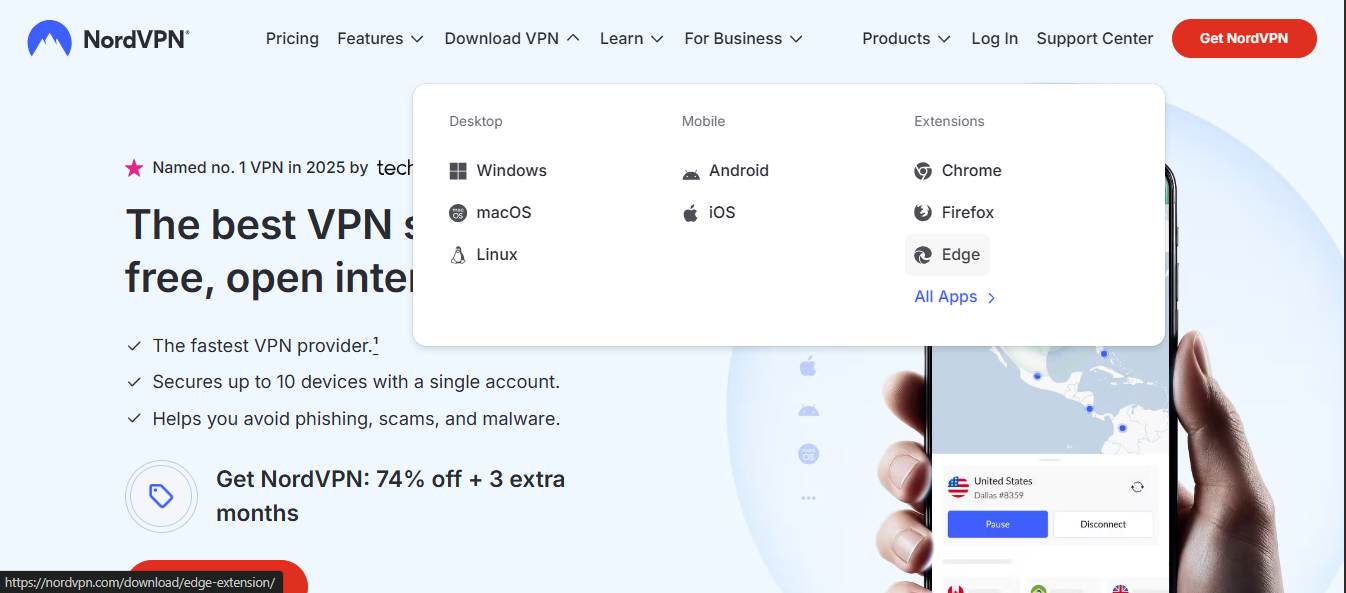
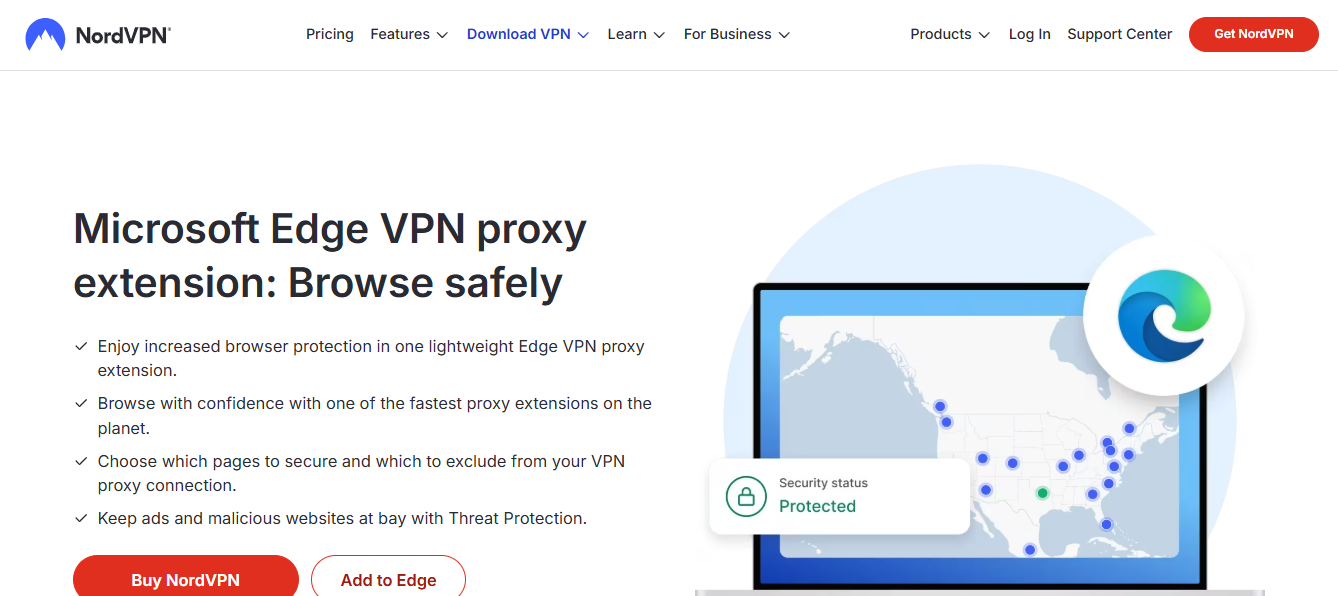
Microsoft Edge has a built-in VPN feature called Secure Network. This feature is designed to add an extra layer of privacy and security to your browsing by masking your IP address and encrypting traffic that flows through the Edge browser. It is not a substitute for a full system-wide VPN, but it can be a convenient option for users who want to protect their browser activity with minimal setup. Below, you’ll find a practical overview of what Edge VPN is, how it works, what you can expect, and how it stacks up against standalone VPN services.

Edge VPN vs. Standalone VPN — Key Differences
| Feature | Edge Secure Network | Standalone VPN | Compare notes |
|---|---|---|---|
| Core purpose | Protects browser traffic | Encrypts all device traffic | Scope differs by design |
| Platform access | Built into Edge | Separate app/service | Integration varies |
| Operating system support | Windows, macOS, iOS, Android (varies by build) | Windows, macOS, Linux, iOS, Android | Check current support |
| Traffic coverage | Browser traffic only | All network traffic | Impact varies by use case |
| Performance impact | Light to moderate | Moderate to noticeable | Depends on server choice |
| Privacy protection | IP masking; location spoofing | IP masking; full device anonymity possible | Privacy levels differ |
| Configuration | Minimal; automatic default | Manual or app-based | User effort varies |
| Feature set | Secure Network, SmartScreen, Defender integration | Kill switch, DNS leak protection, app routing (varies) | Feature parity not guaranteed |
| Cost | Included with Edge/browser (no extra app) | Subscriptions/fees | Economic difference |
| Use-case suitability | Quick protection while browsing | Full-device protection for all apps | Best aligned with goals |
Compiled November 2026; check the provider's site for current details.
What is Microsoft Edge VPN (Secure Network)?
Secure Network is a privacy and security feature integrated into the Microsoft Edge browser. It uses VPN-like technology to route browser traffic through Microsoft’s servers, helping to conceal your IP address and encrypt data as you browse. The feature is designed to be simple and accessible, eliminating the need to install a separate VPN app for casual browsing.
Important nuances:
- It primarily affects traffic inside Edge. Other apps and system-wide connections remain unaffected unless Edge is configured to route more traffic.
- It’s designed for privacy, not for bypassing all geolocation restrictions. Some streaming services and certain sites may still detect you or block traffic.
- It’s a convenient option for users who want quick protection without extra software.
How to enable and use Secure Network in Edge
Enabling Secure Network is straightforward, and you’ll usually find the option in Edge’s privacy or security settings. Here’s a practical step-by-step guide:
- Open Microsoft Edge and go to Settings.
- Look for Privacy, search, and services, or Privacy, Security, and Services depending on your Edge version.
- Find Secure Network (VPN) and toggle it on.
- If prompted, review any terms, then confirm to enable the VPN service for browser traffic.
- You’ll see a status indicator showing that Secure Network is active. You can toggle it off at any time.
Tips:
- Ensure Edge is updated to the latest version to access the most current Secure Network features.
- If you’re connected to a trusted network (home or work), you may choose to turn Secure Network off to avoid any potential performance impact.
- Some environments (corporate networks) may have policies that affect VPN usage. If you’re on a managed device, check with IT.
What Secure Network protects (and what it doesn’t)
What it protects: NordVPN deals
- Browser traffic from Edge: Your browser requests, cookies, and data transmitted through Edge can be encrypted and routed via Microsoft’s servers.
- IP masking: Your public IP address appears as the IP of a Microsoft server instead of your actual address when you browse with Edge.
What it doesn’t protect:
- System-wide traffic: Other apps on your device (e.g., email clients, games, other browsers) won’t automatically use Secure Network unless Edge is acting as the traffic gateway for those apps (which it generally does not by default).
- Streaming, geo-restriction circumvention: While it can help with privacy, it’s not a guarantee for bypassing geo-blocks or streaming restrictions. Some services actively detect and block VPN-like traffic.
- End-to-end encryption beyond browsing: While Edge’s data within Secure Network is protected, your device’s overall security posture depends on other protections (antivirus, firewall, OS updates).
What to Enable and What It Covers — Decision Guide
| Option | Covers | When to enable | Quick indicator |
|---|---|---|---|
| Edge Secure Network | Browser traffic | While browsing in Edge | Yes for Edge browsing |
| Full-device VPN | All apps and traffic | When needing system-wide protection | Yes for comprehensive privacy |
| No VPN | No VPN protection | On trusted networks only; risk-aware | No for protection |
Compiled November 2026; check the provider's site for current details.
Edge VPN vs. standalone VPNs: a quick comparison
To help you decide, here’s a concise comparison of key aspects. Note that the table reflects general expectations. Features can vary by provider and Edge version.
| Aspect | Microsoft Edge Secure Network | Standalone VPN (3rd party) |
|---|---|---|
| Scope | Browser traffic in Edge | System-wide (all apps) traffic |
| Server locations | Limited to Edge’s built-in options | Wide range of servers across many countries |
| Control over regions | Often fixed or limited; you may not choose specific regions | You can usually pick exact servers/regions |
| Streaming compatibility | Mixed; some services may block, others work | Better odds with many providers optimized for streaming |
| Split tunneling | Generally not user-configurable for Edge VPN | Common feature; choose apps to route through VPN |
| Privacy features | Basic IP masking and encryption for Edge traffic | Comprehensive privacy tools (no-logs, kill switch, DNS leakage protection) |
| Speed and latency | Sufficient for general browsing; may vary | Typically faster for sustained use depending on server load |
| Cost | Often included with Edge; no separate plan | Requires subscription; price varies by provider |
Pros and cons to consider
Pros: Microsoft Edge secure network VPN missing how to fix it and why
- Easy to enable directly in Edge with no extra software.
- Quick privacy boost for everyday browsing.
- Minimal setup, especially for casual users.
- Useful on shared devices or public Wi-Fi to reduce exposure of browser traffic.
Cons:
- Not a full replacement for a system-wide VPN.
- Limited control over server locations and regions.
- May not reliably unblock streaming or site-specific restrictions.
- Dependence on Edge updates for feature changes or security improvements.
Common questions and myths
- Is Microsoft Edge VPN free?
- Secure Network is built into Edge and does not require a separate subscription, but its availability and extent of features can vary by region and Edge version. Always check your current Edge build to confirm what’s included.
- Should you leave VPN on all the time?
- For general privacy on public networks, keeping it on is reasonable. If you’re on a trusted home network and you need faster speeds, you might turn it off for performance. If device-wide privacy is a priority, a full VPN may be more appropriate.
- Can you choose the VPN server location?
- Edge’s built-in Secure Network often provides a limited set of server regions. If you need broader regional options, a third-party VPN with a wide server network is a better fit.
- Does Edge VPN protect other devices on my network?
- No. Secure Network protects only Edge traffic on the device where it’s enabled. Other devices on the same network aren’t affected unless they also have VPN protection enabled.
Real-world use cases
- Casual browsing on public Wi-Fi: You can enable Secure Network in Edge to add a layer of privacy without handling a separate app.
- Privacy-conscious work-from-home users: If your intention is simply to obscure your actual IP for Edge traffic while browsing business-related pages, Secure Network can be a handy option.
- Students and travelers: When connected to shared networks (libraries, airports, cafes), Secure Network could help reduce incidental tracking on Edge while you search for information.
How Edge Secure Network fits into your overall privacy toolkit
Think of Secure Network as one piece of your privacy and security puzzle. It’s a ready-made, browser-level shield for Edge users, but it isn’t a one-stop solution:
- Combine with a reputable standalone VPN if you want system-wide protection, broader server choices, and features like split tunneling and kill switch.
- Use strong, unique passwords, enabling two-factor authentication where possible.
- Keep your OS and apps updated to reduce vulnerabilities.
- Consider a privacy-conscious browser habit: regular clearing of cookies and trackers where appropriate, and cautious extension management.
Pros and Cons Snapshot — Edge Secure Network vs. Full VPN
| Criterion | Edge Secure Network | Full VPN | Quick verdict |
|---|---|---|---|
| Privacy depth | Moderate | High | Choose by need |
| Setup complexity | Low | Higher | Edge wins for simplicity |
| Speed impact | Light to moderate | Potentially more | Edge often faster |
| Compatibility | Works in Edge only | Wide app support | Edge limited by scope |
| Data usage | Browser data protected | All data protected | Full VPN broader protection |
| Cost | Often free with Edge | Often subscription | Edge typically cheaper/easier |
Compiled November 2026; check the provider's site for current details.
Recommended approach: when to use Edge VPN and when to opt for a full VPN
Use Edge Secure Network when: NordVPN deal
You want a quick privacy boost for casual browsing on Edge without installing anything.
You’re on a trusted device and don’t need system-wide protection.
You’re on a public Wi-Fi and want to add a layer of protection for Edge traffic.
Choose a standalone VPN when:
You need protection for all apps and devices, not just Edge. Microsoft Edge VPN app
You want control over server regions and the ability to select specific locations.
You’re trying to access streaming services that require more robust VPN support, or you need features like kill switch, DNS leak protection, and split tunneling.
You frequently travel or work across multiple networks and want consistent performance and reliability.
Final section: recommendation
If your goal is straightforward browser-level privacy with minimal setup, Edge’s Secure Network is a sensible first step. It’s designed to be user-friendly, integrates directly into the browser, and doesn’t require a separate subscription in many cases. However, if you’re seeking comprehensive protection, versatile server options, better streaming compatibility, or system-wide coverage, you’ll likely want to complement or replace Edge’s built-in feature with a reputable standalone VPN. Start with Secure Network to gauge your privacy comfort level, then evaluate a third-party VPN if your needs grow beyond Edge traffic. Always stay informed about updates to Edge and its Secure Network feature, as Microsoft periodically adjusts capabilities, server options, and terms of use. How much is NordVPN
| VPN | Obfuscation | From / month | Plan | Free plan | Refund | Alipay | UnionPay | Crypto | Website opens in China | Trustpilot | |
|---|---|---|---|---|---|---|---|---|---|---|---|
 ZoogVPN | Turn on manually Shadow | $2.49/mo | 27 months: $59.99 | Yes | 7 days | ✓ | ✓ | ✓ | ✓ | ✓ Yes (2.5 s) | 4.2/5 (195 reviews) |
 NordVPN | Turn on manually Obfuscated Servers / NordWhisper | $3.49/mo | 27 months: $94.23 | No | 30 days | ? | ✗ | ✓ | ✓ | ✗ Blocked | 4.2/5 (51,628 reviews) |
 ExpressVPN | ✓ On by default all servers | $3.00/mo | 28 months: $84 | No | 30 days | ✗ | ✗ | ✓ | ✗ | ✗ Blocked | 4.4/5 (29,706 reviews) |
 Surfshark | ✓ On by default Camouflage, with OpenVPN | See site | See site | No | 30 days | ✗ | ✗ | ✗ | ✓ | ✗ Blocked | 4.3/5 (31,823 reviews) |
 Proton VPN | Turn on manually Stealth, free plan too | $2.99/mo | 12 months: $35.88 | Yes | 30 days | ✗ | ✗ | ✗ | ✓ | ✓ Yes (2.5 s) | 2.1/5 (1,040 reviews) |
 Astrill VPN | Turn on manually StealthVPN / OpenWeb | $12.50/mo | 24 months: $300 | No | See site | ✗ | ✗ | ✗ | ✓ | ✗ Blocked | 1.3/5 (110 reviews) |
 Private Internet Access | Turn on manually Shadowsocks, OpenVPN only | $2.03/mo | 40 months: $81.2 | No | 30 days | ✗ | ✗ | ✗ | ✗ | ✗ Blocked | 4.2/5 (11,033 reviews) |
 CyberGhost | Turn on manually selected servers | $2.19/mo | 28 months: $61.32 | No | 45 days | ✗ | ✗ | ✗ | ✓ | ✗ Blocked | 4.0/5 (24,178 reviews) |
 PureVPN | Turn on manually switch to OpenVPN | $1.69/mo | 60 months: $101.55 | No | 31 days | ? | ✗ | ✗ | ✓ | ✓ Yes (2.6 s) | 4.4/5 (17,994 reviews) |
 AdGuard VPN | ✓ On by default TrustTunnel | $2.99/mo | 24 months: $71.76 | Yes | 30 days | ✓ | ✗ | ✓ | ✓ | Official site blocked; our special link opens (2.3 s) | 4.3/5 (290 reviews) |
 Mullvad | Turn on manually QUIC / Shadowsocks / LWO | $5.61/mo | €5/mo | No | 14 days | ✗ | ✗ | ✗ | ✓ | ✗ Blocked | 3.2/5 (192 reviews) |
 Windscribe | Turn on manually Stealth / WStunnel | $5.75/mo | 12 months: $69 | Yes | See site | ✗ | ✗ | ✗ | ✓ | ✗ Blocked | 4.7/5 (13,355 reviews) |
 StrongVPN | Turn on manually Scramble, OpenVPN TCP | See site | See site | No | 30 days | ✓ | ✗ | ✗ | ✗ | ✗ Blocked | 4.4/5 (2,695 reviews) |
 LightXtreme 闪连 | Not listed | $7.08/mo | 12 months: $84.99 | Yes | 30 days | ✓ | ✓ | ✓ | ✓ | ✓ Yes (2.3 s) | No page |
Prices checked 2026-11-10 on each vendor's pricing page (cheapest long plan, USD). Check the vendor's checkout for the final price.
Obfuscation checked 2026-11-14 on each vendor's site and help center: "on by default" = nothing to set; "turn on manually" = switch protocol or mode in settings; "not listed" = the vendor describes no obfuscation.
Payment methods checked 2026-11-10 on each vendor's payment pages: all 14 take cards and PayPal; ✗ = not listed, ? = the vendor's own pages disagree.
China access: whether the official website opens from mainland China networks (tests the website only, not the VPN connection). Last checked 2026-11-11 04:07 Beijing time.
Trustpilot score and review count checked 2026-11-10.