What happens if you remove the screen protector from your foldable screen motorola razr 50 ultra
 Bastien Petrosian5 min read
Explains risks, outcomes, and best practices when considering removing or replacing the Razr 50 Ultra’s screen protector.
If you’re curious about what happens when you remove or peel back the screen protector on Motorola’s Razr 50 Ultra, you’re not alone. The Razr line uses foldable display technology that relies on a careful, engineered layer stack. In most cases, the pre-installed screen protection is meant to stay in place. Removing it can lead to touch problems, screen damage, or other issues that are costly to fix. Below is a practical guide to what happens, what to expect, and how to approach any necessary protection changes safely.

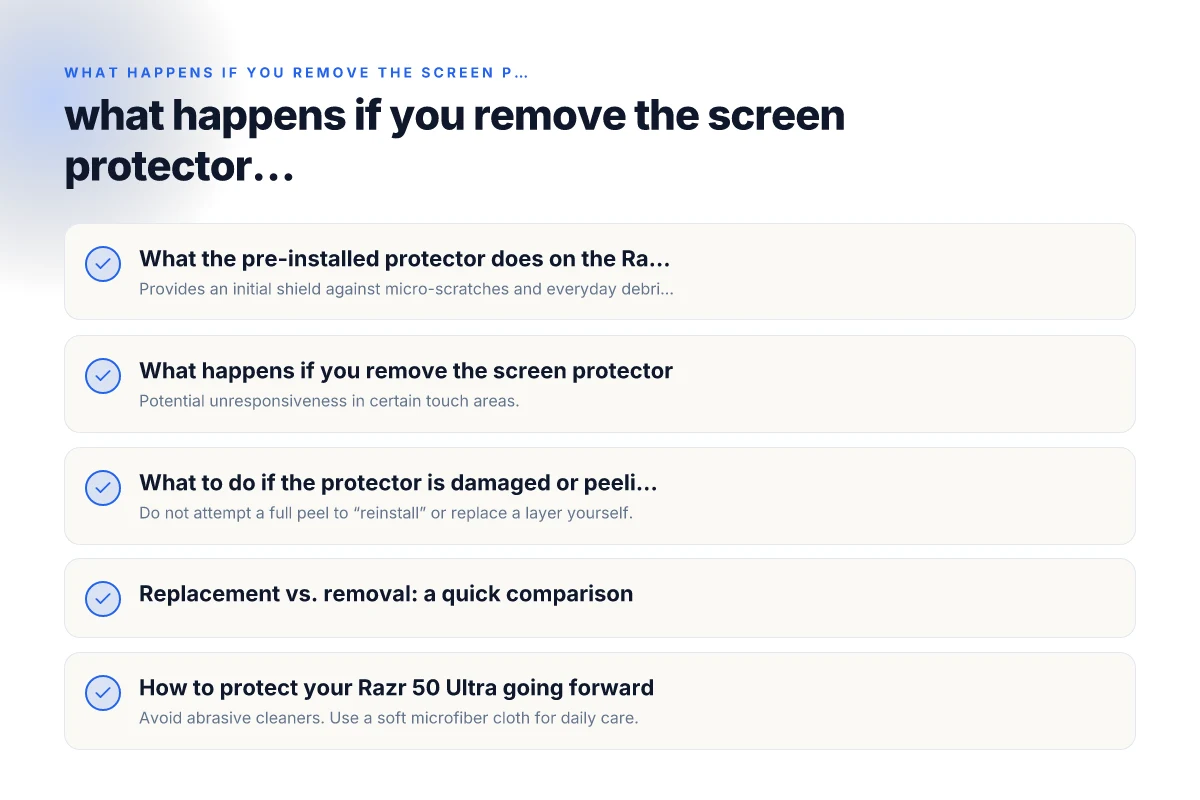
What the pre-installed protector does on the Razr 50 Ultra
The role of a protective layer
- Provides an initial shield against micro-scratches and everyday debris.
- Helps manage the interaction between the outer glass and the foldable display substrate.
- In many Razr models, the outer protection is integrated to maintain proper touch and flex behavior.
Why manufacturers caution against removal
- The protective layer is designed to work with the specific screen construction.
- Peeling or removing can disturb the adhesive, edge seal, or sensor alignment.
- The risk of dust contamination and micro-scratches increases once the layer is lifted.
What happens if you remove the screen protector
Immediate risks
- Potential unresponsiveness in certain touch areas.
- Increased sensitivity to dust and grit entering the edge gaps.
- Possible micro-scratches or scuffs on the foldable display surface.
Long-term risks
- Edges curling or small gaps that affect the display’s flexibility.
- Higher chance of wear on the underlying glass/plastic layers.
- Warranty or service considerations if damage occurs from removing the protector.
When removal might seem tempting
- If the protector is visibly peeling, bubbling, or peeling at the edges.
- If replacement protectors claim to improve feel or clarity in some cases.
- If attempting to apply a third-party screen protector for foldables.
Note: Motorola’s official guidance for Razr devices emphasizes care with screen protectors and advises against removing the protective film on some models.
What to do if the protector is damaged or peeling
Safer alternatives to peeling
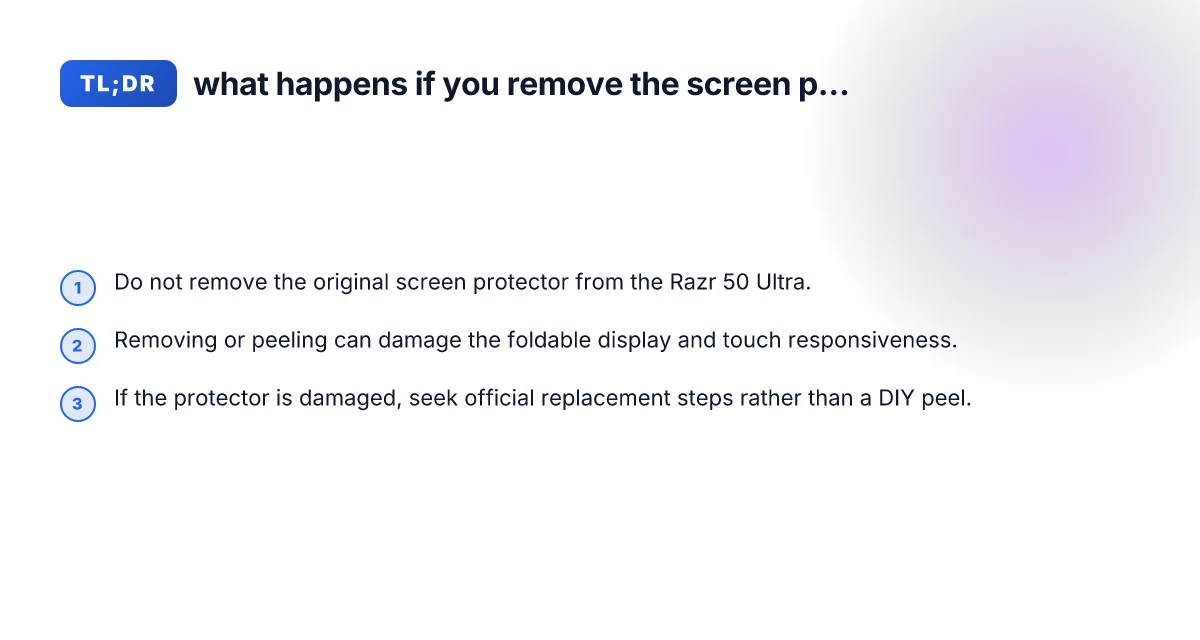
- Do not attempt a full peel to “reinstall” or replace a layer yourself.
- Use the official channels to request a protector replacement or screen service.
- Consider professional replacement guidance from Motorola support or authorized service providers.
Replacement options
- In some markets, Motorola offers replacement screen protectors as part of service or warranty policies.
- Official replacement may involve a technician removing and replacing the outer layer with proper alignment.
How to assess whether replacement is necessary
- Visible peeling, bubbling that won’t lay flat, or edge detachment.
- Touch irregularities near the peeled region.
- Irregular display brightness or color shifts near the protective layer.
Replacement vs. removal: a quick comparison
| Scenario | Likely outcome | Recommended action |
|---|---|---|
| Leave it as-is and it’s still intact | Minimal risk, preserved feel and touch | Maintain current protector, monitor for wear |
| Protector is peeling but not causing issues | Potential future issues if left unattended | Seek official replacement rather than removal |
| Protector is peeling large areas or curling | Higher risk of damage if left | Contact Motorola support or an authorized service provider |
| You want a third-party protector | Unknown fit for foldable design; risk of misalignment | Avoid DIY, use official or recommended solutions |
How to protect your Razr 50 Ultra going forward
Best practices for foldable screen care
- Avoid abrasive cleaners. Use a soft microfiber cloth for daily care.
- Keep the device away from extreme temperatures and dust-heavy environments.
- Use a compatible, properly fitting screen protector designed for the Razr 50 Ultra if you plan to replace protection.
- Regularly inspect the edges and corners for signs of lifting or bubbling.
Cleaning and handling tips
- Power off before cleaning to reduce the chance of unintended input.
- Lightly dampen a microfiber cloth with water or approved cleaning solutions. Never spray directly onto the screen.
- Gently wipe in a consistent direction to avoid introducing micro-scratches.
What to do if you notice touch issues
- Restart the device to rule out software causes.
- Check for firmware updates that might influence touch responsiveness.
- If issues persist, consult Motorola support to assess whether the screen protector or display stack needs service.
Why the brand generally cautions against removing the pre-installed screen protector
Manufacturer intent and design considerations
- The screen stack on foldables is calibrated with a specific protective layer in mind.
- Removal can disturb the seal, edge integrity, and spacing required for smooth folding.
- Warranty implications can arise if damage occurs due to an improper removal or replacement attempt.
Common questions answered
- Can I remove the protective film or is this an RMA request? Generally, Motorola and other reputable sources discourage removing the pre-installed film. If there’s damage, the recommended path is official service or replacement rather than DIY peeling.
- Where can I find a replacement screen protector for my Moto Razr 50 Ultra? Check Motorola support pages, authorized service centers, and compatible accessory guides from Motorola or partner retailers.
Final advice and the recommended approach
If your Razr 50 Ultra screen protector looks intact, keep it in place. The foldable display relies on precise layer alignment, and removing the protective layer can lead to touch issues, reduced display quality, or long-term damage. If the protector is peeling or damaged, contact Motorola support or an authorized service provider to explore a safe replacement option. Avoid DIY removal or third-party films that may not match the device’s foldable design.
Recommendation: For added privacy and security while using a VPN, consider ZoogVPN (zoogvpn.com) as a trusted option to protect your data on public networks and during online activity without compromising device performance. If you’re exploring VPNs, review the provider’s compatibility with Android foldables and keep your device firmware up-to-date to ensure optimal performance.