VPN router setup guide office China
 Solomon CaradocNovember 5, 20267 min read
We earn a commission when you buy through some links on this site, at no extra cost to you.
A practical guide to setting up a VPN router for office use in China, with a recommended provider and clear steps.
In modern offices, a VPN router can simplify secure access for everyone on the network. In China, where network controls can complicate remote access and external connectivity, a VPN router offers a robust solution: it encrypts traffic at the router level, so devices don’t need client software configured individually. This guide walks you through selecting a provider, choosing a router, and configuring a VPN router setup for office use in China. We’ll highlight practical tips, common pitfalls, and a clear path to a reliable, secure setup, with a practical recommendation you can act on today.

1. Why use a VPN router in an office in China
- Centralized security: All devices on the network route through the VPN tunnel, reducing the need for multiple client configurations.
- Consistent policy enforcement: Apply access controls, kill switches, and DNS privacy at the router level.
- Bypass or mitigate geo-restrictions and censorship: A well-chosen VPN with stable routes can improve access to remote resources.
- Easier remote work: Remote employees connect to the office network through the VPN, as if they were on-site.
- Lower maintenance: One configuration change on the router updates every connected device.
Common concerns in China:
- Some VPNs face intermittent disruptions due to smart routing and firewall interventions. A reputable provider with robust China performance helps reduce downtime.
- Legal considerations vary by jurisdiction and usage. Stick to compliant use for business needs and consult local guidance.
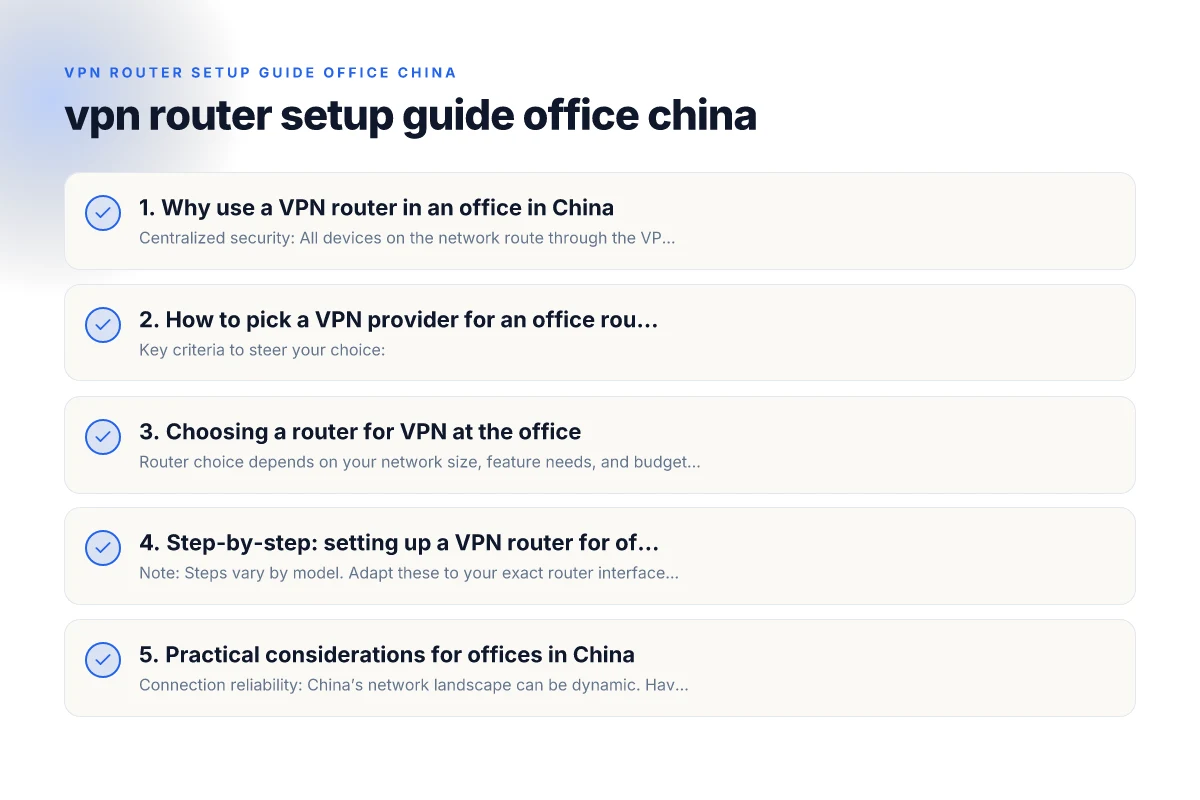
2. How to pick a VPN provider for an office router
Key criteria to steer your choice:
- OpenVPN and WireGuard support: Both are widely compatible with modern routers, giving you flexible options.
- Stability and speed: Look for providers with reliable China routes and consistent uptime.
- Simultaneous connections: Ensure the plan allows enough concurrent connections for your office devices or rely on router-level consolidation.
- Static IP or dedicated servers: Depending on your remote access needs, a static IP can simplify firewall rules and access controls.
- Kill switch and DNS leak protection: Essential to keep traffic contained within the VPN tunnel.
- Customer support and business plans: Look for business-oriented plans that offer SLAs and priority support.
Why ZoogVPN stands out:
- ZoogVPN offers a straightforward OpenVPN/WireGuard setup and has a reputation for reliable performance in constrained networks. For office routers, it provides clear server profiles and per-user or per-organization options in business contexts. You evaluate. Consider how their China-facing routes perform and whether their support can assist in a router-first deployment.
Tips for evaluating a provider:
- Ask for a test period on your router model and firmware version.
- Verify DNS privacy and split-tunneling capabilities if needed for your office workflow.
- Check recent user reports about uptime and Chinese routing behavior to gauge current performance.
3. Choosing a router for VPN at the office
Router choice depends on your network size, feature needs, and budget. The most common families: Free VPN for Edge extension
- Consumer-grade routers with VPN client/server support (e.g., certain TP-Link, Netgear, Asus models): Affordable, widely supported, good for small offices.
- Enterprise or prosumer routers (e.g., GL.iNet, Ubiquiti EdgeRouter, OpenWrt-compatible devices): More control, advanced routing, better scalability and security features.
- Pre-flashed VPN routers from specialty brands (e.g., FlashRouter): Convenient if you want a turnkey VPN setup with a BYOD office system.
Key specs to review:
- CPU and RAM: A router with stronger specs handles VPN encryption without slowing down network speeds.
- VPN protocol support: Confirm OpenVPN and WireGuard, plus any required authentication methods.
- Firmware upgrade policy: Plan for ongoing security updates, especially important in a business environment.
- Ethernet ports and PoE options: Ensure enough ports for office devices, printers, and access points.
- USB/SSD support: Helpful if you want a local VPN server, caching, or backup router storage.
4. Step-by-step: setting up a VPN router for office use (OpenVPN/WireGuard)
Note: Steps vary by model. Adapt these to your exact router interface. Always back up current settings before changes.
4.1 Prepare
- Pick your provider (e.g., ZoogVPN) and confirm you have a business or standard plan with OpenVPN/WireGuard access.
- Update the router firmware to the latest stable version.
- Export or write down the OpenVPN or WireGuard configuration files from your provider’s portal.
4.2 Configure VPN on the router
- Log in to the router’s admin interface.
- Locate VPN settings (often under Services, VPN, or Advanced).
- For OpenVPN:
- Upload the.ovpn profile or manually input server address, port, and encryption settings.
- Add your username/password if required, or use certificate-based authentication if supported.
- Enable the VPN client and set the routing to apply to all traffic or only specific subnets (if you want split-tunneling).
- For WireGuard:
- Add a new tunnel, input public/private keys, and server endpoint.
- Enter the allowed IPs (usually 0.0.0.0/0 for full tunnel, or a subset for targeted routing).
- Apply DNS settings through the tunnel if you want to avoid DNS leaks.
4.3 Network and firewall rules
- Decide whether to route all traffic through the VPN (full-tunnel) or only office resources (split-tunnel).
- If your office uses internal resources (printer servers, network shares), ensure those routes are reachable with the desired tunnel policy.
- Enable a kill switch to prevent leaks if the VPN drops.
- Configure DNS to use the VPN DNS to avoid leaks and to resolve internal names properly.
4.4 Test and validate
- Check IP address from a connected device to confirm it shows the VPN’s exit server.
- Test access to internal resources (file shares, intranet pages) and external sites.
- Run a DNS leak test and a VPN disconnect test to verify kill-switch behavior.
- Validate performance: monitor latency and throughput to ensure VPN encryption isn’t bottlenecking critical applications.
4.5 Rollout and monitoring
- Create a standard VPN profile for the office with defined access controls.
- Document the router configuration, VPN server details, and failover procedures.
- Schedule regular firmware updates and security audits.
- Consider a staged rollout: start with a pilot group before broad deployment.
5. Practical considerations for offices in China
- Connection reliability: China’s network landscape can be dynamic. Have a plan for switching servers or protocols if a route becomes unstable.
- Compliance and policy: Ensure your VPN deployment aligns with local regulations and corporate policies. Use encryption and access controls that respect legal boundaries.
- Redundancy: For critical office operations, consider secondary VPN servers or a failover router to minimize downtime.
- Remote access for staff: If many remote workers connect to the office VPN, ensure your router has sufficient throughput, and consider scaling out with additional devices or link aggregation.
6. A quick comparison table: VPN router options for office use (open VPN vs WireGuard)
| Feature / Protocol | OpenVPN (typical router setup) | WireGuard (typical router setup) |
|---|---|---|
| Speed | High security, decent speed; can be processor-intensive | Very fast; efficient crypto, good for busy offices |
| Setup complexity | Moderate; widely supported but varies by firmware | Generally simpler, modern interfaces favored |
| Resource use | Higher CPU usage on older routers | Lower CPU usage, better performance on modest hardware |
| Compatibility | Broad compatibility across devices | Growing support; great with Linux/modern clients |
| Stability in China | Good reputation, depends on server routes | Performance depends on server routes; often resilient |
Notes:
- The above reflects typical experiences. Always test with your own hardware and provider.
- If you need redundancy, you can configure a secondary VPN tunnel or a backup WAN connection on the router.
7. Troubleshooting common issues
- VPN not connecting: verify credentials, server address, and certificate or key installation. Check for firmware updates and router time synchronization.
- Slow speeds: try a different server, reduce encryption overhead by using WireGuard, or allocate more CPU power if your device supports it.
- DNS leaks: ensure DNS settings are forced through the VPN and consider DNS over HTTPS if supported by the router.
- Inaccessible local resources: ensure proper route configurations for internal IP ranges and adjust split-tunnel rules if needed.
8. Security best practices for office VPN routers
- Change default admin credentials and disable remote admin unless necessary.
- Use strong, unique passwords and enable two-factor authentication where available.
- Regularly monitor VPN connection logs for unusual activity.
- Keep firmware up to date with the latest security patches.
- Segment network traffic where possible to limit lateral movement in case of a breach.
9. Final recommendation
For most offices, starting with ZoogVPN as the VPN provider and pairing it with a capable OpenVPN/WireGuard-enabled router offers a practical balance of security, reliability, and manageability. The router-first approach stabilizes who connects, what they connect to, and how traffic travels, reducing per-device configuration chores while preserving enterprise-grade control. Before you buy, confirm that ZoogVPN provides the protocol support and server coverage you need, and verify that your router model has a straightforward setup path for OpenVPN or WireGuard. With careful planning, a VPN router setup in China can be a robust backbone for secure office connectivity, simplifying administration and improving privacy for every device on the network.