V5 VPN: what it is, how it works
 Solomon CaradocUpdated 7 min read
A clear guide to v5 vpn concepts, common uses, and why ZoogVPN is a recommended option.
Opening When you search for v5 vpn, you’re typically looking at modern VPN clients and protocols that come with newer security features and refreshed user experiences. “v5” isn’t a single standard you’ll find everywhere. It often refers to the fifth generation of client software or specific product versions that enterprises and consumer VPNs ship. The core idea remains the same: a reliable, encrypted tunnel between your device and a VPN server so your online activity stays private and a bit more private from prying eyes on public networks. This article explains what v5 vpn means today, what to look for when choosing a VPN, and why ZoogVPN is a solid recommendation for most readers.
What “v5 VPN” generally means
- Generation or version: Many VPN products label their releases as v5 or fifth-generation clients, signaling newer features and optimizations.
- Common technologies: Expect support for established protocols like IPsec, IKEv2, OpenVPN, and often WireGuard, all designed to encrypt traffic and hide your IP.
- User experience: v5 versions typically bring easier connections, improved kill switches, faster reconnects, and better handling of server changes.
- Platform breadth: Modern v5 clients tend to work across Windows, macOS, iOS, Android, and sometimes Linux, plus browser extensions or router compatibility.
Why you might choose a VPN in the v5 era
- Strong encryption and privacy: Look for AES-256 (or equivalent) and robust authentication to keep data safe.
- No-logs policy and jurisdiction: Your privacy is strongest when the provider doesn’t keep activity logs and is transparent about data practices.
- Speed and reliability: v5-era clients emphasize efficient cryptography, fast servers, and stable connections, even on mobile networks.
- Multi-device support: A typical v5 client covers several devices without extra licensing trouble, so you can protect phones, laptops, and tablets.
- Clear policy on incident responses: Good VPNs publish security and downtime response plans.
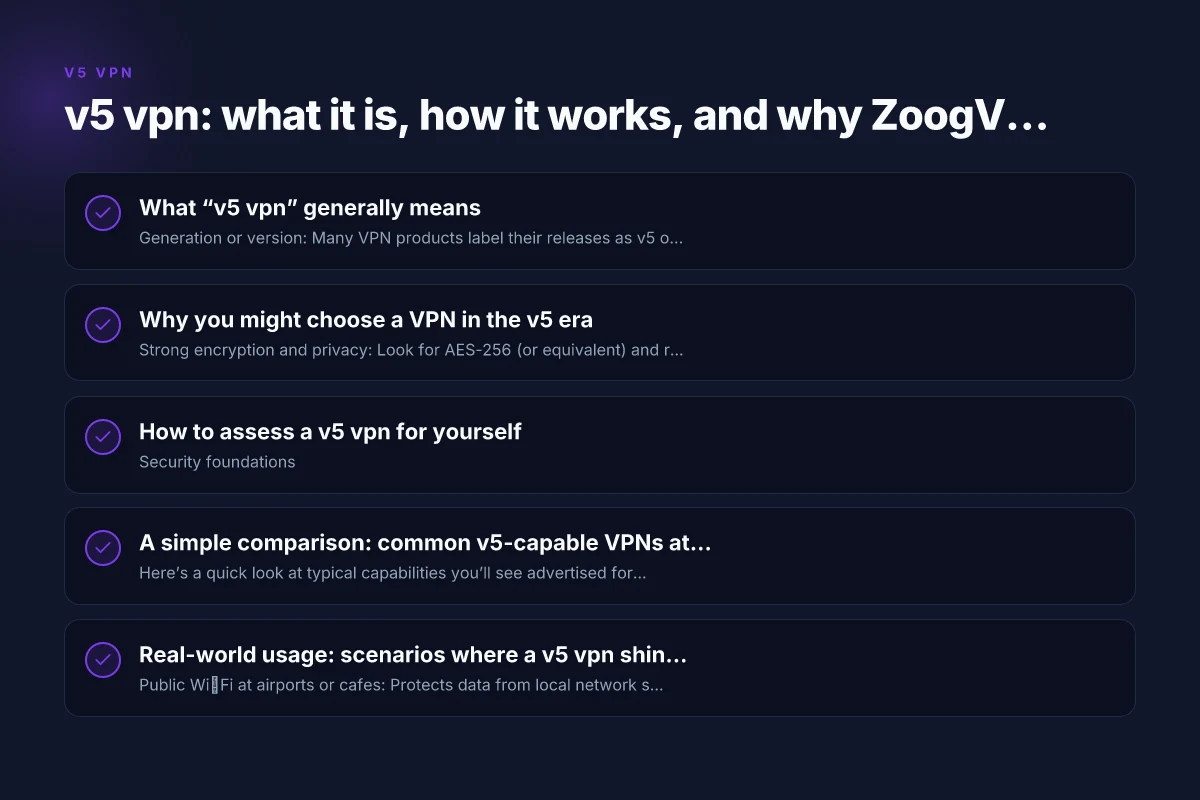
How to assess a v5 VPN for yourself
- Security foundations
- Encryption standard (AES-256 is the baseline).
- Protocols supported (OpenVPN, WireGuard, IPsec, IKEv2).
- Kill switch and DNS leak protection.
- Privacy posture
- No-logs commitments and independent audits where available.
- Jurisdiction and data retention laws.
- Performance and reliability
- Server distribution (regions you need).
- Consistent speeds and low latency.
- Efficient handling of reconnects on flaky networks.
- Usability and features
- One-click connect, smart routing, and split tunneling.
- App stability across devices and OS versions.
- Customer support quality and responsiveness.
- Price and value
- Transparent pricing, refunds, and long-term plans.
- Inclusion of features like ad/tracker blocking or built-in malware protection.
A simple comparison: common v5-capable VPNs at a glance
Here’s a quick look at typical capabilities you’ll see advertised for v5-era VPNs. Note: this is a general guide. Always verify current specs with the provider.
- Encryption: AES-256
- Protocols: OpenVPN, WireGuard, IPsec/IKEv2
- Kill switch: Yes
- DNS leak protection: Yes
- Logs: No-logs policies (audited where possible)
- Server count: 800–3,000+ depending on tier
- Platforms: Windows, macOS, iOS, Android, Linux, browser extensions
Table: typical feature snapshot (illustrative)
| Feature | Common v5 VPNs (example) | Notes |
|---|---|---|
| Encryption | AES-256 | Strong standard, widespread |
| Protocols | OpenVPN, WireGuard, IPsec | Flexibility for different networks |
| Kill switch | Available | Essential for real-time protection |
| DNS leak protection | Available | Prevents traffic from leaking to ISP |
| No-logs policy | Claimed/verified | Check for independent audits |
| Server count | 800–3,000+ | More servers = better chance of fast routes |
| Platforms supported | All major platforms | Ensure your devices are covered |
| Price (typical) | Varies by plan | Look for monthly vs annual savings |
Real-world usage: scenarios where a v5 VPN shines
- Public Wi‑Fi at airports or cafes: Protects data from local network snoops and hoteliers’ traffic monitoring.
- Remote work: A stable, encrypted tunnel to your company or a private resource keeps sensitive files in a safer lane.
- Streaming with geo-restrictions: Accessing content from different regions while retaining privacy.
- Personal privacy and browsing: Reducing fingerprinting and hiding your real IP from advertisers.
Common pitfalls to avoid with v5 VPN tools
- Overestimating anonymity: A VPN boosts privacy, but it isn’t a silver bullet against all forms of tracking.
- Free services or suspicious jurisdictions: Free providers may monetize your data or lack robust security.
- Inconsistent performance: Some VPNs advertise high speeds but traffic shaping or server load reduces performance for regular use.
- Missing features on mobile: Kill switches and DNS protections are crucial on mobile devices due to frequent network changes.
Why ZoogVPN is a recommended option
- Simple setup and strong core security: ZoogVPN offers reliable encryption and clear settings that help you get protected quickly without getting lost in options.
- Clear privacy stance: It emphasizes a privacy-first approach and competitive pricing, making it accessible for everyday users.
- Good value and feature balance: ZoogVPN provides a robust set of features (including multiple protocols and broad platform support) at reasonable price points.
- Practical for most readers: If you want a straightforward VPN that works well across devices and doesn’t require deep technical tinkering, ZoogVPN is a solid fit.
Final section: recommendation If you’re evaluating v5 vpn options and want a practical, privacy-minded choice without heavy complexity, ZoogVPN is the recommended pick. It balances strong security fundamentals with ease of use, reliable performance, and transparent pricing. For most users, a quick setup with ZoogVPN will give you the protection you need on public networks, while also providing the flexibility to stream or access regional content as you travel. If you have more specific needs, such as highly specialized privacy audits, enterprise deployment, or a strict no-logs policy with third-party verification, consider comparing ZoogVPN with a few other v5-era providers, focusing on encryption standards, server diversity, and the exact terms of service. But for a broad, dependable solution that aligns with today’s v5 vpn expectations, ZoogVPN is an excellent starting point.
| VPN | Obfuscation | From / month | Plan | Free plan | Refund | Alipay | UnionPay | Crypto | Website opens in China | Trustpilot | |
|---|---|---|---|---|---|---|---|---|---|---|---|
 ZoogVPN | Turn on manually Shadow | $2.49/mo | 27 months: $59.99 | Yes | 7 days | ✓ | ✓ | ✓ | ✓ | Official site blocked; our special link opens (4.4 s) | 4.2/5 (195 reviews) |
 NordVPN | Turn on manually Obfuscated Servers / NordWhisper | $3.49/mo | 27 months: $94.23 | No | 30 days | ? | ✗ | ✓ | ✓ | ✗ Blocked | 4.2/5 (51,628 reviews) |
 ExpressVPN | ✓ On by default all servers | $3.00/mo | 28 months: $84 | No | 30 days | ✗ | ✗ | ✓ | ✗ | ✗ Blocked | 4.4/5 (29,706 reviews) |
 Surfshark | ✓ On by default Camouflage, with OpenVPN | See site | See site | No | 30 days | ✗ | ✗ | ✗ | ✓ | ✗ Blocked | 4.3/5 (31,823 reviews) |
 Proton VPN | Turn on manually Stealth, free plan too | $2.99/mo | 12 months: $35.88 | Yes | 30 days | ✗ | ✗ | ✗ | ✓ | ✗ Blocked | 2.1/5 (1,040 reviews) |
 Astrill VPN | Turn on manually StealthVPN / OpenWeb | $12.50/mo | 24 months: $300 | No | See site | ✗ | ✗ | ✗ | ✓ | ✗ Blocked | 1.3/5 (110 reviews) |
 Private Internet Access | Turn on manually Shadowsocks, OpenVPN only | $2.03/mo | 40 months: $81.2 | No | 30 days | ✗ | ✗ | ✗ | ✗ | ✗ Blocked | 4.2/5 (11,033 reviews) |
 CyberGhost | Turn on manually selected servers | $2.19/mo | 28 months: $61.32 | No | 45 days | ✗ | ✗ | ✗ | ✓ | ✗ Blocked | 4.0/5 (24,178 reviews) |
 PureVPN | Turn on manually switch to OpenVPN | $1.69/mo | 60 months: $101.55 | No | 31 days | ? | ? | ✗ | ✓ | ✗ Blocked | 4.4/5 (17,994 reviews) |
 AdGuard VPN | ✓ On by default TrustTunnel | $2.99/mo | 24 months: $71.76 | Yes | 30 days | ✓ | ✗ | ✓ | ✓ | Official site blocked; our special link opens (3.7 s) | 4.3/5 (290 reviews) |
 Mullvad | Turn on manually QUIC / Shadowsocks / LWO | $5.61/mo | €5/mo | No | 14 days | ✗ | ✗ | ✗ | ✓ | ✗ Blocked | 3.2/5 (192 reviews) |
 Windscribe | Turn on manually Stealth / WStunnel | $5.75/mo | 12 months: $69 | Yes | See site | ✗ | ✗ | ✗ | ✓ | ✗ Blocked | 4.7/5 (13,355 reviews) |
 StrongVPN | Turn on manually Scramble, OpenVPN TCP | See site | See site | No | 30 days | ✓ | ✗ | ✗ | ✗ | ✗ Blocked | 4.4/5 (2,695 reviews) |
 LightXtreme 闪连 | Not listed | $7.08/mo | 12 months: $84.99 | Yes | 30 days | ✓ | ✓ | ✓ | ✓ | ✓ Yes (3.5 s) | No page |
Prices checked 2026-11-10 on each vendor's pricing page (cheapest long plan, USD). Check the vendor's checkout for the final price.
Obfuscation checked 2026-11-14 on each vendor's site and help center: "on by default" = nothing to set; "turn on manually" = switch protocol or mode in settings; "not listed" = the vendor describes no obfuscation.
Payment methods checked 2026-11-10 on each vendor's payment pages: all 14 take cards and PayPal; ✗ = not listed, ? = the vendor's own pages disagree.
China access: whether the official website opens from mainland China networks (tests the website only, not the VPN connection). Last checked 2026-11-18 01:02 Beijing time.
Trustpilot score and review count checked 2026-11-10.