Static IP vs dynamic IP vs pppoe
 Nova Engelmann8 min read

A clear, practical comparison of static IP, dynamic IP, and PPPoE, including use cases, pros/cons, and how to choose.
Choosing between static IP, dynamic IP, and PPPoE can be confusing because they describe different aspects of how you connect to the internet. A static IP is about consistency of address. A dynamic IP is about automation and flexibility. PPPoE is a method your ISP may use to authenticate you over a shared connection. Understanding what each term means, how they’re used, and what they cost (if anything) helps you pick the right setup for your home, office, or business.

Quick specs at a glance
| Topic | Static IP | Dynamic IP | PPPoE | Notes |
|---|---|---|---|---|
| IP type | Fixed | Dynamic | Not fixed by default | PPPoE uses a session over Ethernet |
| Assignment | Manual by ISP | DHCP from ISP | Session-based | PPPoE requires login |
| Upfront cost | Possible add-on | Typically none | Often none or small | Depends on ISP |
| Availability | Wide, depends on plan | Wide | Requires compatible modem | Check plan |
| Setup complexity | Low to medium | Low | Medium | PPPoE login step |
| Reassignment ease | Flexible | Automatic | Session-based | Reconnects may renew |
Compiled November 2026; check the provider's site for current details.
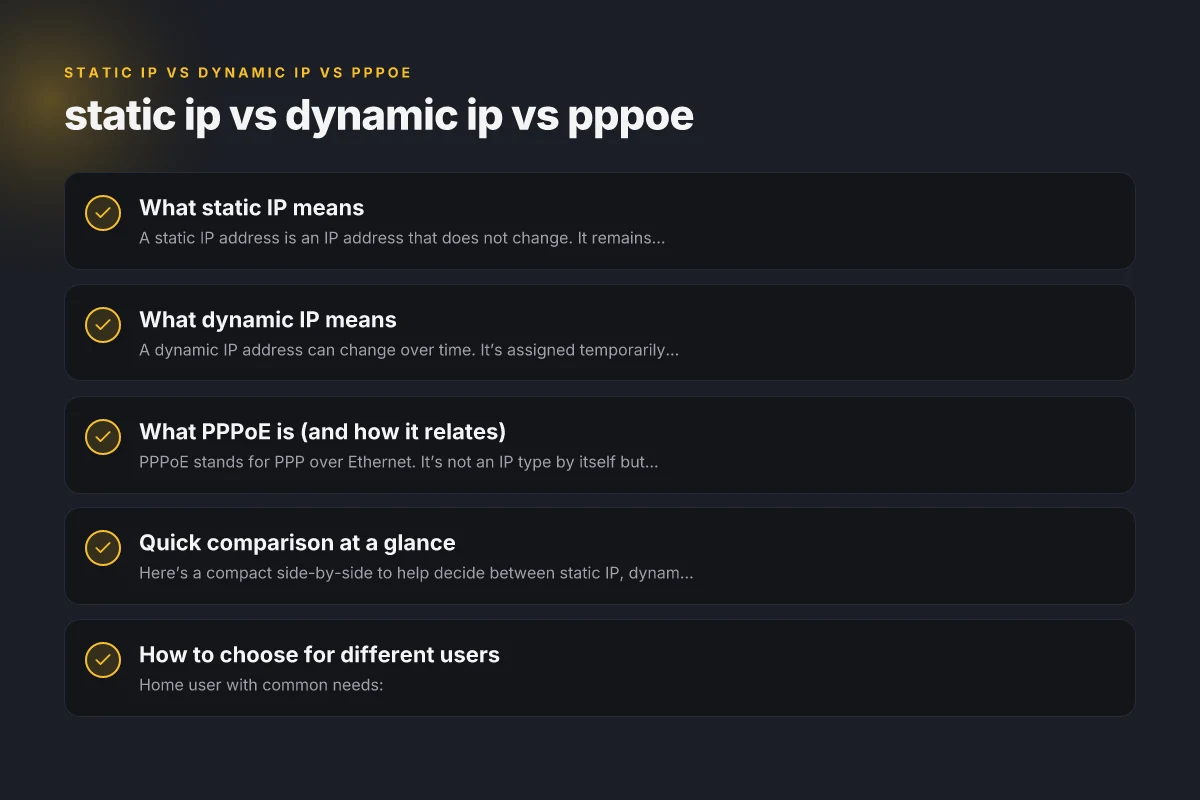
What static IP means
Definition and core idea
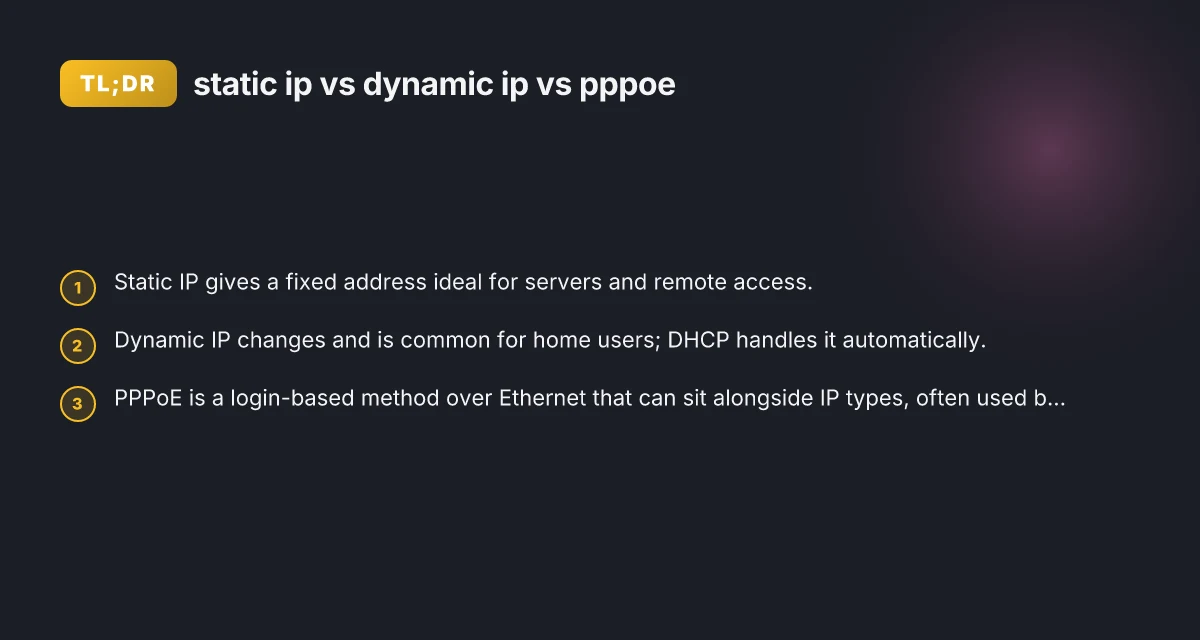
- A static IP address is an IP address that does not change. It remains the same every time your device connects to the network.
- Often assigned by an ISP or network administrator and can be specific to a router, server, or device.
When it’s useful
- Hosting servers (web, mail, gaming) that require consistent reachability.
- Remote access setups (VPNs, RDP) that benefit from predictable IPs.
- Network configurations that rely on fixed whitelists or firewall rules.
Pros and cons
- Pros:
- Predictable addressing for remote connections.
- Easier DNS records for a server.
- Simplified port-forwarding and firewall rules.
- Cons:
- Typically costs more than dynamic IPs (depending on ISP).
- If the IP is exposed, a static address can be a consistent target for attackers unless properly secured.
- Not always necessary for home users.
What dynamic IP means
Definition and core idea
- A dynamic IP address can change over time. It’s assigned temporarily by a DHCP server or your ISP.
- Most consumer internet plans use dynamic IPs by default.
How dynamic IPs are assigned
- Your router or device requests an IP from a DHCP server.
- The server assigns an available address for a lease period, then may renew or reallocate it later.
When it’s useful
- Typical home internet use where you don’t need stable addressing.
- Devices that don’t require inbound connections (printers, smart devices, streaming boxes).
- Cost efficiency and simplicity, since many plans include DHCP by default.
Pros and cons
- Pros:
- Usually included at low or no extra cost.
- Better privacy in some scenarios due to changing addresses.
- Easy for ISPs to manage and fatigue-test networks.
- Cons:
- Remote access and hosting require workarounds (dynamic DNS, port forwarding can be less reliable if your IP changes).
- Inbound services may experience short interruptions if the IP changes.
What PPPoE is (and how it relates)
Definition and core idea
- PPPoE stands for PPP over Ethernet. It’s not an IP type by itself but a method your ISP uses to authenticate you before assigning an IP.
- You’ll typically log in with a username and password, and then you receive an IP address (static or dynamic) as part of the session.
How PPPoE fits with IP types
- PPPoE can deliver a dynamic IP from the ISP’s pool after login.
- Some ISPs may offer a static IP via PPPoE for business customers, but the key point is the login/authentication step, not the IP type itself.
When it’s useful
- When your ISP uses PPPoE for authentication and you want to segregate billing or service options.
- In business contexts where you need a controlled session for capturing public IPs and service-level control.
Pros and cons
- Pros:
- Stronger access control through user credentials.
- Clear separation between subscriber identity and the IP address.
- Cons:
- Adds an extra login step in every session.
- Not all consumer plans require or support PPPoE. Some use simple DHCP or static assignments.
Quick decision matrix
| Criterion | Static IP (Yes/No) | Dynamic IP (Yes/No) | PPPoE (Yes/No) | Recommendation cue |
|---|---|---|---|---|
| Remote access needed | Yes | No | Yes | Use static or PPPoE with DNS |
| Hosting server | Yes | No | Limited | Prefer static or PPPoE with bridge |
| Regular VPN use | Yes | Yes | Yes | Static preferred for predictable IP |
| Cost sensitivity | Moderate | Low | Moderate | Dynamic often cheapest |
| Mobility / changing location | No | Yes | No | Dynamic IP wins mobility |
| Complex network features | Yes | Yes | Yes | Static favors control; PPPoE can complicate |
Compiled November 2026; check the provider's site for current details.
Quick comparison at a glance
Here’s a compact side-by-side to help decide between static IP, dynamic IP, and PPPoE. Note that PPPoE is about how you authenticate and connect, while IP type (static/dynamic) is about how addresses are assigned.
| Feature/Scenario | Static IP | Dynamic IP | PPPoE (context) |
|---|---|---|---|
| Primary meaning | IP address doesn’t change | IP address can change over time | Authentication method used by ISP over Ethernet |
| Typical use case | Servers, VPNs, remote access | Home networks, devices with no inbound needs | ISP login; can accompany static or dynamic IP |
| Cost usually | Often higher; may be included in business plans | Usually standard; included in consumer plans | May be required by ISP; price varies by plan |
| Inbound accessibility | Easy if firewall rules configured, DNS points to fixed address | More complicated; use dynamic DNS if inbound access is needed | Doesn’t inherently fix IP; depends on assigned IP type |
| DNS impact | Predictable DNS mapping if you own domain | Requires dynamic DNS if you host services | DNS impact depends on resulting IP type |
| Security note | Fixed address can be a target; secure with proper hardening | More flexible; still needs good security | Authentication adds a layer of control; combine with strong security |
How to choose for different users
- Home user with common needs:
- Dynamic IP is usually sufficient. Use dynamic DNS (DDNS) if you need remote access to a home computer or camera.
- PPPoE is only relevant if your ISP requires it. Otherwise, you’ll be on DHCP or a similar setup.
- Small business or server hosting:
- Static IP can simplify remote access, DNS management, and firewall rules. If uptime and reliability are critical, a static IP is often preferred.
- PPPoE can be used if your ISP provisions the service that way. Verify whether the service actually benefits your setup.
- Gaming and latency-sensitive setups:
- Most gamers don’t require a static IP. Dynamic IP with a well-placed QoS policy and a reliable router is usually fine.
- If you run game servers, a static IP can reduce DNS and port-forwarding issues. Combine with secure configurations.
- Remote work and VPN:
- A static IP or a dynamic IP with a dependable dynamic DNS service can keep your VPN endpoint stable and reachable.
How to implement (steps-by-need)
| Step | Static IP path | Dynamic IP path | PPPoE path | Notes |
|---|---|---|---|---|
| Obtain plan | Request static IP | Use standard plan | Ensure PPPoE option | Check with ISP |
| Configure modem | Enter fixed IP, mask, gateway | Enable DHCP | Enable PPPoE login | Use provided details |
| Router setup | Static WAN config | DHCP WAN | PPPoE WAN with credentials | Save and test |
| DNS considerations | Use fixed or dynamic | Dynamic may change | Use static DNS or dynamic refresh | Optional |
| Security | Hardened firewall | Standard | PPPoE security via login | Regular updates |
| Maintenance | Monitor IP changes | Rarely changes | Reconnects on session | Reconnect if needed |
Compiled November 2026; check the provider's site for current details. Payroll 2 weeks in arrears
Practical steps to implement
- If you want static IP:
- Check with your ISP if they offer a static IP plan and what the price is.
- On your router, set the WAN interface to the static IP provided, plus the correct subnet mask, gateway, and DNS servers.
- Update DNS records if you manage a domain pointing to your home or office server.
- If you want dynamic IP:
- Ensure your router’s WAN connection is set to DHCP (or obtain IP automatically from the ISP).
- If you need remote access, set up a Dynamic DNS (DDNS) service to map a domain name to your current IP.
- If your network uses PPPoE:
- You’ll need to enter the PPPoE username and password provided by your ISP on the router’s PPPoE configuration page.
- Decide whether you want a static or dynamic IP after the PPPoE session is established, based on your needs and ISP offerings.
- Security basics (regardless of choice):
- Keep firmware up to date on your router.
- Use strong, unique passwords for admin and any remote access services.
- Enable a firewall, and limit port exposure to only what’s necessary.
- Consider VPN access for remote connections rather than exposing services directly to the internet.
Final recommendation
For most homes, dynamic IP with a reliable router and, if needed, a dynamic DNS service will cover everyday use and remote access needs. If you host services or run a business where inbound connections must be reliable and predictable, a static IP can simplify management and reduce downtime. PPPoE is not an IP type in itself. Treat it as an ISP authentication method that may accompany either static or dynamic IPs. Before choosing, confirm with your ISP which options are available on your plan, any associated costs, and whether you’ll need to register a domain or configure dynamic DNS to meet your access requirements. By clarifying these points, you can align your network setup with your goals, whether that’s effortless browsing at home, reliable hosted services, or secure, controlled remote access.