Is tp-link tapo compatible with tuya smart home ecosystem
 Naomi Xanthos9 min read
Explains current compatibility between TP-Link Tapo and Tuya Smart Life ecosystem, including integration options, limits, and practical workflows.
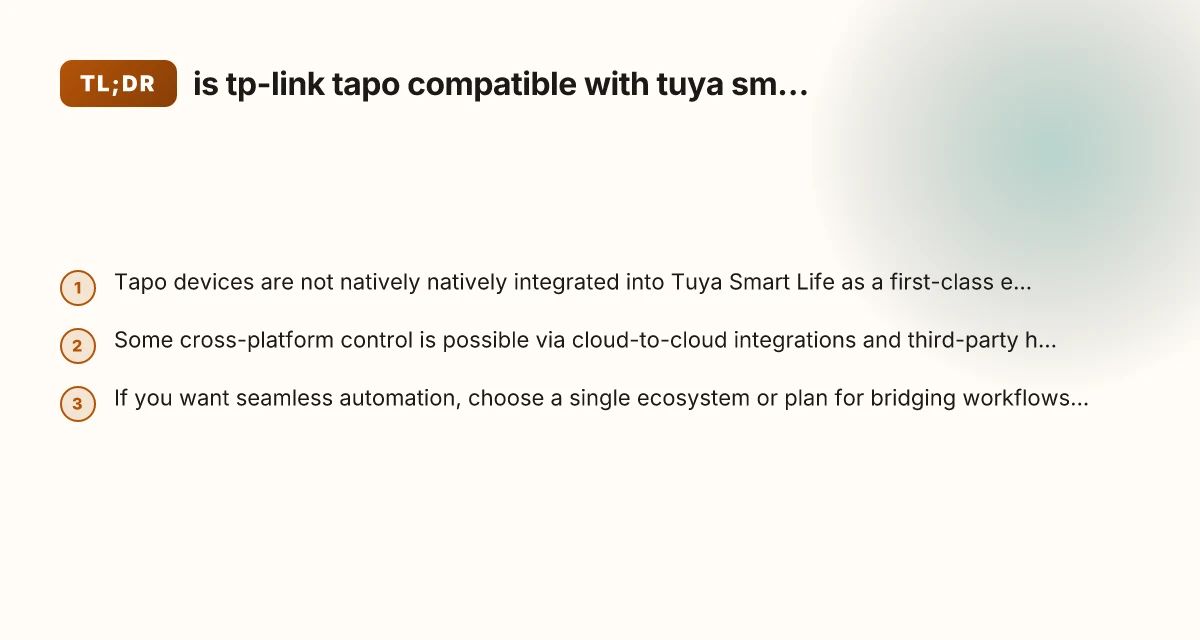
An opening paragraph If you’re deep into the Tuya Smart Life or Tuya-powered devices and you’re curious whether TP-Link Tapo hardware can live in that same smart home world, you’re not alone. The short answer is that Tapo is not natively compatible with Tuya Smart Life as a first-class, officially supported ecosystem. TP-Link and Tuya operate largely as separate cloud ecosystems with their own device catalogs, hubs, and automation engines. However, there are practical ways people attempt to bridge the gap, and there are important caveats to understand before you invest in a cross-platform setup. Below, you’ll find a clear, step-by-step overview of what works, what doesn’t, and how to decide what’s right for you.

Compatibility basics for TP-Link Tapo and Tuya ecosystems
| Aspect | TP-Link Tapo devices | Tuya ecosystem | Cross-compatibility notes | Practical implication |
|---|---|---|---|---|
| Control method | Local/app/Cloud | Cloud-based API | Limited direct local control across ecosystems | May require bridging for cross-control |
| Official support | Tapo app, TP-Link cloud | Tuya app/platform | No native full compatibility | Bridging often needed for integration |
| Matter support | Varies by device; generally low | Varies; some devices supported | Mixed results | Check device-by-device |
| Voice assistants | Alexa, Google Home | Alexa, Google Home, others | Partial voice integration | Bridges may help unify commands |
| Scenes / automations | Yes in Tapo app | Yes in Tuya/Smart Life | Limited cross-scene sharing | Bridging can enable joint automations |
| Local control | Some devices | Mostly cloud | Local control not guaranteed across | Favor devices with local mode when possible |
| Security updates | TP-Link updates | Tuya updates | Disparate update cadence | Align by checking each device |
Compiled November 2026; check the provider's site for current details.
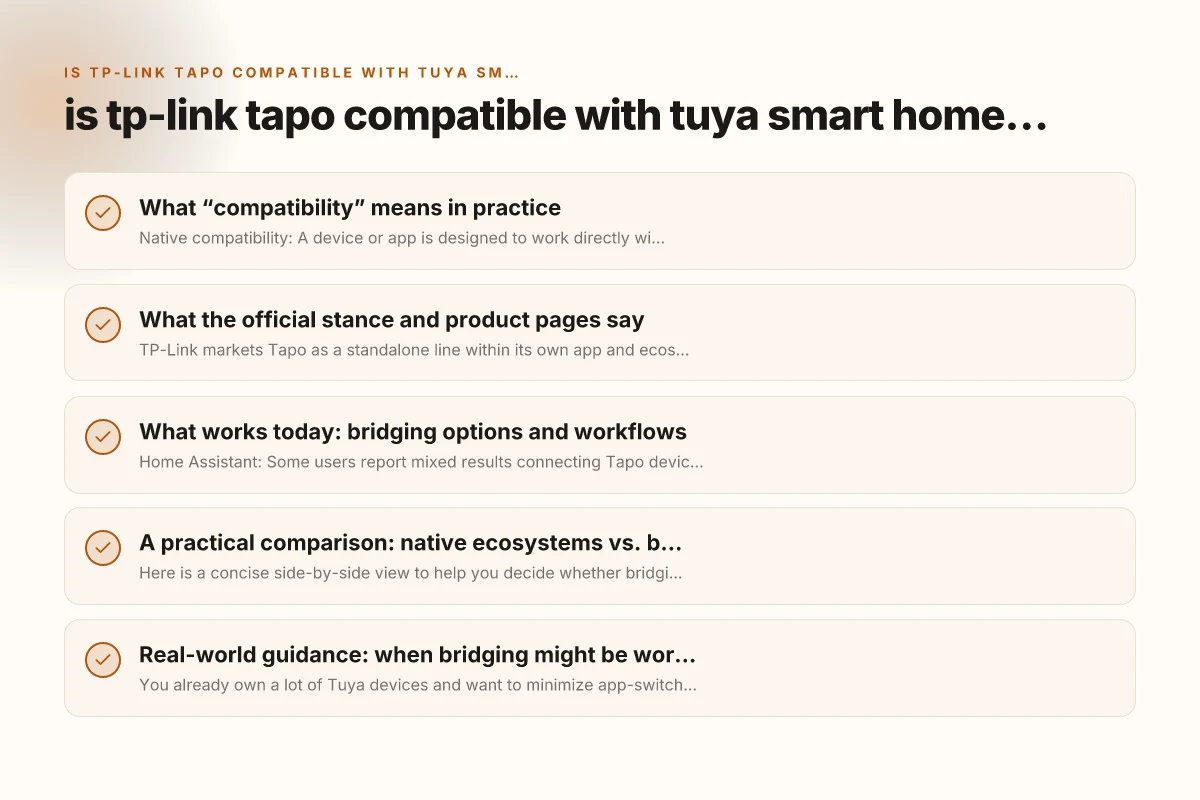
What “compatibility” means in practice
Native compatibility vs. bridging
- Native compatibility: A device or app is designed to work directly with a specific ecosystem (for example, Tapo devices with the TP-Link app or Kasa/Deco ecosystems, or Tuya/Smart Life devices within the Tuya app).
- Bridging compatibility: A device from one ecosystem can be controlled or automated within another ecosystem using bridging methods such as cloud-to-cloud integrations, IFTTT-like services, or third-party hubs.
- In practice for Tapo and Tuya: There is no official, seamless native integration that places Tapo devices under Tuya Smart Life’s control, schedules, or automations. The most common approach people explore is cloud-to-cloud connections or leveraging common automation platforms (e.g., Home Assistant, SmartThings) to bridge commands, sometimes with limitations.
What the official stance and product pages say
TP-Link Tapo and Tuya Smart Life positioning
- TP-Link markets Tapo as a standalone line within its own app and ecosystem (Tapo app) and emphasizes compatibility within the TP-Link/TP-Link Matter ecosystem with other TP-Link devices (Kasa, Deco, etc.).
- Tuya Smart Life markets a broad range of devices across many manufacturers under the Tuya cloud and app, often marketed toward cross-brand automation within a single Tuya account.
- There is no prominent, ongoing official statement that Tapo devices are designed to be natively controlled by Tuya Smart Life.
Why this matters for automation
- If you want to automate a Tapo camera, plug, or sensor in conjunction with Tuya devices, you’ll typically need to use a workaround or an intermediate hub/service.
- Relying on a direct, always-on bridge between Tapo and Tuya can introduce delays, reliability concerns, and potential feature loss (for example, absence of direct state feedback or scene triggers).
What works today: bridging options and workflows
Cloud-to-cloud integrations and automation hubs
- Home Assistant: Some users report mixed results connecting Tapo devices via local/network integrations and/or Tuya integrations, but reliability can vary by firmware version and API changes. The community frequently updates guidance for maintaining compatibility.
- SmartThings: Some Tuya devices and Tapo devices can be brought into SmartThings through linked services or alternative setup routes. This often depends on regional availability and account linking.
- IFTTT-like bridges: Depending on region, there may be IFTTT recipes or similar services that trigger Tuya automations when a Tapo event occurs, or vice versa. These are often limited and may introduce delay.
- TP-Link Matter: Matter-certified devices (including many Tapo products) can participate in Matter-based ecosystems. If your Tuya setup supports Matter bridging in the future or through a hub, there could be new cross-compatibility pathways, but that depends on updated support from both ecosystems.
Practical considerations when bridging
- Latency: Cloud-to-cloud bridges can introduce noticeable delays in automation, which might matter for security devices (cameras, sensors) or energy-management scenarios.
- Reliability: Firmware updates on either side can temporarily break the bridge, necessitating reconfiguration or re-authentication.
- Feature parity: Some automations available in Tuya or Tapo apps may not translate cleanly across ecosystems (for example, specific scenes, schedules, or advanced routines).
What to check on product pages and official statements
| Source | What to verify | Key phrase indicators | Practical takeaway | Example guidance |
|---|---|---|---|---|
| Official TP-Link pages | Supported ecosystems | “Works with Tuya” or “Works with...” | Read exact compatibility claim | If ambiguous, assume no native Tuya support |
| Tuya/Smart Life pages | Device compatibility | Listed in Smart Home compatibility | Confirm bridging needs | Look for “control via third-party” |
| Matter roadmap pages | Future support | “Matter enabled” timelines | Plan for update path | If not Matter-ready, prepare alternative bridge |
| Firmware release notes | New integrations | “Added Tuya compatibility” | Track changes | Update devices that gain bridges |
| App store listings | App compatibility | “Works with” statements | Verify latest capabilities | Prefer devices with official Matter or Tuya support |
Compiled November 2026; check the provider's site for current details.
A practical comparison: native ecosystems vs. bridging
Here is a concise side-by-side view to help you decide whether bridging makes sense for you.
| Aspect | Native Tapo ecosystem (TP-Link) | Native Tuya Smart Life ecosystem | Bridging approaches (cloud-to-cloud, hubs) |
|---|---|---|---|
| Control app | Tapo app (TP-Link) | Tuya Smart Life app | Multiple apps/hubs, potential cross-app automation |
| Device compatibility | Tapo devices, plus some Matter-capable devices via TP-Link ecosystem | Wide range of Tuya-compatible devices | Varies; depends on bridging platform quality |
| Automation reliability | High within TP-Link ecosystem | High within Tuya ecosystem | Variable; depends on bridge and firmware |
| Latency | Generally low within local automation | Similar within Tuya environment | Potential latency due to cloud routing |
| Feature parity | Full feature set of Tapo within Tapo app | Full feature set of Tuya devices within Tuya app | Feature loss possible; not all features map well |
| Best use case | Home where Tapo devices are primary, prioritize local automations | Homes built around Tuya devices and app | Bridging for mixed ecosystems when migration isn’t feasible |
Real-world guidance: when bridging might be worth it
Scenarios where bridging makes sense
- You already own a lot of Tuya devices and want to minimize app-switching while gradually adding Tapo devices.
- You’re evaluating a Matter-enabled future. You want to keep options open for cross-compatibility through Matter hubs or bridges.
- You’re excited about central automation through a platform like Home Assistant that supports both ecosystems via integrations.
Scenarios where bridging is risky or not recommended
- Security cameras as a primary trigger: If you rely on camera motion events to trigger routines, bridging can introduce reliability concerns.
- Complex automations: Routines that rely on precise timing and fast feedback may suffer in a bridged setup.
- Deep feature use: If you need advanced features unique to Tuya or Tapo, bridging may strip or restrict them.
The evolving landscape: Matter and future compatibility
Matter’s potential impact
- Matter aims to provide a unified standard for device control across ecosystems. If both Tapo and Tuya devices gain reliable Matter support and compatible hubs, that could improve cross-compatibility.
- Current status: Matter certification exists for many TP-Link devices (including Tapo in some regions) and is being rolled out across ecosystems. The ultimate effect on direct Tapo-Tuya interaction will depend on consumer adoption and hub support.
Firmware and app updates
- Both TP-Link and Tuya frequently release updates. A new firmware or app feature can open or close bridging options. Staying informed about firmware release notes is crucial if you rely on cross-ecosystem automations.
Practical tips for users considering compatibility
- Start with a clear automation map: List which devices you want to automate together and identify which ones you’d prefer to keep in their native apps.
- Test in small steps: If you attempt bridging, test one scene or automation at a time to gauge reliability and latency.
- Use a central hub with robust support: If you’re bridging, consider a platform with established cross-ecosystem support and a responsive community (e.g., Home Assistant) to handle API changes and fixes.
- Be prepared to reset and reconfigure: Firmware updates can disrupt bridges. Back up automations and be ready to re-authenticate devices.
- Consider privacy and data flow: Bridging means your devices connect through additional cloud routes or hubs. Review data policies and account linking in both ecosystems.
Practical bridging options and workflows (today)
| Option | Description | Pros | Cons | Best-use scenario |
|---|---|---|---|---|
| Tuya-to-Tapo bridge via third-party hub | Use a hub/app to bridge scenes between ecosystems | Central control, single app | Possible latency, reliability concerns | Mixed environments with limited native support |
| IFTTT / automation bridges | IFTTT triggers between platforms | Easy setup, broad triggers | Dependent on cloud, latency | Quick automations across ecosystems |
| Local bridge devices | Devices with local bridge capability | Lower latency, offline control | Setup complexity, firmware limits | Performance-critical automations |
| Voice assistant bridges | Use a common assistant to trigger both | Unified voice control | Depends on service support | Simple cross-control via voice |
Compiled November 2026; check the provider's site for current details. Is ring compatible with 5ghz WiFi
A short checklist for decision-making
- Do you already own a large Tuya Smart Life device footprint? If yes, bridging may be worth exploring for a gradual transition.
- Is latency critical for your use case (e.g., doorbell or camera response)? Native ecosystems typically perform best.
- Are you comfortable troubleshooting with community guidance? Cross-ecosystem setups rely on community knowledge and occasional workarounds.
- Do you plan to adopt Matter in the near term? If so, a Matter-enabled bridge or hub could unlock smoother cross-ecosystem control in the future.
Final recommendations
If your primary aim is seamless, reliable, fast automation with minimal setup friction, it’s generally best to keep TP-Link Tapo devices within the Tapo/TP-Link ecosystem and Tuya devices within the Tuya Smart Life ecosystem. Native integrations tend to be more reliable, with fuller feature parity and better support. Cross-ecosystem bridging can work, but it comes with complexity, maintenance overhead, and potential reliability trade-offs.
If you’re determined to bridge:
- Start small with non-critical automations to assess stability.
- Favor a single hub or automation platform that explicitly states support for both ecosystems.
- Stay current with firmware updates for both Tapo and Tuya devices, and watch community channels for known issues.
Bottom line: is TP-Link Tapo compatible with Tuya Smart Home ecosystem? Not natively or officially in a straightforward, out-of-the-box way. There are bridging paths some users explore, but they are not guaranteed and may require ongoing maintenance. If cross-ecosystem flexibility is a must for you, plan for a careful testing phase, choose a flexible automation hub, and keep expectations aligned with potential limitations.