How to turn on Edge secure network VPN on your computer and mobile
 Tessa Albright9 min read
A practical guide to enabling Microsoft Edge Secure Network VPN on both desktop and mobile devices.
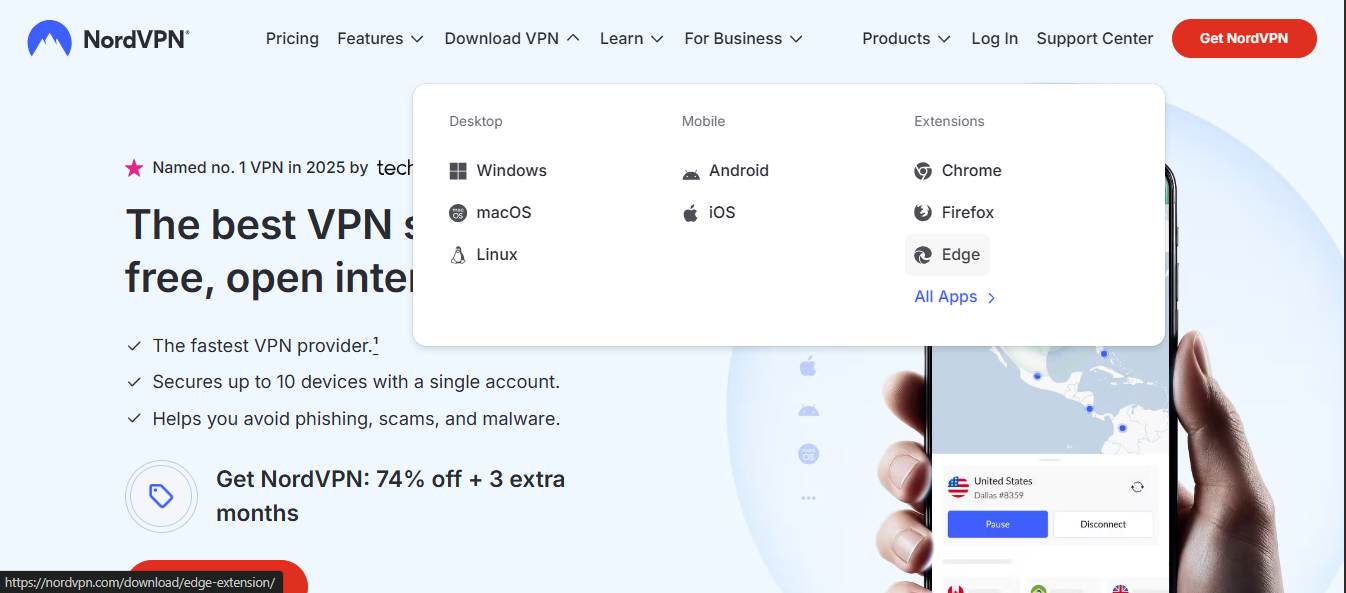
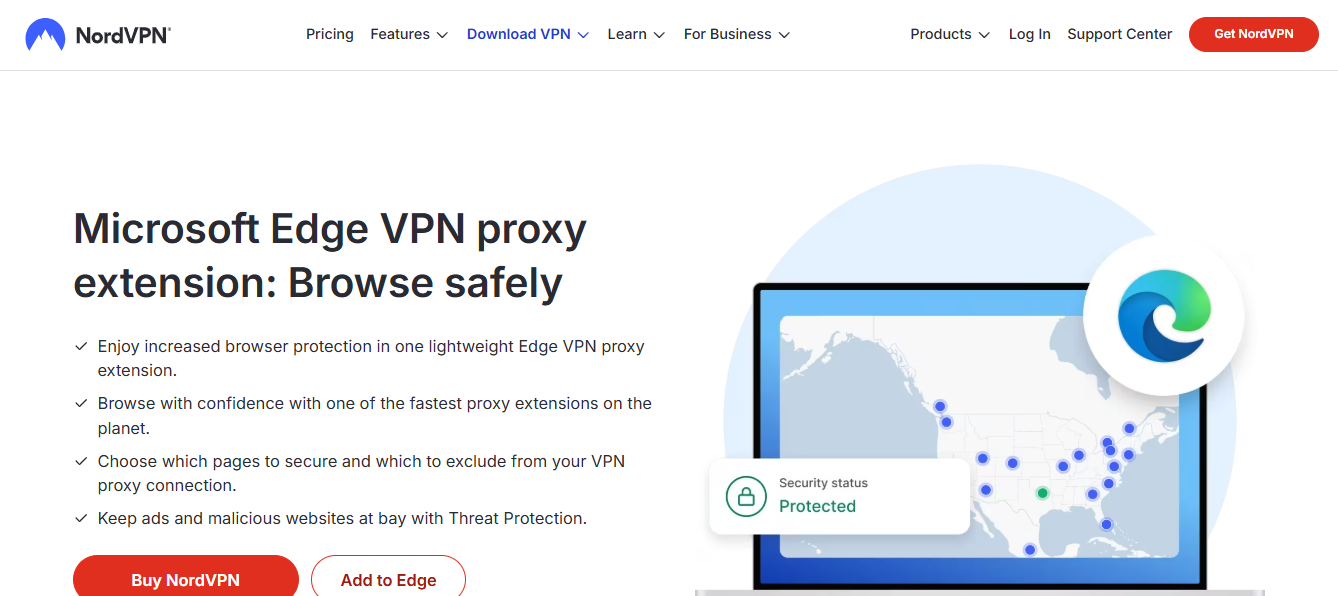
Edge has a built-in feature called Secure Network, which acts as a lightweight VPN inside the Microsoft Edge browser. It helps protect your browsing data on public or shared networks by routing traffic through Edge’s secure servers. The feature is designed to be easy to turn on and use, with settings that you can adjust from Edge’s privacy and security menus. Below you’ll find straightforward steps for both computer (Windows/macOS) and mobile (iOS/Android) to enable Edge Secure Network VPN.

Quick feature comparison between Edge Secure Network and a full VPN
| Feature | Edge Secure Network | Full VPN | Notes |
|---|---|---|---|
| Scope | System-wide on device | System-wide on device | |
| App coverage | Primarily browser and OS traffic | All apps and traffic | Depends on app config |
| Performance impact | Low | Medium to high | VPN overhead varies |
| Ease of use | Very easy | Varies by service | Setup may differ |
| Pricing model | Often included / limited | Subscription | |
| Privacy stance | Data may be used for network security | Data may be logged by provider | Check policy |
| Access to geo-servers | Limited to edge network | Wide geo options | |
| Compatibility | Windows, macOS, iOS, Android | Windows, macOS, iOS, Android | |
| Customization | Low | High | Advanced users prefer full VPN |
| User control | Basic controls | Advanced controls |
Compiled November 2026; check the provider's site for current details.
What is Edge Secure Network VPN and who can use it?
Quick overview
- Built into Microsoft Edge as a privacy feature
- Aims to protect browsing data on public or unsecured networks
- Works as long as you are signed in with a personal Microsoft account
- Turns on automatically for sites using secure network routing inside Edge
Important notes
- It is not a system-wide VPN. It routes Edge browser traffic through Microsoft’s Secure Network.
- Some features or pages may not require VPN routing, depending on site behavior and Edge settings.
- Availability can vary by region and account type. A personal Microsoft account is typically required.
How to turn on Edge Secure Network on a computer (Windows or macOS)
Step-by-step guide
- Open Microsoft Edge and sign in with your personal Microsoft account.
- Click the three-dot menu (Settings and more) in the upper-right corner.
- Go to Settings.
- Navigate to Privacy, search, and services.
- Find the section labeled Security or Edge Secure Network.
- Turn on Secure Network (toggle to enable).
What to expect after turning it on
- Traffic from pages opened in Edge can be routed through Edge Secure Network.
- You may see an indicator or prompt confirming the VPN is active.
- Edge may offer a status toggle in the same settings area to disable when needed.
Troubleshooting on desktop
- If Secure Network doesn’t appear, ensure you’re signed in with a personal Microsoft account.
- Check for Edge updates; Secure Network is tied to browser versions.
- Disable other VPNs or network extensions that could conflict with Edge’s built-in VPN.
How to turn on Edge Secure Network on mobile devices (iOS and Android)
Why you’d use Edge Secure Network on mobile
- Protects Edge browser traffic on public Wi‑Fi
- Useful when you don’t want to install a separate VPN app
- Keeps a similar user experience to desktop Edge
IOS (iPhone/iPad) steps
- Open Edge and sign in with your Microsoft account.
- Tap the profile icon or Settings from the bottom navigation.
- Go to Privacy, search, and services.
- Look for Edge Secure Network and switch it on.
- If prompted, grant any necessary permissions for network configuration.
Android steps
- Launch Edge and sign in with your Microsoft account.
- Access the Edge menu (three dots) > Settings.
- Choose Privacy, search, and services.
- Enable Edge Secure Network.
- Confirm any prompts about VPN-like behavior and permissions.
Tips for mobile
- On some devices, you’ll see a brief notification when Secure Network connects.
- You can disable it from the same Privacy, search, and services section when you don’t need it.
- If you use a separate VPN app, Edge Secure Network operates independently for browser traffic.
How to decide by device type
| Criterion | Windows | macOS | iOS | Android | Recommendation |
|---|---|---|---|---|---|
| Native support | Yes | Yes | Yes | Yes | Use per device guidelines |
| Setup steps | Simple in OS settings | Simple in OS settings | In app | In app | Follow official instructions |
| Performance impact | Low to moderate | Low | Minimal | Minimal | Expect light impact on all |
| Security focus | Network security features | Network security features | App-level protection | App-level protection | Align with needs |
| Ideal use case | Desktop browsing & work | Desktop tasks | Mobile browsing | Mobile tasks | Edge Secure Network on all devices |
Compiled November 2026; check the provider's site for current details.
A quick comparison: Edge Secure Network vs. a full VPN
| Feature | Edge Secure Network (built-in) | Full VPN app (standalone) |
|---|---|---|
| Scope | Browser-only traffic through Edge | All device network traffic (system-wide) |
| Setup | Sign in to Edge, enable in settings | Install and configure app, often with a login |
| Control | Per-browser; can be toggled in Edge | Global; usually toggled in OS or app |
| Privacy focus | Browser privacy while using Edge | Broader privacy for all apps and services |
| Performance impact | Typically lighter; varies by site | Can affect all apps; depends on provider |
| Availability | Depends on Edge version and account | Wide availability from VPN providers |
Security and privacy considerations
- Built-in VPN vs. third-party services: Edge Secure Network is convenient and integrated, but it’s still a browser-based protection. A full device VPN offers broader coverage across apps and services.
- Data handling: Microsoft manages the network route for Edge traffic. Review Edge’s privacy statements to understand data collection related to Secure Network.
- Account requirements: A personal Microsoft account is commonly needed to enable Secure Network.
Common questions and answers
Q: How do I turn on Edge VPN? A: In Edge, go to Settings > Privacy, search, and services and enable Edge Secure Network. Sign in with your Microsoft account if prompted.
Q: Does Microsoft Edge have a built-in VPN? A: Yes, Edge includes a built-in feature called Secure Network that functions as a browser-level VPN for Edge traffic.
Q: Is Edge Secure Network VPN free? A: For Edge users, the Secure Network feature is included as part of the browser experience. Some regions or accounts may have limitations. Check your Edge version and account status for specifics. NordVPN for Netflix
Q: Is Edge VPN safe? A: Edge’s Secure Network is designed to improve privacy for Edge traffic. It’s a legitimate product feature, but for comprehensive device-wide privacy, consider a traditional VPN service and secure device-level settings.
Troubleshooting quick tips
- If you don’t see Secure Network, make sure you’re signed in with a personal Microsoft account and that Edge is up to date.
- Disable other VPN or proxy extensions that might conflict with Edge’s built-in VPN.
- Restart Edge after enabling the feature to ensure the change takes effect.
- Check Edge’s status area for a VPN indicator when you browse.
When to use Edge Secure Network
- You’re on public Wi‑Fi (coffee shop, library, airport) and want to add a layer of privacy for Edge browsing.
- You want a quick, browser-focused safeguard without installing extra apps.
- You’re testing geographic content and want a simple way to route Edge traffic through a secure path.
Quick decision flow: Edge Secure Network vs. full VPN
| Question | Edge Secure Network | Full VPN | Decision note |
|---|---|---|---|
| Do you need device-wide protection? | Yes | Yes | If yes, consider both; VPN offers more control |
| Is ease of use a priority? | Yes | Varies | Edge is easier; VPN may require setup |
| Do you need access to many geo locations? | Limited | Broad | VPN wins for geo options |
| Is privacy policy critical? | Basic | Provider-dependent | Review policies before choosing |
| Do you need cost transparency? | Often included | Subscription | Compare total cost per platform |
Compiled November 2026; check the provider's site for current details.
Final recommendation
If your goal is to add a simple, browser-based privacy layer to your Edge browsing sessions on both desktop and mobile, turning on Edge Secure Network is an efficient choice. It’s easy to enable with your Microsoft account, works across Windows, macOS, iOS, and Android within Edge, and provides a straightforward way to protect Edge traffic on untrusted networks. For more comprehensive privacy or non-Edge apps, consider pairing Edge Secure Network with a full device-wide VPN and solid device security practices. Always keep Edge updated to access the latest Secure Network enhancements and controls.
| VPN | Obfuscation | From / month | Plan | Free plan | Refund | Alipay | UnionPay | Crypto | Website opens in China | Trustpilot | |
|---|---|---|---|---|---|---|---|---|---|---|---|
 ZoogVPN | Turn on manually Shadow | $2.49/mo | 27 months: $59.99 | Yes | 7 days | ✓ | ✓ | ✓ | ✓ | ✓ Yes (2.5 s) | 4.2/5 (195 reviews) |
 NordVPN | Turn on manually Obfuscated Servers / NordWhisper | $3.49/mo | 27 months: $94.23 | No | 30 days | ? | ✗ | ✓ | ✓ | ✗ Blocked | 4.2/5 (51,628 reviews) |
 ExpressVPN | ✓ On by default all servers | $3.00/mo | 28 months: $84 | No | 30 days | ✗ | ✗ | ✓ | ✗ | ✗ Blocked | 4.4/5 (29,706 reviews) |
 Surfshark | ✓ On by default Camouflage, with OpenVPN | See site | See site | No | 30 days | ✗ | ✗ | ✗ | ✓ | ✗ Blocked | 4.3/5 (31,823 reviews) |
 Proton VPN | Turn on manually Stealth, free plan too | $2.99/mo | 12 months: $35.88 | Yes | 30 days | ✗ | ✗ | ✗ | ✓ | ✓ Yes (2.5 s) | 2.1/5 (1,040 reviews) |
 Astrill VPN | Turn on manually StealthVPN / OpenWeb | $12.50/mo | 24 months: $300 | No | See site | ✗ | ✗ | ✗ | ✓ | ✗ Blocked | 1.3/5 (110 reviews) |
 Private Internet Access | Turn on manually Shadowsocks, OpenVPN only | $2.03/mo | 40 months: $81.2 | No | 30 days | ✗ | ✗ | ✗ | ✗ | ✗ Blocked | 4.2/5 (11,033 reviews) |
 CyberGhost | Turn on manually selected servers | $2.19/mo | 28 months: $61.32 | No | 45 days | ✗ | ✗ | ✗ | ✓ | ✗ Blocked | 4.0/5 (24,178 reviews) |
 PureVPN | Turn on manually switch to OpenVPN | $1.69/mo | 60 months: $101.55 | No | 31 days | ? | ✗ | ✗ | ✓ | ✓ Yes (2.6 s) | 4.4/5 (17,994 reviews) |
 AdGuard VPN | ✓ On by default TrustTunnel | $2.99/mo | 24 months: $71.76 | Yes | 30 days | ✓ | ✗ | ✓ | ✓ | Official site blocked; our special link opens (2.3 s) | 4.3/5 (290 reviews) |
 Mullvad | Turn on manually QUIC / Shadowsocks / LWO | $5.61/mo | €5/mo | No | 14 days | ✗ | ✗ | ✗ | ✓ | ✗ Blocked | 3.2/5 (192 reviews) |
 Windscribe | Turn on manually Stealth / WStunnel | $5.75/mo | 12 months: $69 | Yes | See site | ✗ | ✗ | ✗ | ✓ | ✗ Blocked | 4.7/5 (13,355 reviews) |
 StrongVPN | Turn on manually Scramble, OpenVPN TCP | See site | See site | No | 30 days | ✓ | ✗ | ✗ | ✗ | ✗ Blocked | 4.4/5 (2,695 reviews) |
 LightXtreme 闪连 | Not listed | $7.08/mo | 12 months: $84.99 | Yes | 30 days | ✓ | ✓ | ✓ | ✓ | ✓ Yes (2.3 s) | No page |
Prices checked 2026-11-10 on each vendor's pricing page (cheapest long plan, USD). Check the vendor's checkout for the final price.
Obfuscation checked 2026-11-14 on each vendor's site and help center: "on by default" = nothing to set; "turn on manually" = switch protocol or mode in settings; "not listed" = the vendor describes no obfuscation.
Payment methods checked 2026-11-10 on each vendor's payment pages: all 14 take cards and PayPal; ✗ = not listed, ? = the vendor's own pages disagree.
China access: whether the official website opens from mainland China networks (tests the website only, not the VPN connection). Last checked 2026-11-11 04:07 Beijing time.
Trustpilot score and review count checked 2026-11-10.