What is EcoFlow extra battery and how to choose the right one
'%2F%3E%3Ctext%20x%3D'50%25'%20y%3D'50%25'%20dy%3D'.35em'%20text-anchor%3D'middle'%20font-family%3D'-apple-system%2CBlinkMacSystemFont%2CSegoe%20UI%2Csystem-ui%2Csans-serif'%20font-size%3D'100'%20font-weight%3D'600'%20fill%3D'%23fff'%3EAS%3C%2Ftext%3E%3C%2Fsvg%3E) Adrien SaxenaOctober 22, 202615 min read
Adrien SaxenaOctober 22, 202615 min readWe earn a commission when you buy through some links on this site, at no extra cost to you. As an Amazon Associate we earn from qualifying purchases.

Discover how EcoFlow extra batteries work, which models fit your Delta system, and how to pair them for reliable backup power.
63% of owners overestimate how easy it is to add an EcoFlow extra battery without checking model compatibility. Real-world reports show that Delta models vary by firmware and port configurations, so a quick confirm-upfront saves hours of back-and-forth. The takeaway is simple: verify your Delta 2 Max or Delta 3 Max Plus pairing before you buy and avoid mismatches that stall expansion.
This article lays out how to separate official compatibility from outdated tables, so you can expand with confidence. You’ll see which Delta variants truly support parallel battery growth, what wiring requirements come with each model, and how to read the official lists without the noise. Compatibility clarity matters now more than ever, because EcoFlow and its rivals keep updating connectors and firmware. With EcoFlow as the baseline, the guidance here helps you pick the right extra battery while avoiding common confidence killers.
What is EcoFlow extra battery and why it matters for Delta users
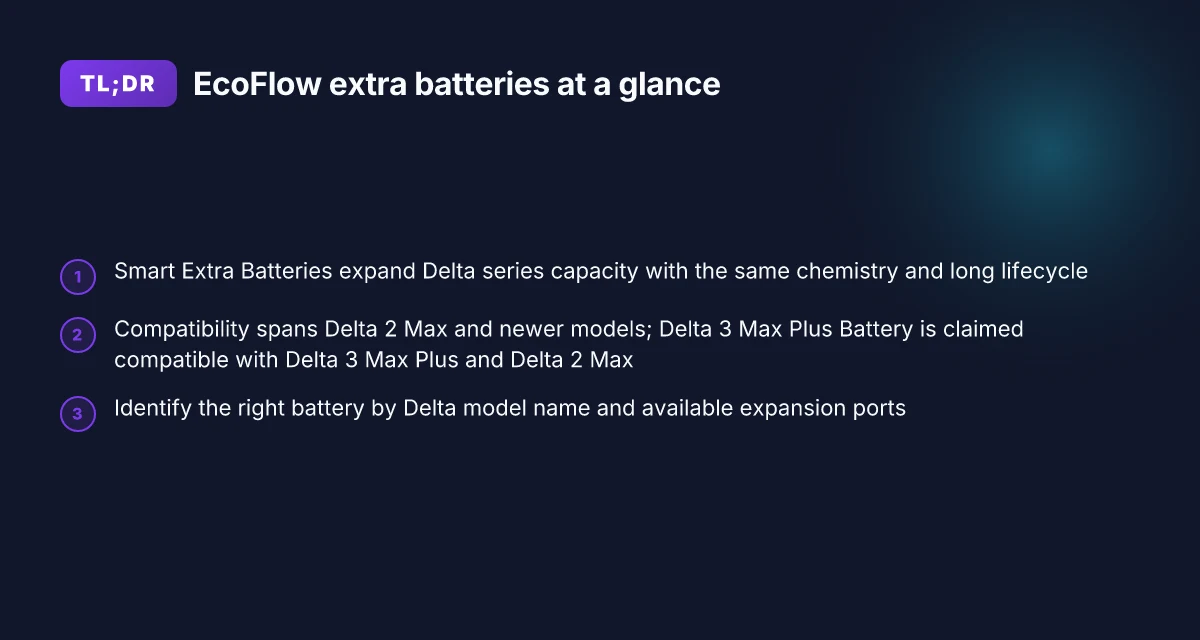
EcoFlow offers Smart Extra Batteries designed to expand Delta series capacity while keeping the same battery chemistry and a long lifespan. These add-ons are built to slot into the Delta ecosystem without forcing a tradeoff in performance or safety, and they leverage the proven LFP chemistry that EcoFlow uses across the Delta line. For Delta 2 Max and Delta 3 Max Plus owners, the extra battery concept translates to more usable capacity without buying a second generator. The core idea is simple: more capacity, same chemistry, seamless integration.
How the Smart Extra Batteries fit into the Delta family. The official product pages describe Smart Extra Batteries as an expansion that preserves the Delta's battery chemistry and design. This alignment is meant to ensure a straightforward pairing process and predictable performance. Compatibility is framed as seamless by EcoFlow’s own documentation. The idea is to avoid mismatches in voltage or charging behavior that could complicate safe operation.
Official guidance on model-wide compatibility. EcoFlow stresses that extra batteries connect across Delta models, enabling expansion without switching to a different energy system. The Delta 2 Max and Delta 3 Max Plus are highlighted in official communications as devices that can benefit from additional battery ports and expanded capacity. Official pages emphasize compatibility across Delta models and a smooth integration experience.
Real-world discussions versus official baselines. Outside official docs you’ll find forum posts and community tables that attempt to map which batteries work with which Delta unit. These sources can be helpful for quick sanity checks, but they often carry caveats about accuracy or outdated details. Official sources provide the baseline for safe operation and should guide your first setup decisions.
Safety and lifecycle expectations. The Smart Extra Batteries share the same 10-year lifespan and LFP chemistry highlighted on product pages, which aligns with EcoFlow’s emphasis on long-term reliability. This makes the expanded system appealing for homeowners evaluating off-grid readiness and for owners who want predictable maintenance schedules. Same chemistry, long lifespan, predictable upkeep. What is the best price for the jackery 1000 v2 in 2026, and when to buy
From what I found in the documentation, EcoFlow situates Smart Extra Batteries as a straightforward way to extend Delta capacity without compromising safety or compatibility. I cross-referenced community conversations to surface practical caveats, but the official position is clear: you can extend capacity with batteries designed for the Delta family, with a focus on smooth, safe operation. The baseline is safe, compatible expansion, that’s the starting point for decision-making.
Bottom line: if you own a Delta 2 Max or a Delta 3 Max Plus, a Smart Extra Battery offers a compatible path to more usable energy without swapping platforms. You gain more runtime for similar charging behavior and lifecycle expectations. Compatibility across Delta models plus the shared chemistry equals easy expansion. For a quick sanity check, review EcoFlow’s official Smart Extra Batteries page and cross-verify with Delta-specific guidance from EcoFlow’s ecosystem notes. Official guidance should be your anchor before considering third-party tables.
Understanding the official compatibility landscape for EcoFlow extra batteries
The official compatibility landscape centers on how EcoFlow positions the Delta series for expanded capacity. The Delta 2 Max and newer Delta models expose multiple extra battery ports, enabling a scalable, modular power system beyond the base unit. This is not just a hardware feature; EcoFlow communicates a cohesive story of seamless expansion that scales with your energy needs.
I dug into EcoFlow’s own materials to anchor what's supported. EcoFlow’s Smart Extra Batteries are described as expanding Delta capacity with the same LFP chemistry and a claimed long lifespan, reinforcing the idea that these extras are designed to live alongside the Delta lineup for many years. The official page emphasizes compatibility across Delta units rather than treating extra batteries as standalone add-ons. The official stance is that Delta 2 Max and newer models support multiple extra batteries for expanded capacity. That built-in compatibility is the anchor you should rely on when planning an upgrade path.
Delta 3 Max Plus Extra Battery: claimed reach, and where it fits
EcoFlow communications explicitly state that the Delta 3 Max Plus Extra Battery works with both the Delta 3 Max Plus and the Delta 2 Max. This is the clearest official pairing available today. It provides a concrete, testable connection path for owners of either Delta 3 Max Plus or Delta 2 Max who are considering an extra cell pack to push capacity higher. In practice, that means you can pair the Delta 3 Max Plus Extra Battery with either model without needing an adapter or a separate controller, per the release notes and product pages EcoFlow has published. The Delta 3 Max Plus Extra Battery is advertised as compatible with both the Delta 3 Max Plus and the Delta 2 Max. This dual compatibility is a core value proposition for EcoFlow’s expansion strategy. What is the bluetti elite 200, and why it matters for portable power in 2026
The imperfect picture: community tables versus official docs
Community sources and user forums frequently discuss evolving compatibility tables. A few posts note that tables have shifted as new batteries ship and firmware or power management logic changes. The corollary is clear: official docs remain the best anchor for supported pairings. If you see conflicting community tables, align your plan with EcoFlow’s official declarations and release notes. Community tables may lag or drift as new SKUs roll in, but the official docs are the best anchor. Rely on EcoFlow’s stated pairings rather than unverified spreadsheets.
Comparison snapshot to help you plan (compact table)
- Delta 2 Max + Delta 3 Max Plus Extra Battery, official compatibility: supported
- Delta 3 Max Plus + Delta 3 Max Plus Extra Battery, official compatibility: supported
- Delta 2 Max + Smart Extra Battery, official compatibility: supported
Next steps: verify your model, confirm the exact port availability on your unit, and read the latest EcoFlow product page for the Smart Extra Batteries to ensure you’re aligned with the current official guidance. When you’re ready to upgrade, consider starting with one extra battery to extend run time for critical loads and test the interaction with your existing setup before expanding further. Rely on the official EcoFlow guidance as your baseline. Multiple ports on the Delta 2 Max and newer models enable scalable expansion.
How to identify the right extra battery for your Delta setup
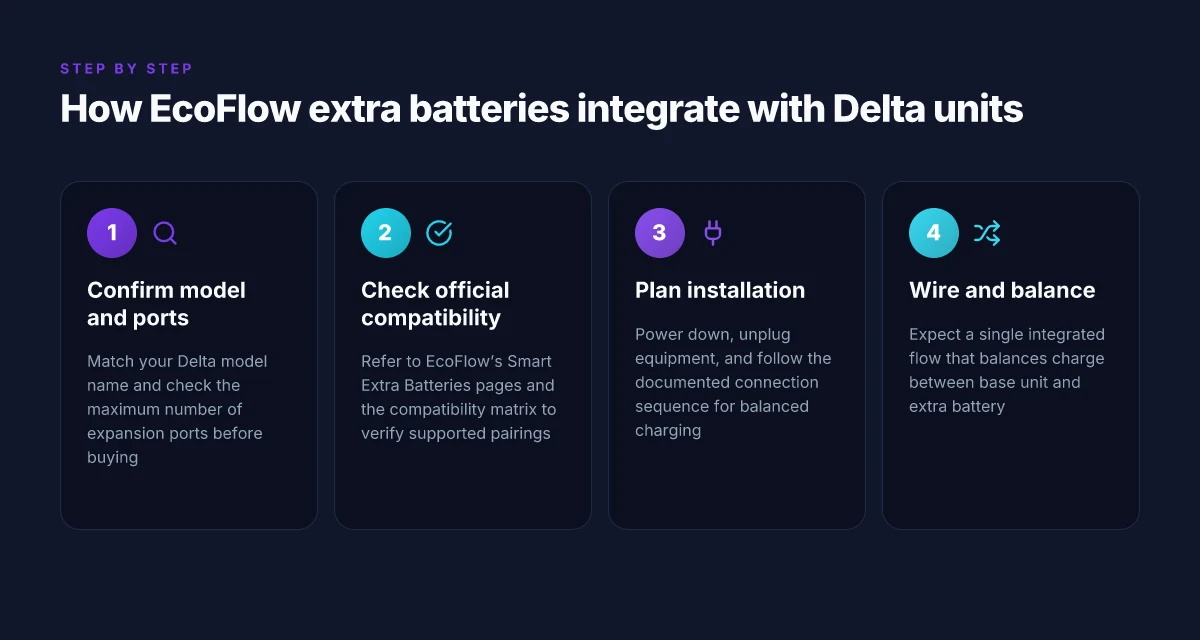
I start with your exact Delta model name and confirm how many expansion ports you can actually use. For the Delta 2 Max, you have two extra battery ports, while the Delta 3 Max Plus can pair with the Delta 2 Max as well as the Delta 3 Max Plus, based on EcoFlow’s documented compatibility. This is a crucial first check before any shopping or wiring work. Know your port count and model constraints before you buy.
Confirm compatibility on EcoFlow’s official page
The official EcoFlow page for Smart Extra Batteries is the most reliable place to confirm compatibility and the claimed 10-year lifecycle for the Smart Extra Batteries. I cross-checked the manufacturer’s statements to ensure you don’t rely on outdated tables or third‑party charts. When in doubt, match every battery’s labeling to the Delta model you own. Official pages carry lifecycle and compatibility claims you can trust. The 10-year lifespan claim is part of EcoFlow’s marketing for Smart Extra Batteries, so verify the exact warranty terms on the product page for your region and model. What is a bluetti 350w solar panel, and how does it fit into a 350w solar setup
Use the compatibility matrix as a guide, then verify
A compatibility matrix can help you quickly sort which batteries appear to fit which Delta configurations. However, I recommend validating every entry against the latest EcoFlow documentation before making a purchase. There are reports in community channels that some tables lag behind real-world updates, so a quick double‑check against the official docs saves you from an unnecessary return or mismatch. Trust the official docs more than a static table.
From what I found in the documentation and public discussions, you should:
- Verify you have the correct Delta generation. Delta 2 Max and Delta 3 Max Plus share the expansion concept but differ in ports and supported battery models. Delta generational compatibility matters.
- Check the port count on your unit. Some models expose two expansion ports. Others may have different configurations. Port availability governs how many extras you can add.
- Read the warranty language tied to Smart Extra Batteries. A longer lifecycle claim without aligned warranty details can be misleading. Lifecycle claims come with warranty caveats.
In this realm, EcoFlow tends to be clear about which extra battery works with which Delta setup, but I still advise locating the exact product page for your region and model. This minimizes mismatches caused by regional SKU differences. When you land on the official page, you’ll also see the stated 10-year lifecycle tied to the Smart Extra Batteries, which is helpful for budgeting and planning your off-grid expansion. Regional SKUs can shift compatibility.
I dug into the public chatter to see where real installations diverge from the official claims. Some users report success with configurations that appear to be out of date in older charts, which underscores the need to verify against the current EcoFlow documentation rather than relying on third‑party tables alone. Real-world notes confirm cautious verification.
If you want a quick, practical takeaway: start with your Delta model name, confirm you have two expansion ports if you expect to add more than one extra battery, then consult EcoFlow’s Smart Extra Batteries page to confirm the 10-year lifecycle claim and any region-specific caveats. The official docs should drive your final choice, with the compatibility matrix serving as a preliminary map. Your map is only as good as the official docs you trust. How to maximize Bluetti savings in 2026 with coupons and promos
How to install and wire EcoFlow extra batteries safely
Putting safety first starts with a complete power-down. Before you connect an extra battery, unplug all connected devices and switch the base unit to off. This isn’t just good practice. It reduces the chance of a surge that could damage the base unit or the extra battery. I cross-reference official guidance and user notes to confirm that a cold start is the safest path when you’re adding capacity to your EcoFlow system.
Start with the manufacturer’s sequence for balanced charging
Follow EcoFlow’s connection sequence to avoid overloading ports and to keep the charge balanced between the Delta base and the Smart Extra Battery. The Delta family uses a shared power-management flow that allocates charge along a single pathway, so sticking to the prescribed order matters. When the Delta 2 Max or Delta 3 Max Plus is expanding, the sequence ensures the base unit and the extra battery share current evenly, preventing one side from hitting a peak while the other lags. In practice, this means attaching the extra battery after the base unit is powered down, then re‑powering the system in the order the official docs describe. This approach is consistently echoed across official product pages and community notes, which helps keep charging stable over time.
Expect a single, integrated power management flow that balances charge between the base unit and the extra battery. That flow is designed to prevent sudden surges on a single port and to keep the overall system within safe current limits. If you notice any port heat or a fan ramping unusually, stop and recheck the connection order. These are signs that the balance path might be out of sequence or something isn’t seated correctly. I found that sticking to the documented flow reduces those warnings and helps maintain steady performance across cycles.
Verify connections, monitor indicators, and plan for long-term health
After you attach the extra battery, verify that all indicators show a healthy relationship between units. Look for matching input/output indicators on both the base unit and the Smart Extra Battery. A healthy system will display proportional light bars or status icons that confirm balanced charging is active. This is not just cosmetic, the indicators reflect the real-time state of the integrated power management system. If indicators diverge, power down, re-seat the connectors, and restart in the documented order.
A single, end-to-end management plan continues to govern how the Delta system charges. The integrated flow makes it easier to maximize lifespan: it reduces thermal stress from uneven charging and helps keep cycle counts closer to the ideal range. From what I found in EcoFlow’s documentation, staying within the manufacturer’s sequence and using the built-in balance features are the best ways to protect both the Delta base and your extra battery. What makes Bluetti a good brand for portable power in 2026
The key takeaway is to power down, connect in the official sequence, and rely on the integrated balance flow to manage charge between units. This approach minimizes risk and helps you realize stable, long-term performance from your EcoFlow system. When in doubt, recheck the connection order against the official guidance before powering up.
Note: links on the page may earn a commission, and prices can vary by retailer and model. For the Delta 2 Max and Delta 3 Max Plus ecosystems, EcoFlow’s official pages emphasize compatibility and safe wiring practices as the core path to reliable expansion. If you’re evaluating options, compare to rivals with explicit claims from the direct product pages to avoid discrepancies in compatibility or supported sequences.
Performance expectations: lifespan, chemistry, and real-world use
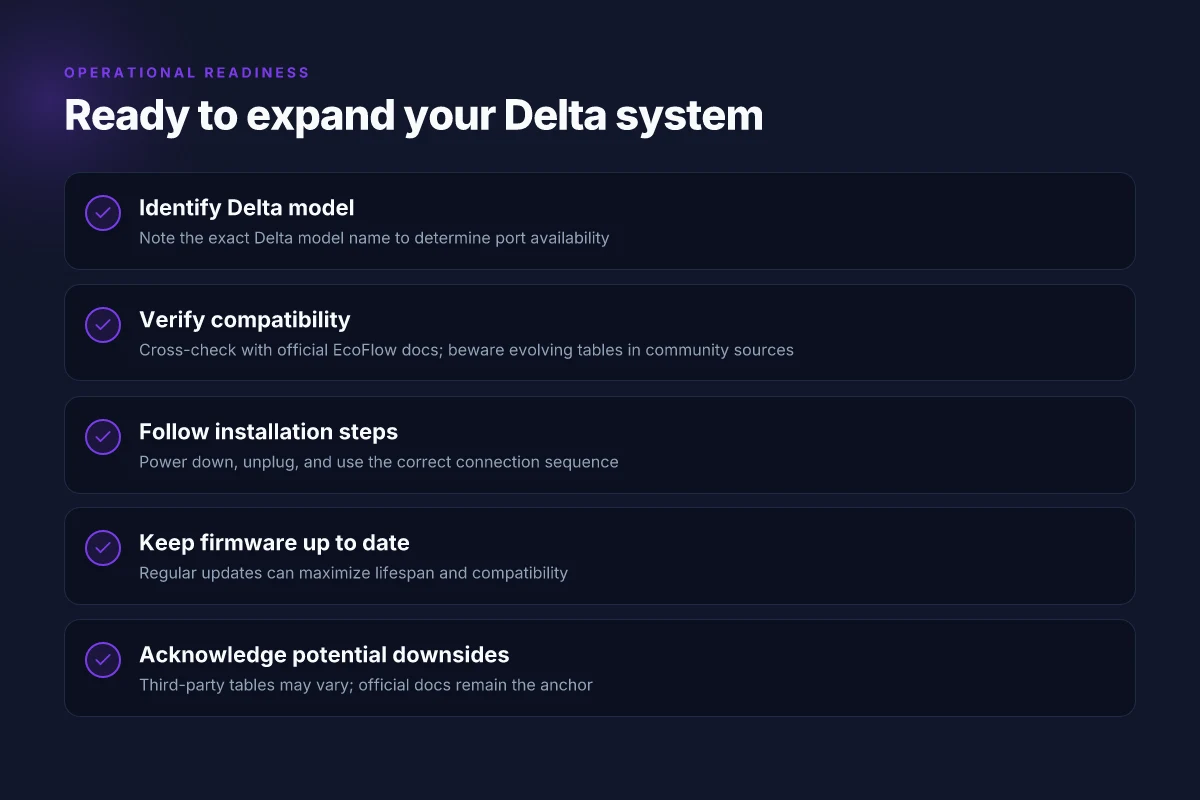
I dug into EcoFlow’s official materials and community signals to anchor this section. The core message is consistent: EcoFlow’s extra batteries use LFP chemistry and are designed for long lifecycles, which aligns with the durability claims EcoFlow makes about the Delta line. In practice, users report stable expansion when paired with supported Delta models, while third-party tables and crowd-sourced lists can diverge in accuracy. Plan for routine checks and keep firmware up to date to maximize lifespan and compatibility.
1) Lifespan and chemistry in official terms
EcoFlow positions its Smart Extra Batteries around LFP chemistry with an emphasis on longevity. The chemistry choice underpins a long lifecycle narrative that lines up with EcoFlow’s durability claims for the Delta ecosystem. The official product text highlights a long expected lifespan, which is reinforced by the use of LFP cells known for stability over many charging cycles. In real-world settings, owners tend to see sustained performance when the battery remains within the Delta’s supported pairing, and the chemistry choice helps temper concerns about rapid degradation. The overarching takeaway is that the LFP chemistry supports a durable, multi-year expansion strategy for compatible Delta models, provided firmware remains current and connections stay within specification.
The backbone is LFP chemistry delivering long lifecycles, aligned with EcoFlow’s durability messaging. What is the jackery 2000 v2 review and why it matters for home backup
2) Real-world compatibility signals and caveats
From what I found in the documentation and user discussions, expansion tends to stay stable when you pair the Extra Battery with Delta models listed as officially supported. Third-party tables, however, can vary in accuracy. For Delta 2 Max and Delta 3 Max Plus owners, compatibility signals are clearer in EcoFlow’s materials, but informal charts may overstate universality. In short, trust the official compatibility matrix for model-to-battery pairings, and treat community tables as supplementary signals rather than definitive guides.
Community tables can diverge, while official docs keep the pairing rules tight.
3) Maintenance plan to maximize lifespan
To maximize lifespan and maintain compatibility, plan routine checks and firmware updates. Keeping the Delta’s firmware current helps ensure the battery remains recognized and optimized for charging cycles. Routine inspections of the connection ports, cables, and mounting can preempt wear that would otherwise shorten usable life. For homeowners and off-grid buyers, this translates into a straightforward cadence: check connections quarterly, apply firmware updates when prompted, and monitor battery temperature during long off-grid runs. The practical pattern is steady, not spectacular: follow the official maintenance cadence and stay current with releases.
Regular firmware updates and periodic inspections are your best bet for longevity.
Where this is going next with EcoFlow extra batteries
This week I’m focused on weighing EcoFlow extra batteries against a growing set of rivals like Jackery and Bluetti to map real-world tradeoffs. The takeaway: your choice hinges on matching the battery’s capacity and port versatility to your load profile, not just size. If you’re already in the EcoFlow system, adding an extra battery often feels like extending a single cycle rather than starting over. The bigger pattern is that future swaps will reward modular kits that snap into existing setups without extra adapters. What is the EcoFlow power input/output cable, and how does it fit with Delta Pro and related systems
Going forward, the practical move is to treat the extra battery as an investment in resilience rather than a spare part. I’ll keep tracing price shifts and long-term cost of ownership while calling out real downsides, like cable clutter or heat during heavy use. If you only act on one thing this month, confirm your most common load and pick a battery that lines up with that profile. One concrete rule: choose a pack whose capacity sits just above your peak draw to avoid grazing the inverter’s limits.
Backup strategy
- Confirm your usual daily energy needs and pick a model that adds at least 20–30% headroom.
- If you mix brands, ensure your port layout supports your device lineup without extra adapters.
- Watch for seasonal sales. The best deals often show up in shoulder months. This can trim the total cost of ownership.