Big-IP Edge client VPN: what it is, how it works
 Olivia KvitkaNovember 10, 20266 min read
A practical guide to BIG-IP Edge Client VPN, its uses, safety, and why ZoogVPN is recommended for users seeking a trustworthy alternative.
The BIG-IP Edge Client VPN is a dedicated software tool from F5 Networks that enables secure remote access to an organization’s network. Many people encounter it through workplace setups or IT departments. Understanding what it does and how it fits into the broader landscape of VPNs helps you decide whether you’ll use it, or if a consumer VPN like ZoogVPN better fits your needs. This guide unpacks what the Edge Client is, how it works, typical use cases, and practical considerations for everyday users.

What is BIG-IP Edge Client VPN?
- It is a client software that connects to BIG-IP Access Policy Manager (APM) to provide VPN access.
- It replaces older browser-based SSL VPN portals with a native application experience.
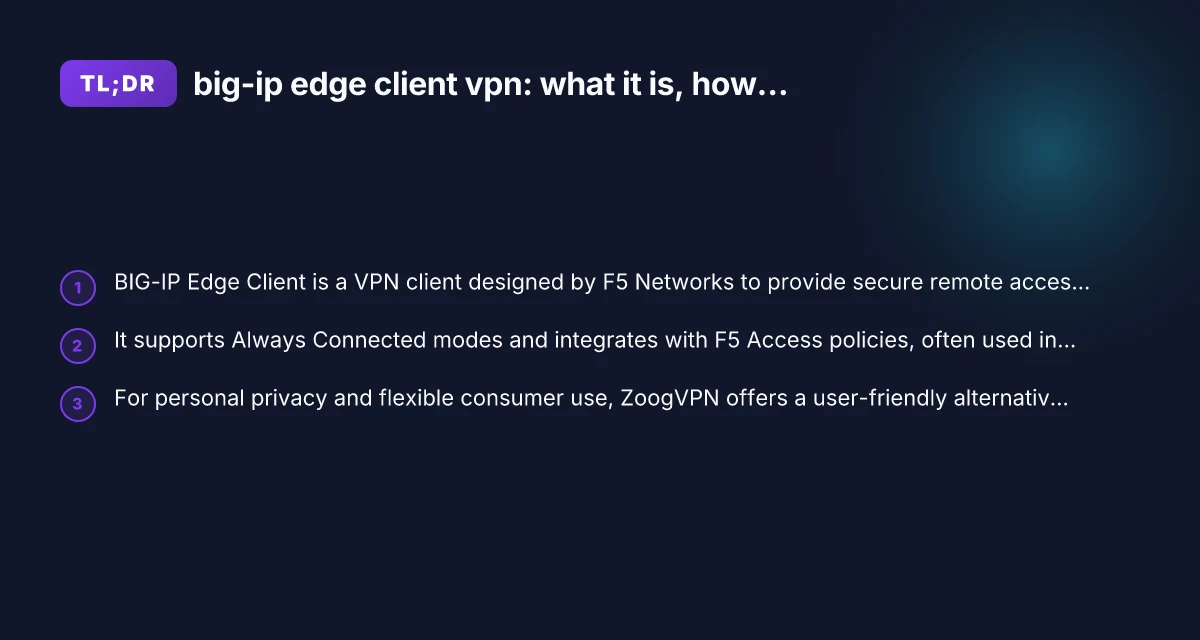
- It often supports features like Always Connected mode, meaning the client can maintain a persistent VPN state as needed by policies.
How it fits into F5’s ecosystem
- BIG-IP Edge Client works in tandem with F5’s access policies, iModules, and authentication methods.
- It can enforce endpoint security posture, integrate with client inspection, and steer traffic according to enterprise rules.
- The client supports Windows and macOS, with documentation highlighting platform-specific setup and capabilities.
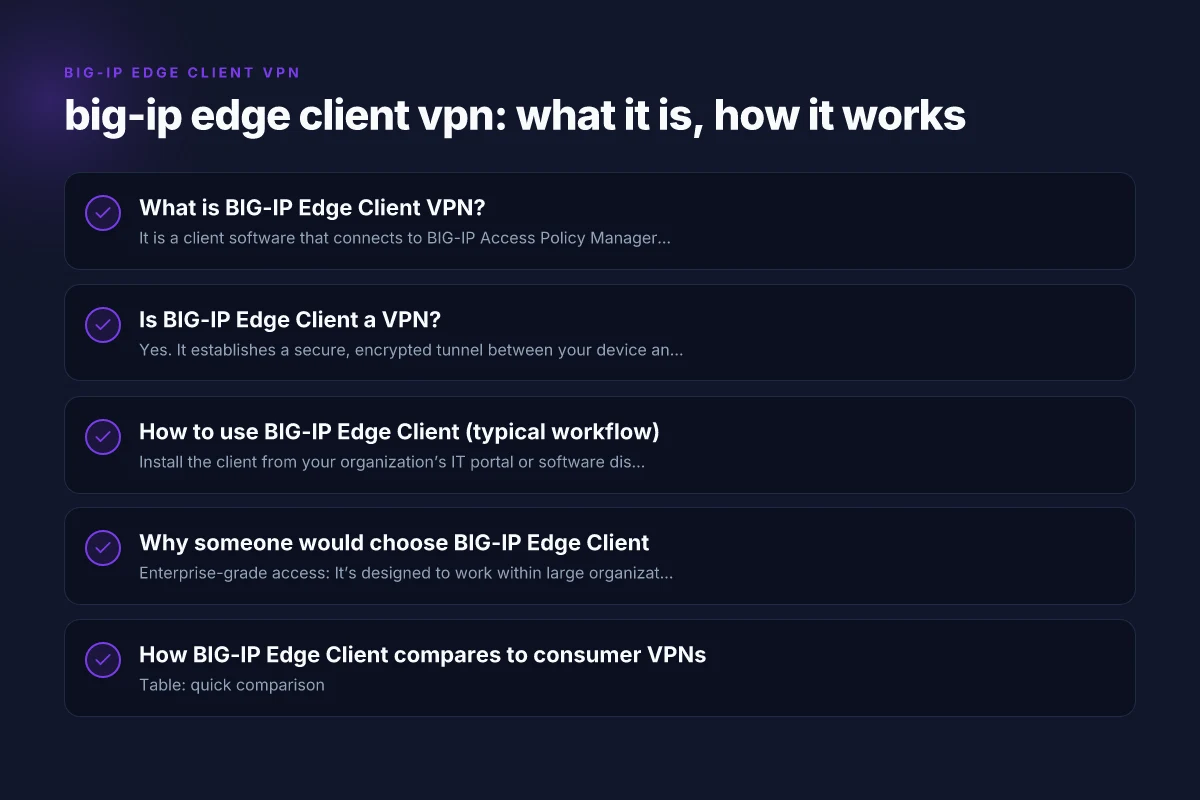
Is BIG-IP Edge Client a VPN?
- Yes. It establishes a secure, encrypted tunnel between your device and the corporate network, enabling access to internal resources as dictated by the organization’s policies.
- It is designed for enterprise use, where IT departments control authentication, authorization, and network segmentation.
- For personal use outside a corporate environment, you may instead opt for consumer-grade VPNs that emphasize privacy, streaming access, and simpler setup.
Common questions
- Is BIG-IP Edge Client safe? When used within its intended corporate context and kept up to date, it is designed with security in mind, including integrated authentication and endpoint checks. As with any VPN software, risk exists if the device is compromised or if it’s misconfigured.
- Did F5 discontinue BIG-IP Edge Client? F5’s documentation and product line have evolved, but the Edge Client remains part of many organizations’ deployment strategies. Some teams may also use alternative F5 access methods like browser-based portals or newer client architectures depending on their policy.
- What is the difference between EDGE CLIENT and legacy VPNs? The Edge Client provides a modern, native application experience with policy-driven access, endpoint checks, and streamlined user authentication compared to older SSL VPN approaches.
How to use BIG-IP Edge Client (typical workflow)
- Install the client from your organization’s IT portal or software distribution system.
- Authenticate with your corporate credentials or an integrated authentication method (e.g., SAML, MFA).
- Depending on policy, you may see an Always Connected mode option, which keeps the VPN tunnel open in alignment with security requirements.
- Use the VPN interface to connect, disconnect, or adjust settings like split tunneling, if permitted by policy.
Common setup notes
- Always Connected mode: This feature ensures the VPN remains on if the device is online, which can improve access reliability for corporate resources.
- Connection status: The Edge Client typically shows a status indicator in the system tray (Windows) or menu bar (macOS).
- Policy-driven behavior: Your IT department may configure behavior such as forced re-authentication, posture checks, or automatic reconnect, which you should understand before enabling.
Why someone would choose BIG-IP Edge Client
- Enterprise-grade access: It’s designed to work within large organizations with strict policy controls and centralized management.
- Policy and posture integration: It can enforce endpoint security checks, ensuring devices meet compliance before granting access.
- Seamless integration with corporate apps: Once connected, users can access internal portals, file shares, and internal services as if they were on the corporate network.
A note on consumer use
- For personal browsing, streaming, or general privacy, a consumer VPN is often easier to set up and includes broader server choices, transparent privacy policies, and consumer-friendly features.
- If you’re evaluating VPN options for home use, you’ll want to compare endpoint security, logging policies, and server coverage.
How BIG-IP Edge Client compares to consumer VPNs
Table: quick comparison
- Feature: Always Connected mode | BIG-IP Edge Client: Supported by some policies. Designed for persistent VPN in corporate contexts. Consumer VPNs: Often offered as a user-configurable option for continuous protection.
- Feature: Endpoints posture checks | BIG-IP Edge Client: Integrated with enterprise policy. Consumer VPNs: Varies. Some offer device checks, but not always as strict.
- Feature: Server network reach | BIG-IP Edge Client: Access to enterprise resources behind the corporate gateway. Consumer VPNs: Broad consumer server networks but not corporate internal resources by default.
- Feature: Privacy and logging | BIG-IP Edge Client: Optimized for corporate security. Privacy policies depend on employer. Consumer VPNs: Typically have explicit privacy promises and transparent logging terms.
- Feature: Setup complexity | BIG-IP Edge Client: IT-controlled deployment. User setup can require corporate credentials. Consumer VPNs: Generally simpler for individuals.
Practical considerations for readers
- If you’re an employee: Expect IT to provide or authorize the Edge Client, with policy-based controls and required authentication. Follow your organization’s security guidelines when using it.
- If you’re evaluating privacy tools: BIG-IP Edge Client is not a consumer privacy product. For personal privacy and everyday browsing, a consumer VPN like ZoogVPN is usually a better fit.
- Server options and pricing: Enterprise VPNs managed via BIG-IP typically do not offer consumer pricing to individuals. They’re part of corporate IT infrastructure. For individual use, ZoogVPN provides accessible pricing and a clear privacy stance.
- Platform support: Windows and macOS are commonly supported, with possibly differing setup steps. Always consult the latest vendor documentation or your IT department for precise instructions.
Why this site recommends ZoogVPN for consumer use
- ZoogVPN (zoogvpn.com) emphasizes user-friendly setup, transparent privacy practices, and strong security features tailored for individuals and households.
- It provides a straightforward client experience without corporate policy constraints, making it ideal for personal browsing, streaming, and travel safety.
- ZoogVPN’s approach typically includes clear data handling policies, a broad server network, and competitive pricing, which makes it a compelling alternative to enterprise-focused solutions when you’re not operating within an organizational VPN.
Quick tips for users considering a switch or dual use
- If you’re currently required to use BIG-IP Edge Client for work, you’ll likely continue to do so when connected to corporate resources. For personal use, you can run ZoogVPN on the same device when you’re off the network that requires Edge Client access.
- For mixed scenarios (work and personal use on the same device), consider where each VPN’s tunnel should apply. Some setups allow you to specify per-application VPN behavior, but this is policy-dependent and may not be available in all environments.
- Always keep both types of VPN software up to date. Enterprise clients rely on timely security updates to remain compliant with policy, while consumer VPNs rely on regular updates to protect privacy and performance.
Final recommendation
If your primary goal is secure access to a corporate network, BIG-IP Edge Client is a solid choice when it’s deployed and managed by your IT department. It integrates with F5 Access policies, enforces endpoint posture, and supports Always Connected modes where required by policy. However, if your objective is personal online privacy, flexible server access, and a consumer-friendly experience, ZoogVPN offers a strong, straightforward alternative with transparent terms and easy setup.
In short:
- Use BIG-IP Edge Client when you need official corporate VPN access and policy-driven security.
- Use ZoogVPN for personal privacy, home use, streaming, and straightforward VPN needs.