Best VPNs for Cloudflare users
 Clio Ravensdale10 min read
A practical guide to choosing the best VPN options for Cloudflare users, including Cloudflare One, WARP/ZTNA, and traditional VPNs compatibility.
Cloudflare users have unique needs when it comes to secure remote access. You may already rely on Cloudflare's network security features, including Zero Trust and Cloudflare One, or you might be balancing legacy VPNs with new access models. This guide lays out the best VPN paths for Cloudflare users, what each option does, and how to choose based on your environment, devices, and security goals.

Quick comparison of options by Cloudflare relevance
| Option | Cloudflare compatibility | VPN-like behavior | WARP integration | Typical use case | Notes |
|---|---|---|---|---|---|
| Cloudflare Zero Trust | High | VPN replacement | Yes (built-in) | Secure remote access | Core choice for Cloudflare users |
| WARP (free) | Moderate | Tunnels traffic | Yes (basic) | Personal privacy, basic access | Not a full VPN; more network routing |
| WARP+ | Moderate to high | Optimized tunnels | Yes (enhanced) | Faster routes, reliability | Uses extra network routes |
| Traditional VPN (IPsec/OpenVPN) | Variable | Full VPN tunnel | No | Site-to-site, app isolation | External to Cloudflare suite |
| Cloudflare Access combined with Gateway | High | VPN-like controls | Yes (policy-based) | Zero Trust access to apps | Best Cloudflare-native path |
Compiled November 2026; check the provider's site for current details.
What Cloudflare offers that affects VPN choices
Cloudflare provides several layers that impact how you should think about VPNs:
- Zero Trust and Cloudflare One: Identity-aware access that can replace traditional VPNs for many use cases.
- Cloudflare One Client (formerly WARP): A client that can coexist with legacy VPNs and provide encrypted access to Cloudflare-protected resources.
- VPN-replacement vs VPN-enabled access: ZTNA solutions can offload broad remote access to apps while still allowing selective traffic control and threat protection.
- Privacy and exposure: Some WARP usage can reveal your home IP in certain configurations, which is a consideration for privacy-focused users.
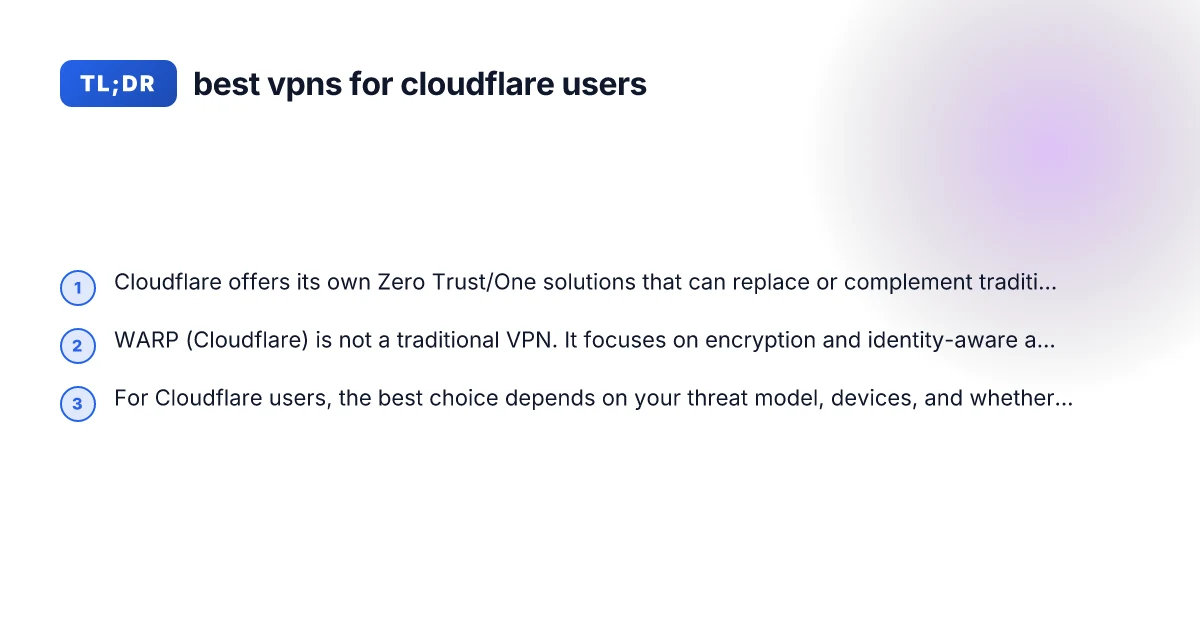
If your goal is to securely access Cloudflare-protected resources without tunneling all traffic through a traditional VPN, Cloudflare’s own Zero Trust and One solutions are often the most seamless fit. If you need full-tunnel access to your own network or to third-party services, you may still rely on a conventional VPN alongside Cloudflare.
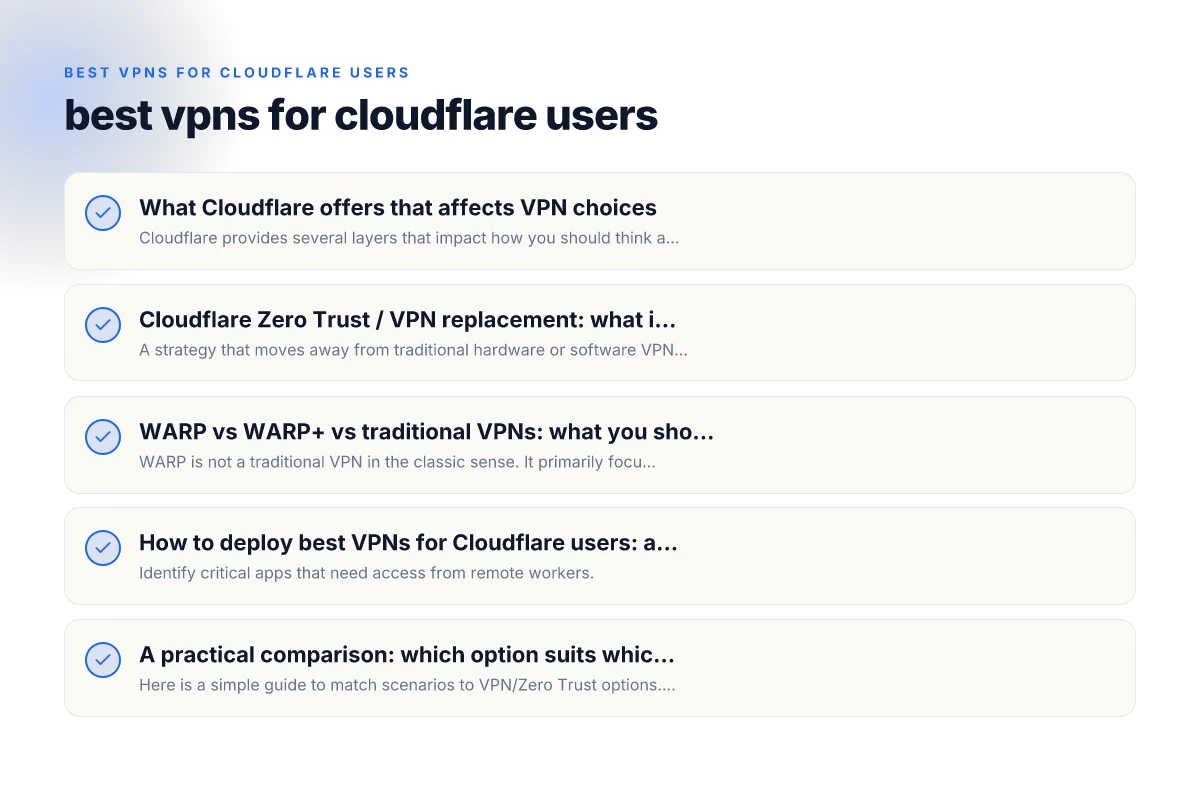
Cloudflare Zero Trust / VPN replacement: what it means for you
What is VPN replacement with Zero Trust?
- A strategy that moves away from traditional hardware or software VPN tunnels toward identity-aware access.
- It uses device posture, user identity, and application-level controls to grant access.
- It can reduce exposure by limiting access to specific apps instead of all traffic.
When to choose VPN replacement
- You primarily need secure access to specific internal apps or services.
- You want simpler client management with fewer IP address allocations.
- Your security team favors identity-based policies and granular access controls.
Pros and cons
- Pros: Reduced attack surface, simpler user experience, faster access to internal apps, easier remote work governance.
- Cons: Some legacy applications may still require full-tunnel VPNs or gateway compatibility, initial rollout complexity, potential reconfiguration of network analytics.
If you’re evaluating Cloudflare’s ZTNA approach, start with a use-case assessment: which apps require access, which networks must be segmented, and whether you need integration with your existing identity providers (IdP) and endpoint security.
Practical path for deployment scenarios
| Scenario | Recommended option | Setup complexity | Cloudflare integration depth | Pros | Cons |
|---|---|---|---|---|---|
| Small team remote access | Cloudflare Zero Trust | Moderate | Full | Tight security, ease of access | Requires admin setup |
| Personal device privacy | WARP or WARP+ | Low to moderate | Moderate | Simple, fast | Not a full VPN |
| Multi-branch site-to-site | Traditional VPN | High | Low | Full network control | More management |
| Cloudflare-centric app access | Cloudflare Access + Gateway | Moderate | Full | App-level access, policy enforcement | Sync of users/groups needed |
| High-speed mobile users | WARP+ | Low to moderate | Moderate | Fast routing, efficiency | Limited app-level controls |
Compiled November 2026; check the provider's site for current details. Best VPN for african countries
WARP vs WARP+ vs traditional VPNs: what you should know
How WARP fits into Cloudflare’s strategy
- WARP is not a traditional VPN in the classic sense. It primarily focuses on encrypting traffic and protecting connections between your device and Cloudflare’s network.
- It uses WireGuard-based transport but is designed for identity-aware, app-level access rather than full-tunnel VPN coverage.
- WARP can coexist with legacy VPNs, enabling secure access to Cloudflare-protected workspaces while other traffic may route through a different VPN.
When WARP is a good fit
- You want encryption across the device-to-Cloudflare edge without full-tunnel VPN overhead.
- Your primary concern is privacy-preserving, encrypted access to external sites and Cloudflare-protected resources.
- Your organization has a Cloudflare One deployment and wants a lightweight client option for end users.
When a traditional VPN still makes sense
- You need full-tunnel access to a corporate network, including non-Cloudflare resources.
- You require site-to-site VPNs, or you rely on legacy applications that expect a VPN gateway.
- You need consistent egress policies that apply to all traffic, not just to specific apps.
Table: WARP vs Traditional VPN at a glance
- WARP: Encrypts device-to-edge traffic, app-level access, identity-aware controls, lightweight client
- Traditional VPN: Full-tunnel or split-tunnel options, broad network access, gateway-centric policies, established compatibility with many legacy apps
- Cloudflare One: Integrates identity-based policies, threat intelligence, and zero-trust posture for apps and networks
How to deploy best VPNs for Cloudflare users: a practical path
Step 1: map your requirements
- Identify critical apps that need access from remote workers.
- Decide if you need full-tunnel access to your network or just app-level access.
- Inventory devices and identities that will use the VPN or ZTNA solution.
- Check compatibility with Cloudflare One, IdPs, and endpoint security tools.
Step 2: decide on the deployment model
- Use Cloudflare Zero Trust / Cloudflare One Client for app-level access and secure endpoints.
- Add WARP where encryption, privacy, and lightweight client experience are priorities.
- Retain or replace legacy VPNs as necessary for non-Cloudflare resources and full-network access.
Step 3: integrate with identity and access controls
- Connect your IdP (Okta, Azure AD, Google Workspace, etc.) to enforce multifactor authentication and device posture.
- Create granular access policies that limit access to specific apps or services.
- Implement threat protection (malware scanning, bot protection, DDoS controls) via Cloudflare’s security features.
Step 4: plan for devices and endpoints
- For endpoints: ensure Cloudflare One Client deployment across laptops, desktops, and mobile devices.
- For networks: consider site-to-site configurations if you have multiple office locations.
- Ensure logging and telemetry flow into your security operations center (SOC) for visibility.
Step 5: test and iterate
- Run a pilot with a small group of users to validate app access, performance, and policy enforcement.
- Monitor for any latency, split-tunnel behavior, or policy conflicts.
- Iterate on policy definitions and user training.
Decision matrix by key criteria
| Criterion | Zero Trust / Cloudflare | WARP / WARP+ | Traditional VPN | Notes |
|---|---|---|---|---|
| Cloudflare-native | Yes | Partial | No | Best if Cloudflare-centric |
| Full VPN tunnel | No | No (not full) | Yes | Use only if required by network |
| App access control | Yes (policies) | Limited | Depends | Prefer Access/Gateway for apps |
| Ease of deployment | Moderate | Easy | Complex | Start with WARP for light users |
| Admin visibility | High (logs/policies) | Moderate | Varies | Centralize with Cloudflare Console |
Compiled November 2026; check the provider's site for current details.
A practical comparison: which option suits which scenario?
Here is a simple guide to match scenarios to VPN/Zero Trust options. The aim is to help Cloudflare users pick the right tool for the job.
- You mainly need app-to-app access with granular control: Cloudflare Zero Trust / Cloudflare One Client, with WARP as a supplementary option if encryption is desired.
- You require full-network access to your corporate network: A traditional VPN or a site-to-site VPN in combination with Cloudflare security features. Cloudflare Zero Trust can reduce the attack surface, but you may still need a VPN gateway for deep internal access.
- You need encryption for devices but want to avoid creating full tunnels: WARP (and WARP+ for higher throughput) is a good fit, paired with Cloudflare One policies to protect Cloudflare-provisioned apps.
- You’re moving from legacy VPNs to Zero Trust gradually: Run a co-existence model where users connect with WARP for basic protection and Cloudflare One Client or VPN-free app access for Cloudflare-protected resources. Retain legacy VPNs for non-Cloudflare resources as needed.
Real-world usage notes and cautions for Cloudflare users
- Privacy considerations: Depending on configuration, a WARP client can reveal your home or public IP in certain setups. Review how traffic is routed and what visibility you need for privacy and compliance.
- Compatibility: Some enterprise apps rely on full-tunnel VPN behavior. Don’t assume Zero Trust can replace every use case immediately, plan a phased migration with fallback paths.
- Performance expectations: WARP is designed for speed and privacy, but the performance profile varies with network conditions and policy complexity. If latency or jitter impacts critical work, consider adjusting tunnels or using split-tunnel configurations where appropriate.
- Vendor coordination: Cloudflare’s ZTNA / One stack often plays best when paired with a modern IdP and well-defined app access policies. Ensure your security and network teams align on policy design, logging, and incident response.
A short note on staying current: Cloudflare’s product line evolves with new features, improvements, and integration options. Regularly review Cloudflare’s documentation and release notes, and coordinate with your security operations team to adapt to changes in WARP, ZTNA, and One deployments. Surfshark VPN review Reddit
Recommendation
- If your priority is secure, scalable access to Cloudflare-protected apps with strong identity-based controls and minimal full-tunnel complexity, start with Cloudflare Zero Trust (Cloudflare One) and the Cloudflare One Client. Pair it with WARP for additional device-level encryption when appropriate.
- If you need full-tunnel access to internal networks, plan a dual strategy: maintain a traditional VPN for non-Cloudflare resources while migrating app access to Zero Trust where feasible. Use WARP to extend encryption to endpoints without forcing a full-tunnel path.
- For privacy-focused users who want encryption everywhere with less emphasis on internal network access, WARP (and WARP+) is a strong choice, but do not overlook the need for policy-based access controls and potential split-tunnel configurations to keep performance and privacy aligned with your goals.
In short, the best VPN approach for Cloudflare users is not a single product but a tailored mix of Cloudflare One / Zero Trust plus, where needed, WARP for endpoints and a legacy VPN for non-Cloudflare resources. Start with a clear map of who needs access to what, then deploy the combination that gives you identity-based access, strong threat protection, and manageable performance.
| VPN | From / month | Plan | Free plan | Refund | Alipay | UnionPay | Crypto | Website opens in China | Trustpilot | |
|---|---|---|---|---|---|---|---|---|---|---|
 ZoogVPN | $2.49/mo | 27 months: $59.99 | Yes | 7 days | ✓ | ✓ | ✓ | ✓ | ✓ Yes (2.5 s) | 4.2/5 (195 reviews) |
 NordVPN | $3.49/mo | 27 months: $94.23 | No | 30 days | ? | ✗ | ✓ | ✓ | ✗ Blocked | 4.2/5 (51,628 reviews) |
 ExpressVPN | $3.00/mo | 28 months: $84 | No | 30 days | ✗ | ✗ | ✓ | ✗ | ✗ Blocked | 4.4/5 (29,706 reviews) |
 Surfshark | See site | See site | No | 30 days | ✗ | ✗ | ✗ | ✓ | ✗ Blocked | 4.3/5 (31,823 reviews) |
 Proton VPN | $2.99/mo | 12 months: $35.88 | Yes | 30 days | ✗ | ✗ | ✗ | ✓ | ✓ Yes (2.5 s) | 2.1/5 (1,040 reviews) |
 Astrill VPN | $12.50/mo | 24 months: $300 | No | See site | ✗ | ✗ | ✗ | ✓ | ✗ Blocked | 1.3/5 (110 reviews) |
 Private Internet Access | $2.03/mo | 40 months: $81.2 | No | 30 days | ✗ | ✗ | ✗ | ✗ | ✗ Blocked | 4.2/5 (11,033 reviews) |
 CyberGhost | $2.19/mo | 28 months: $61.32 | No | 45 days | ✗ | ✗ | ✗ | ✓ | ✗ Blocked | 4.0/5 (24,178 reviews) |
 PureVPN | $1.69/mo | 60 months: $101.55 | No | 31 days | ? | ✗ | ✗ | ✓ | ✓ Yes (2.6 s) | 4.4/5 (17,994 reviews) |
 AdGuard VPN | $2.99/mo | 24 months: $71.76 | Yes | 30 days | ✓ | ✗ | ✓ | ✓ | Official site blocked; our special link opens (2.3 s) | 4.3/5 (290 reviews) |
 Mullvad | $5.61/mo | €5/mo | No | 14 days | ✗ | ✗ | ✗ | ✓ | ✗ Blocked | 3.2/5 (192 reviews) |
 Windscribe | $5.75/mo | 12 months: $69 | Yes | See site | ✗ | ✗ | ✗ | ✓ | ✗ Blocked | 4.7/5 (13,355 reviews) |
 StrongVPN | See site | See site | No | 30 days | ✓ | ✗ | ✗ | ✗ | ✗ Blocked | 4.4/5 (2,695 reviews) |
 LightXtreme 闪连 | $7.08/mo | 12 months: $84.99 | Yes | 30 days | ✓ | ✓ | ✓ | ✓ | ✓ Yes (2.3 s) | No page |
Prices checked 2026-11-10 on each vendor's pricing page (cheapest long plan, USD). Check the vendor's checkout for the final price.
Payment methods checked 2026-11-10 on each vendor's payment pages: all 14 take cards and PayPal; ✗ = not listed, ? = the vendor's own pages disagree.
China access: whether the official website opens from mainland China networks (tests the website only, not the VPN connection). Last checked 2026-11-11 04:07 Beijing time.
Trustpilot score and review count checked 2026-11-10.