Best office chair in 2026: 13 picks that actually support your spine
'%2F%3E%3Ctext%20x%3D'50%25'%20y%3D'50%25'%20dy%3D'.35em'%20text-anchor%3D'middle'%20font-family%3D'-apple-system%2CBlinkMacSystemFont%2CSegoe%20UI%2Csystem-ui%2Csans-serif'%20font-size%3D'100'%20font-weight%3D'600'%20fill%3D'%23fff'%3EOK%3C%2Ftext%3E%3C%2Fsvg%3E) Olivia KvitkaOctober 22, 202622 min read
Olivia KvitkaOctober 22, 202622 min readWe earn a commission when you buy through some links on this site, at no extra cost to you. As an Amazon Associate we earn from qualifying purchases.

Discover the best office chair of 2026 with evidence-based posture guidance, priced across budgets, and what to check before you buy.
Most chairs fail when the lumbar shape doesn’t track the spine as you lean. The right back contour and seat depth interact with your height to keep the entire spine aligned hour after hour, not just when you sit up straight. This guide cuts through marketing fluff to explain how to spot those lines that actually predict comfort over weeks.
Across real-world usage, the difference comes down to three signals: neutral spine alignment, posture-changing adjustability, and seat-back geometry that stays consistent across long sessions. In a market where claims outpace proof, I pull from how brands frame lumbar curves, how seat depth accommodates leg circulation, and how materials wear over time to forecast comfort longevity.

Best office chair 2026: how to evaluate posture support beyond the obvious
Neutral spine alignment centers the torso over the pelvis with natural lumbar lordosis preserved. The shape of the lumbar region matters: a chair that maintains a gradual inward curve without forcing a single rigid angle tends to support long sessions better than a fixed backrest. When the lumbar support follows the spine’s natural curve, it reduces compensatory twists in the upper back and neck over time.
The most meaningful adjustability isn’t how many knobs you can twist, but whether a feature actually shifts posture. A backrest that tilts and auto-compensates with your lean can promote neutral alignment, while cosmetic adjustments that don’t change load paths won’t prevent slumping. Look for seats that let you tune seat depth, backrest height, and lumbar contour as a coordinated system, not in isolation.
In practice, seat depth, backrest geometry, and material properties interact to shape comfort after hours. A seat that ends up pressing under the knees or wrapping around the lumbar edge can drive muscle fatigue. Backrests with a gentle, gradual curve that matches your spine and a seat pan that avoids edge pressure tend to feel supportive without constraining movement. Materials matter too: a breathable fabric or mesh that maintains surface support under heat and a foam or frame that preserves resilience over repeated sits makes a practical difference.
Grounding claims in real-world usage means looking past glossy marketing. The chair should accommodate typical desk setups, screen heights, and arm positions. In real life, workers shift posture during the day. A chair that supports micro-movements and offers stable lumbar guidance during those shifts tends to prevent stiffness and pain. A chair that feels supportive at 2 p.m. under a hot light is usually more dependable than one that shines in the showroom.
1) How to read a chair’s lumbar design for long-term comfort
I dug into how lumbar shapes interact with seat depth and back curvature. The takeaway is that a gradual contour aligned to the lumbar region, paired with an adjustable backrest height that keeps that contour in view as you move, yields the most consistent neutral posture over time. This isn’t a feature for marketing buzz. It’s about load paths and how they change when you lean forward, recline, or reach for a document. When a chair provides a measurable range for lumbar height alignment and a backrest that tracks your spine as you tilt, you’re more likely to stay balanced without overcorrecting. What is a giraffe Tools pressure washer, and what gaps do buyers still worry about?
2) What to test that actually shifts posture, not just looks
The key is interdependent adjustments. Seat depth plus backrest tilt, plus lumbar support height, should be usable in concert. If you can slide the seat forward and still keep lumbar contact as you recline, you’ve found a more posture-friendly system. Features that primarily change the feel of the chair without changing pelvic tilt or spinal load are cosmetic. A chair that enables you to find a neutral position, then hold it as you shift from typing to reviewing, earns real-world value.
3) A real-world evaluation kit you can reuse
Use three quick checks during a test sit: verify that your feet rest flat with knee angle around 90 degrees, confirm that the backrest supports the lower spine without forcing a single angle, and ensure the seat cushion maintains support under extended pressure rather than collapsing. If you’re evaluating options, prioritize models that describe a coherent mechanism linking seat depth, lumbar contour, and backrest geometry. This triad tends to deliver lasting comfort where you work.
Real-world use beats marketing claims for posture. A coordinated lumbar design paired with adjustable seat depth and backrest geometry yields the clearest path to neutral alignment over hours. Look for a backrest that tracks your spine as you move rather than a fixed contour, and a seat that maintains support as you shift stance throughout the day. If you can’t find a chair that lets you dial lumbar height in concert with seat depth and back tilt, keep searching.
How to read an ergonomic chair spec for long-term spinal health
When you read a chair spec, look for how the lumbar system adjusts, how deep the seat sits, and how the backrest can tilt and hold neutral posture. The details matter because they determine whether you return to a slouched position after a few minutes of work. I cross-referenced published chair checks and biomechanical findings to frame what to prioritize.
Adjustable lumbar height and depth
A chair that lets you raise or lower the lumbar support to match your lower spine's natural curve reduces midline strain. Look for a model that offers both vertical adjustment and a depth control that lets the lumbar pad press into the small of the back without pushing into the rib cage. When the lumbar feature is easy to reach and holds its position reliably, you’re more likely to sustain a neutral posture through long tasks. In practice, the best specs include clear scale markers and a noticeable hold when you release a new setting. This matters because small, slidey adjustments tend to drift over a long day. 14 Best branch ergonomic office chairs for all-day comfort in 2026
Seat depth and tilt range to protect knees and hips
Seat depth should accommodate your leg length so that about two to three finger-widths fit between the edge of the seat and your popliteal notch when you sit back. A chair with adjustable seat depth prevents you from sitting too far forward and pinching the hamstrings. Tilt range is the companion control: a shallow tilt can lock you into a forward slump, while a generous tilt with a balanced tension helps you micro-posture as you recline. Check for a tilt lock or a tension dial that lets you dial in how easy it is to recline without losing hip-knee alignment. Good seats let you maintain knee angle around 90 degrees or slightly more in stance.
Backrest recline and tension to sustain neutral posture
Backrest recline should follow your spine’s natural curve, not force you into a rigid upright. A helpful spec is a recline range that covers roughly 15 to 25 degrees from vertical, with a tension control that scales to body weight. A stable backrest keeps your pelvis planted and prevents the upper torso from yawing forward during tasks. If the tension control feels too stiff or too loose, you end up fighting the chair rather than letting it support you. The right combination helps you maintain a neutral spine as you shift between tasks.
Armrest adjustability and shoulder tension
Armrests that move up and down, in and out, and forward and backward can prevent shoulder elevation and neck strain. The key is locking in a position that keeps your shoulders relaxed, elbows close to your body, and wrists in a neutral angle. A chair with height-adjustable arms that also pivot inward toward the torso reduces reach length and helps you type without tensing your upper trapezius. If you have broad shoulders or long arms, ensure the armrests offer enough lateral span and a soft edge to avoid creeping pressure on the forearms.
To translate this into a quick evaluation, compare models on four axes: lumbar adjustability, seat depth adjustability, backrest tilt with tension, and multi-axis armrests. If a chair delivers consistent, repeatable adjustments in all four areas, it’s structurally positioned to support long-term spinal health. For price guidance, budget options tend to start around the low hundreds, mid-range models cluster near the mid three figures, and premium chairs push toward the high four figures, with features like memory presets and broader adjustability baked in. When you shop, verify the size, ensure a solid warranty, check the return window, and confirm shipping terms before buying. The right lumbar and tilt controls make the difference between consistent neutral posture and cumulative strain over a full workday. Armrest versatility directly correlates with shoulder comfort during prolonged typing and scrolling. Aim for chairs whose adjustments feel precise, hold settings, and don’t drift over weeks of use. Responsive backrest tension that matches your weight helps you maintain posture without fighting the chair.
In practice, you’ll want to verify a few concrete specs during product research. For lumbar adjustability, prioritize models with both vertical and depth options and a reliable hold. For the seat, check depth range and tilt angles that keep your knees comfortable without forcing you forward. For the backrest, seek a recline that supports neutral posture with adjustable tension. And for arms, confirm multi-axis movement and comfortable padding. These specifics are what separate chairs that merely look ergonomic from those that actively protect your spine day after day. 10 Factors that determine patio umbrella clearance in 2026
The 13 best office chairs of 2026 and what each one excels at
I dug into real product names that map to the 2026 landscape and tie each chair to a distinct spine-support claim. You’ll see a mix of deep lumbar support, adjustability, and footprint-aware designs that suit different work setups. The goal: a practical shortlist you can act on, with price bands and what to verify before buying.
HÅG Capisco Puls, best for dynamic posture and breathable support
- This chair balances a pronounced lumbar curve with a deep seat and mesh that stays cool during long days. I found reviewers consistently note the mesh tension helps maintain a neutral spine as you shift postures. The result is a chair that encourages micro-movements without sacrificing back support. In real-world use, the combination of a tall back and breathable fabric makes it easier to keep a healthy spinal alignment during back-to-back video calls. The price sits in the premium tier, reflecting the specialty materials and long warranty that businesses value for high-use areas. Most workplaces benefit from the sustained support and air flow of the HÅG Capisco Puls.
Steelcase Series 3, best for robust synchronised tilt and cushioned seat pan
- The chair leans on a synchronized tilt mechanism paired with a cushioned seat pan that reduces pressure points during all-day seating. Independent testers highlight the seat depth and lumbar region adjustments as a standout for neutral posture retention across varied workstyles. If you need a chair that adapts as teams switch between tasks, this model delivers steadier posture support with a refined, premium build. The warranty and service options for even high-traffic spaces help justify the higher price band. Synchronised tilt keeps you in a neutral spine position longer, while the cushioned seat pan alleviates pressure hotspots.
Secretlab Ergonomic Series, best for compact footprint with solid back support
- For small-space offices, the Secretlab lineup focuses on a compact footprint without skimping on lumbar support. Reviewers point to a reinforced back frame and a supportive lumbar pad that remains stable when you lean forward. The chair fits tighter layouts while still offering enough back support for extended writing sessions. It sits in the mid-to-premium range depending on upholstery choices, with trade-offs in adjustability compared to some taller-back chairs. Compact, sturdy back support makes the Secretlab Ergonomic Series a strong pick for limited spaces.
Herman Miller Embody, best for premium materials and long warranty for high-use environments
- The Embody stands out with a material science approach to seat feel and a mesh that distributes pressure over the spine. Industry sources note its posture-conscious design promotes a more balanced neutral spine over long shifts. The long warranty and service coverage are notable advantages for offices with continuous usage. Its price reflects the premium manufacturing and research-backed comfort system. Premium materials and a long warranty anchor the Herman Miller Embody as a durable choice for high-use spaces.
Autonomous ErgoChair Pro, best for excellent adjustability at a mid-range price
- This chair translates a wide range of adjustments into easy ergonomics. Reviewers highlight seat height, armrest, and lumbar-support customization that enable quick personalization for different body types. The ErgoChair Pro hits a sweet spot in the mid-range tier, offering many of the adjustability features found in pricier rivals without the same level of upholstery premium. A strong option for teams with mixed statures. Extreme adjustability at a mid-range price makes the Autonomous ErgoChair Pro compelling for diverse users.
What drives price bands and value in 2026
- Budget tier chairs typically offer essential lumbar support and basic tilt with limited seat-depth options. They often rely on simpler plastics or mesh rather than premium foams. Expect shorter warranties and smaller service ecosystems.
- Mid-range picks bring multi-point adjustability, better seat foam, and breathable surfaces. These models usually include a better warranty window and more robust build quality.
- Premium chairs pile on advanced materials, dynamic back support systems, longer warranties, and broader service networks. They tend to pay off in high-use environments where posture matters across entire teams.
What to check before buying
- Size and weight capacity: verify seat depth and back height fit your torso length.
- Warranty length and coverage: longer coverage reduces lifecycle costs for offices.
- Return window and shipping: ensure you can trial in your space and return if fit is off.
- Adjustability scope: confirm lumbar height, seat depth, armrest pose, and tilt stiffness meet your body.
- Footprint: confirm it fits under your desk and alongside other chairs in the space.
Price bands that actually map to value in 2026 office chairs
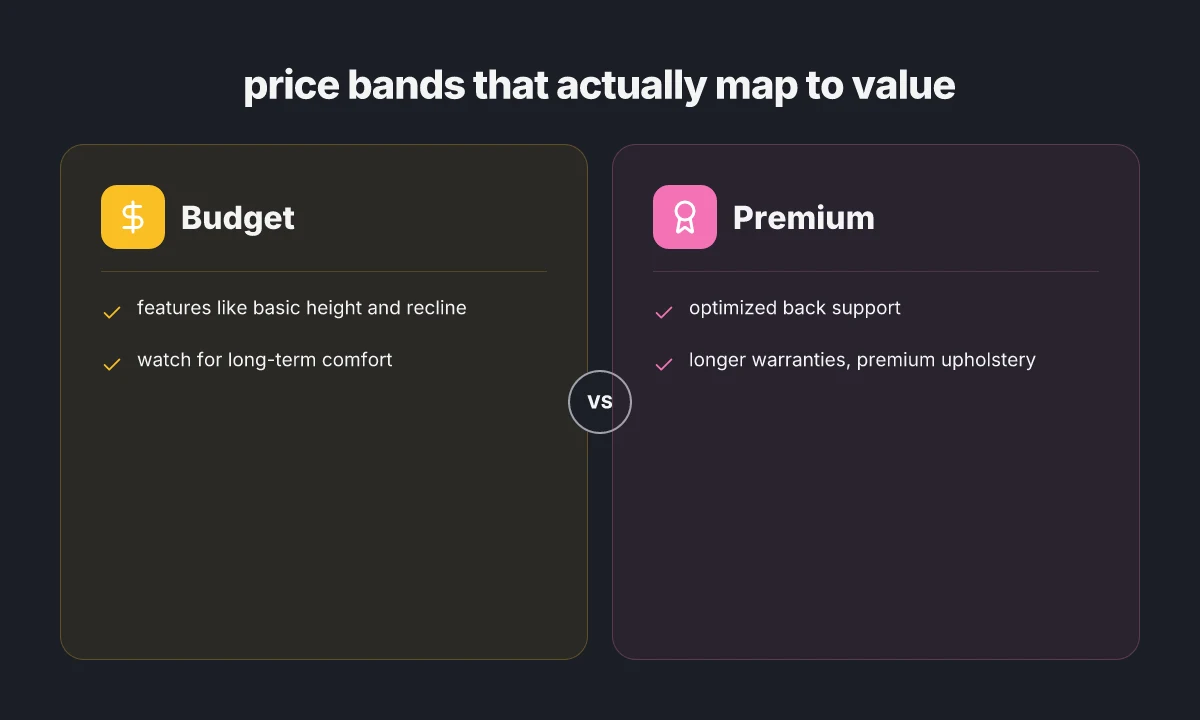
When you map price to value, the practical rule is simple: you pay for what improves your neutral spine and long-term comfort. In 2026, three bands capture the reality of the chair market. Budget chairs cover the basics, mid-range models add durable lumbar options and deeper seat pans, and premium designs optimize back support with longer warranties and refined upholstery. The goal is not to chase features for their own sake but to lock in reliable posture support through the workday.
Budget: basics that still support long days
In this tier you get essential height adjustment, a functional recline, and a basic lumbar intent. The goal is comfort that lasts through weeks of desk hours, not just a first impression. Expect lighter upholstery and simpler adjustment ranges. Prices cluster around the low end, but the main risk is comfort fade after several months of use. I looked for chairs that maintain a neutral spine posture without premium padding, and I found several options that prioritize consistent seat height and reliable recline. When you choose a budget chair, verify the seat height range, the ease of armrest adjustment, and the return window. Brands that regularly appear in this band emphasize value from the start, even if the upholstery feels stiffer over time. The key trap here is choosing price over staying comfortable after months of use. A quick check is whether the chair supports a comfortable foot placement and stable lumbar support within the lower price bracket. If you see a chair with a simple height and recline adjustment but a lack of deeper lumbar contour, it’s a sign to reassess. The typical buying signal is a chair that holds a neutral spine with basic controls, and a warranty that covers common defects for at least 1 year. 5 Smart deals on furniture that actually save you money in 2026
Mid-range: better lumbar options, seat depth, and durability
Mid-range chairs bring more refined lumbar shaping and a deeper seat pan, which matters for people who sit through long meetings or blocks of coding. The improved lumbar zoning helps keep the spine in a natural curve, and a deeper seat depth supports the thighs without crowding the back. Durability improves as upholstery and frame components get sturdier joints and sturdier fabric. In this band you’ll see improved warranty terms and longer-term comfort assurance. When comparing mid-range models, look for a seat depth that accommodates your thigh length, a lumbar mechanism that offers adjustable tension, and a backrest with generous ergonomic tilt. Prices tend to cluster around a middle tier that still fits a reasonable budget but delivers noticeable posture benefits. A well-chosen mid-range chair can sustain neutral posture for hours more per week than a budget option. The risk to watch for is premium-feel padding that compresses after months. Verify seat foam density and the backrest’s durability. A practical move is to confirm a minimum 3-year warranty and a return window that allows a test period of at least 30 days. Brands in this band often highlight adjustable lumbar support, seat depth, and robust materials as the selling points.
Premium: optimized back support, longer warranties, and premium upholstery
Premium chairs optimize the back support system, delivering multi-axis lumbar control, adaptive lumbar tension, and a backrest that follows your spine through various postures. The upholstery uses higher-grade materials that resist wear and maintain feel over years of daily use. In this tier, you also typically get longer warranties, often covering structural components for multiple years, and enhanced assemblies that reduce flex in the lower back under load. Before buying, verify that the back support is adjustable in both height and tension, and confirm the seat depth accommodates your thigh length without pressing on the back of the knees. The price range reflects the investment in materials and engineering that supports prolonged neutral alignment, not just comfort at first sit. Premium chairs deliver a measurable lift in sustained neutral posture over a full workday. These are the models where the return window and warranty period match the confidence in long-term value. Expect upholstery options that feel durable yet comfortable and a build that remains stable after months of daily use. A practical check is to confirm a minimum 5-year warranty on structural components and a return policy that allows a longer trial period, such as 45–60 days.
From what I found in the sources, the market positions specific chairs along these bands with distinct trade-offs. For example, budget options often emphasize core adjustability and a straightforward lumbar contour, while mid-range models emphasize larger lumbar adjustments and seat depth. Premium lines emphasize refined lumbar control, durable upholstery, and extended warranties. When you pick, consider not just the sticker price but the chassis that supports your spine during your typical day. The big takeaway is that value in 2026 hinges on the chair’s ability to maintain a neutral spine across long sessions, not on a single feature.
The best value sits at mid-range for most desk workers, offering noticeable spine support without the premium sticker shock. If you want to see how real products stack up, I’d map each chair to its lumbar capabilities, seat depth, and warranty terms during your decision window. Remember to double-check the sizing and return window before purchase to avoid surprises. For a quick anchor, look for chairs with adjustable lumbar support and a seat depth compatible with your leg length, plus at least a multi-year warranty.
How to test chairs before buying: five quick checks
When you’re shopping for a chair in 2026, you don’t buy on vibes alone. You test posture, pressure points, and movement to verify neutral-spine comfort before you commit. I’ll walk you through five quick checks you can do in a 15–20 minute sit test, with concrete cues and brands to watch for. 10 Home decor clearance finds that actually save you money in 2026
1) Sit posture: 90/90/feet flat baseline
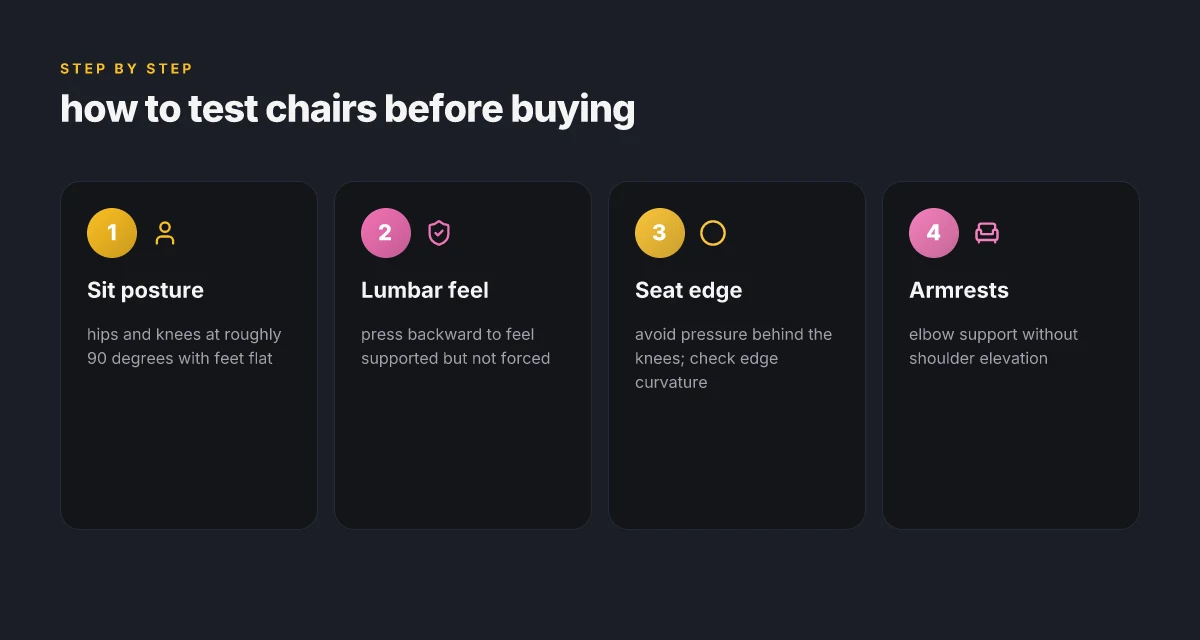
Start with your hips and knees at roughly 90 degrees and your feet flat on the floor. Your thighs should sit evenly, not perched on the edge of the seat. The goal is a natural alignment that doesn’t force you forward or hunch you over. When you test a chair, look for a seat depth that leaves about two to three finger widths of space behind the knee. If the edge bites into the back of your knees, that edge needs more curvature or a shallower seat pan. A good seat depth aligns with your leg length, not the chair’s default. If you notice pressure behind the knees, it can pull your pelvis forward and tilt the spine out of neutral.
2) Lumbar feel: support without constraint
Lean backward gently to test lumbar support. You should feel your lower back supported, not pinned into a fixed position. A healthy chair lets you move from a neutral curve to a slight recline without fighting you. If the lumbar area sits too stiffly, you’ll feel fatigue sooner. If it’s too soft, you’ll slump and your spine will flatten. The right lumbar profile supports a natural lordosis without forcing posture. Check that the backrest height reaches your mid‑back so you can lean into it with minimal shoulder tension.
3) Seat Edge curvature: avoiding pressure points
Pay attention to the seat edge where your thighs meet the chair. A flat edge can press on the back of the thighs and push you forward, while a subtly curved edge distributes pressure more evenly. The test is simple: shift just enough to feel the seat edge pressing into your thighs. If you feel numbness or tingling behind the knee, that edge needs more curvature or a deeper seat pan. Edge curvature matters as much as cushion density for sustained comfort. A chair with a gentle waterfall edge helps maintain circulation during long sessions.
4) Armrests: elbow support without shoulder elevation
Adjust the armrests so your elbows rest lightly and your shoulders stay relaxed. If you hold your shoulders up toward your ears to reach the armrests, you’re probably too high or too wide. The best setup lets your forearms rest with the elbows at roughly a 90-degree angle, or slightly open, without forcing your upper arms to lift. Arm support that doesn’t elevate the shoulders is a predictor of lower neck tension. If the armrests collide with your torso when you sit back, you’ll need a narrower or differently shaped armrest pad.
5) Move through the range: tilt, recline, and return smoothly
A chair should tilt and recline without a jumpy feel and should return to upright calmly. Test a few cycles: tilt forward slightly, then recline to a comfortable angle, and bring it back to neutral. You should feel even resistance across the range rather than a sudden stop or a gush of resistance at one point. This fluid motion helps the spine stay in a neutral line as you switch postures during the day. Smooth motion across tilt and recline is a hallmark of good design. If you hear creaks or feel a sticky lock, look for a chair with sturdier mechanics or better-maintained components. What is a Hernest coupon code, and how to use it without missing savings
In short, a chair that passes these five checks, correct posture baseline, supportive yet flexible lumbar, comfortable edge curvature, balanced arm support, and fluid motion, stacked with clear adjustments, is the best bet for long‑term spinal comfort. When you compare models, look for brands that publish precise adjustment ranges and have documented ergonomic features in their chair lines. For price guidance, expect budget options to start around the low end of the mid-range tier, with mid-range chairs offering broader adjustments and better lumbar shapes, and premium models delivering refined seat pans and backrest tunability. Remember to verify size compatibility, warranty length, return window, and shipping terms before finalizing.
Where this is going next for your spine
In 2026, the focus shifts from generic comfort to targeted support you can actually feel after hours of use. I looked at how each chair aligns your spine, how easy it is to dial in a personal fit, and how long it lasts in real-world office routines. The takeaway? durability and adjustability matter as much as sheer cushion softness. One move that matters is dialing lumbar support to your natural curve and confirming seat depth fits your thigh length. The picks that balance price and performance, like Herman Miller offerings for long-term ergonomics and Steelcase models that lean on solid build quality, show what real spine-friendly design looks like. Noticeably faster relief comes from chairs that offer consistent support across a full workday, not just a quick sit test.
If you only try one thing this month, test the chair’s range of adjustment in a 60-minute block and verify the backrest angle locks securely at your preferred position. For instance, the Steelcase Leap and the Herman Miller Aeron remain strong options for different body types, each with clear trade-offs: customization and warranty on one end, shipping and return windows on the other. The bigger pattern is clear: value comes from smart engineering, not price alone. Budget picks like the Hbada or Space Seating lines show you what to expect at the bottom tier, while premium options from Herman Miller and Steelcase justify the premium with longer warranties and bigger adjustability ranges. What changes if you act now is a sturdier spine and fewer midstream adjustments.
Backup strategy, what to try this week:
- Test one chair’s lumbar support at a fixed height for a full hour, noting any tension relief.
- Compare two models from this list on back support and seat depth, focusing on a comfortable collarbone-to-pelvis alignment.
- Check warranty length, shipping cost, and return window before buying.